How Cafes Can Make Money From Unused Shelf Space
A plain-language guide for cafe owners on how to earn passive revenue from idle shelves using scan-to-pay Retail Widgets, split payouts, and zero inventory risk.
Look at the shelf behind your counter. Or the windowsill. Or the ledge beside the pastry display that holds a single wilting plant. That space is already paid for in your rent, your rates, your daily overhead. It is doing nothing.
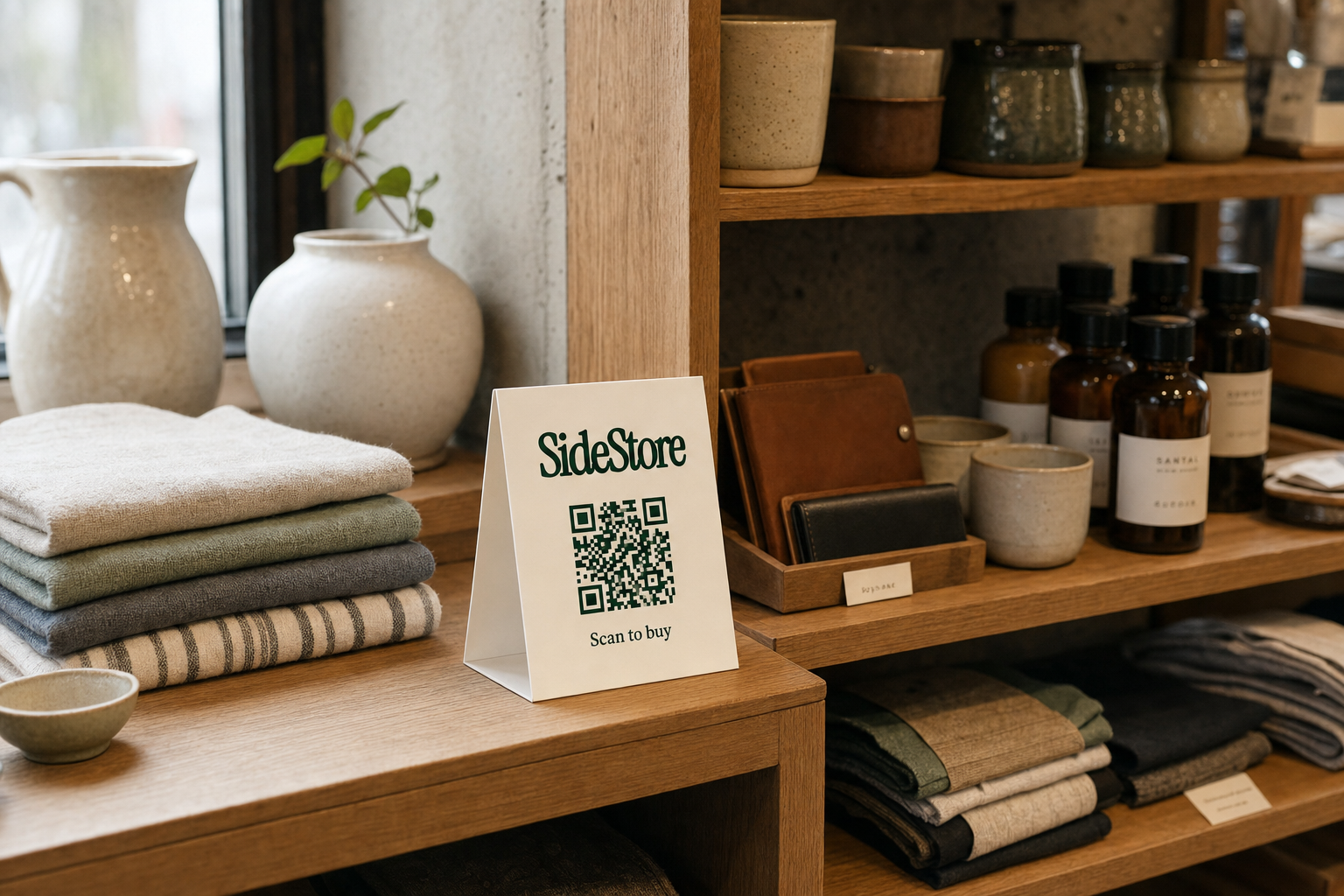
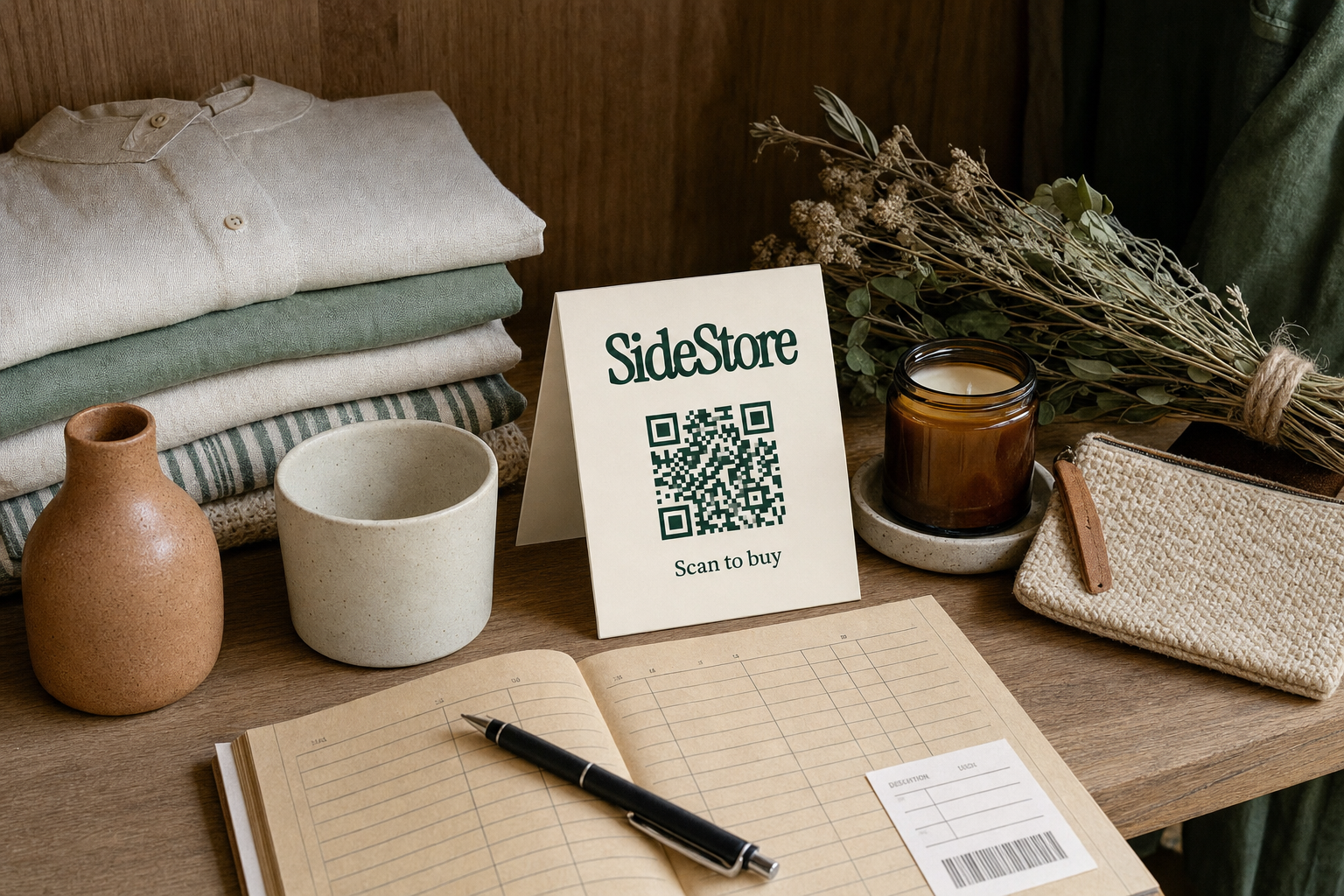
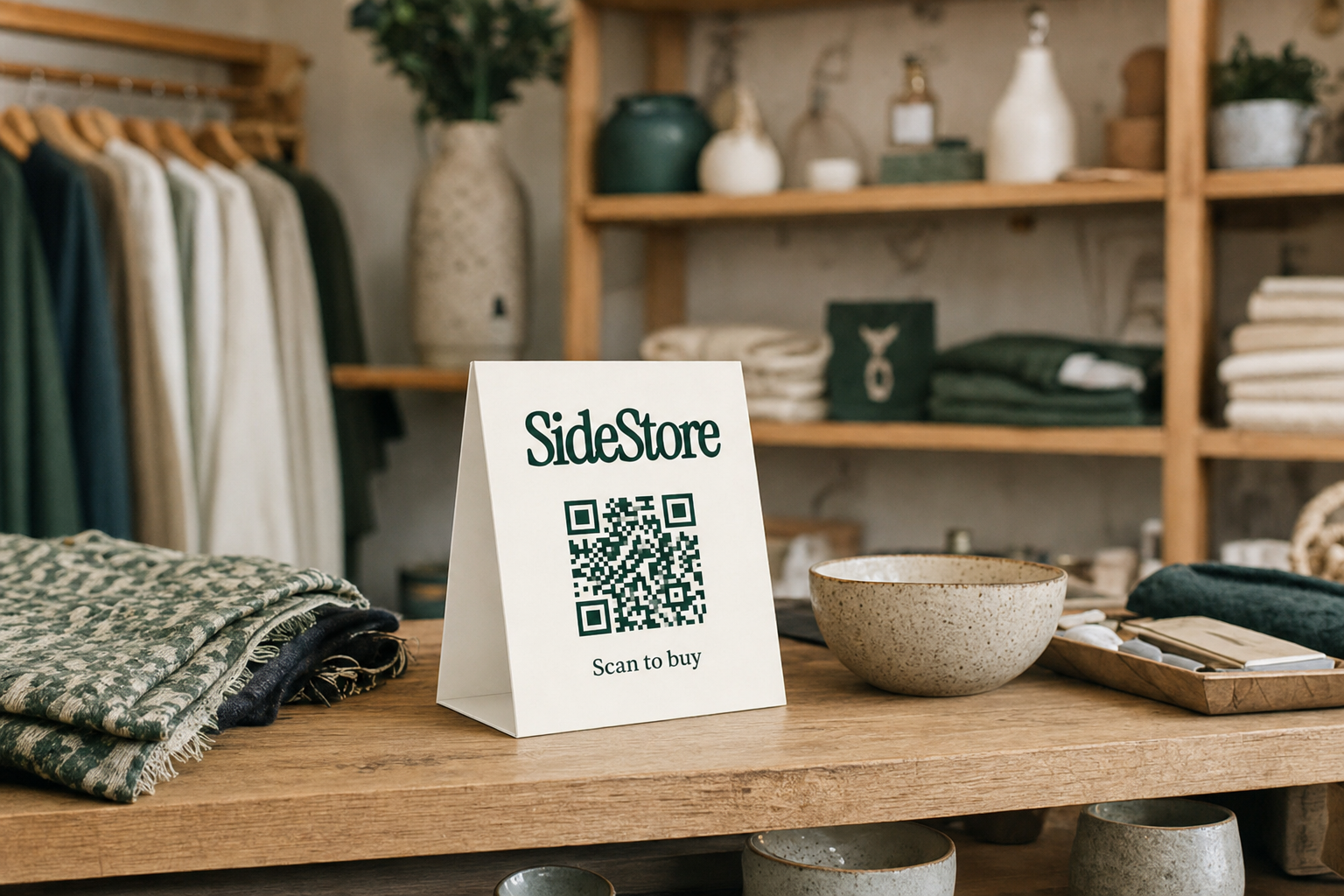
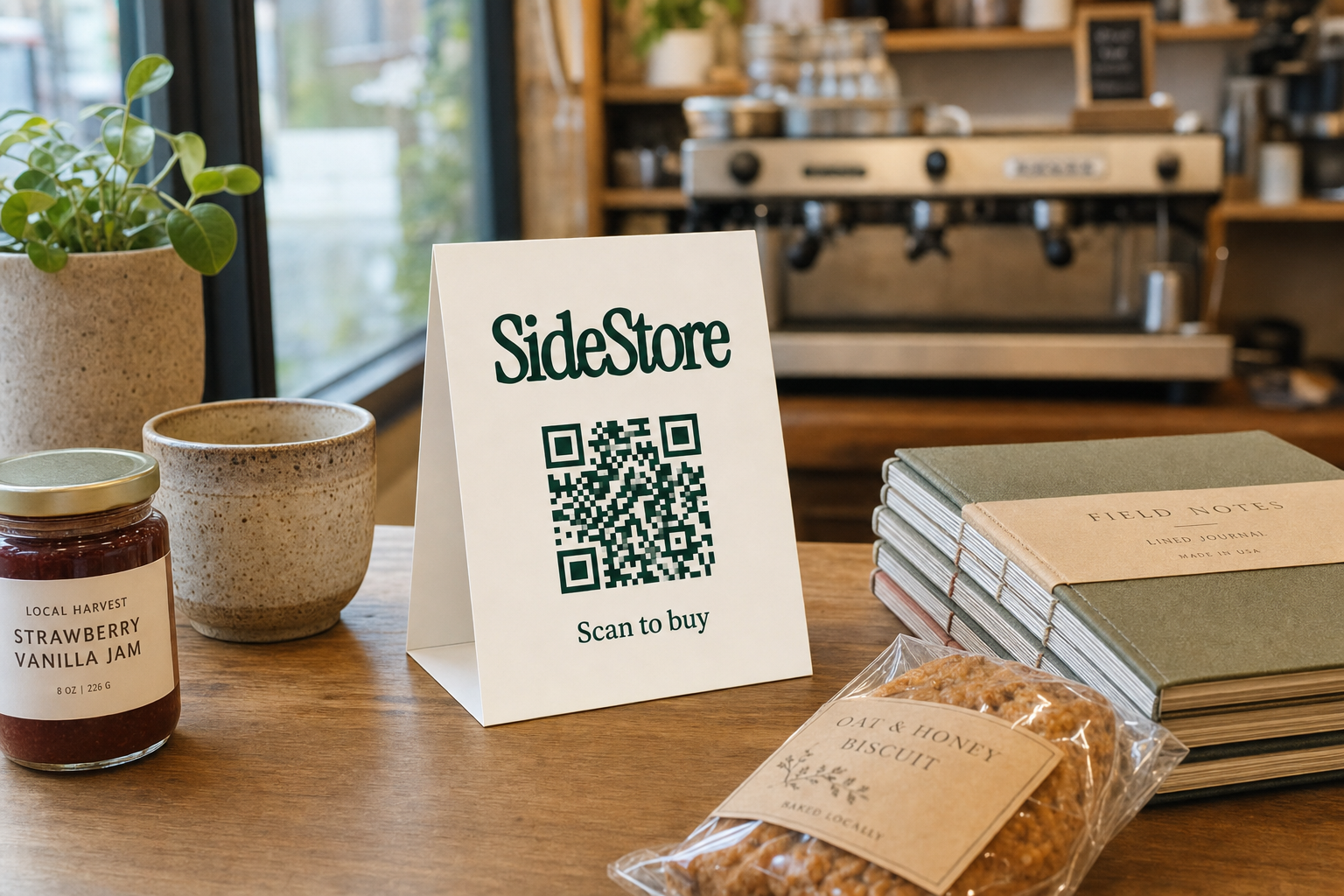
Here is how to change that. A maker places their products on your shelf. You print a small QR card and set it beside the products. A customer scans it, pays through their phone, and the transaction completes in seconds. No staff involvement. No cash handling. At the end of the day, your share of that sale lands automatically in your account through a split payout.
That is the model in full. No stock to buy. No invoices to chase. No returns to process. You provide the space and the footfall; the Retail Widget handles the checkout, the inventory tracking, and the revenue split.
This article covers why cafes are well-positioned to make money from unused shelf space, which products perform best, how the scan-to-pay and split payout mechanics work in practice, and what realistic earnings look like from a single shelf placement.
Why Cafes Are Ideal Hosts for Maker Products
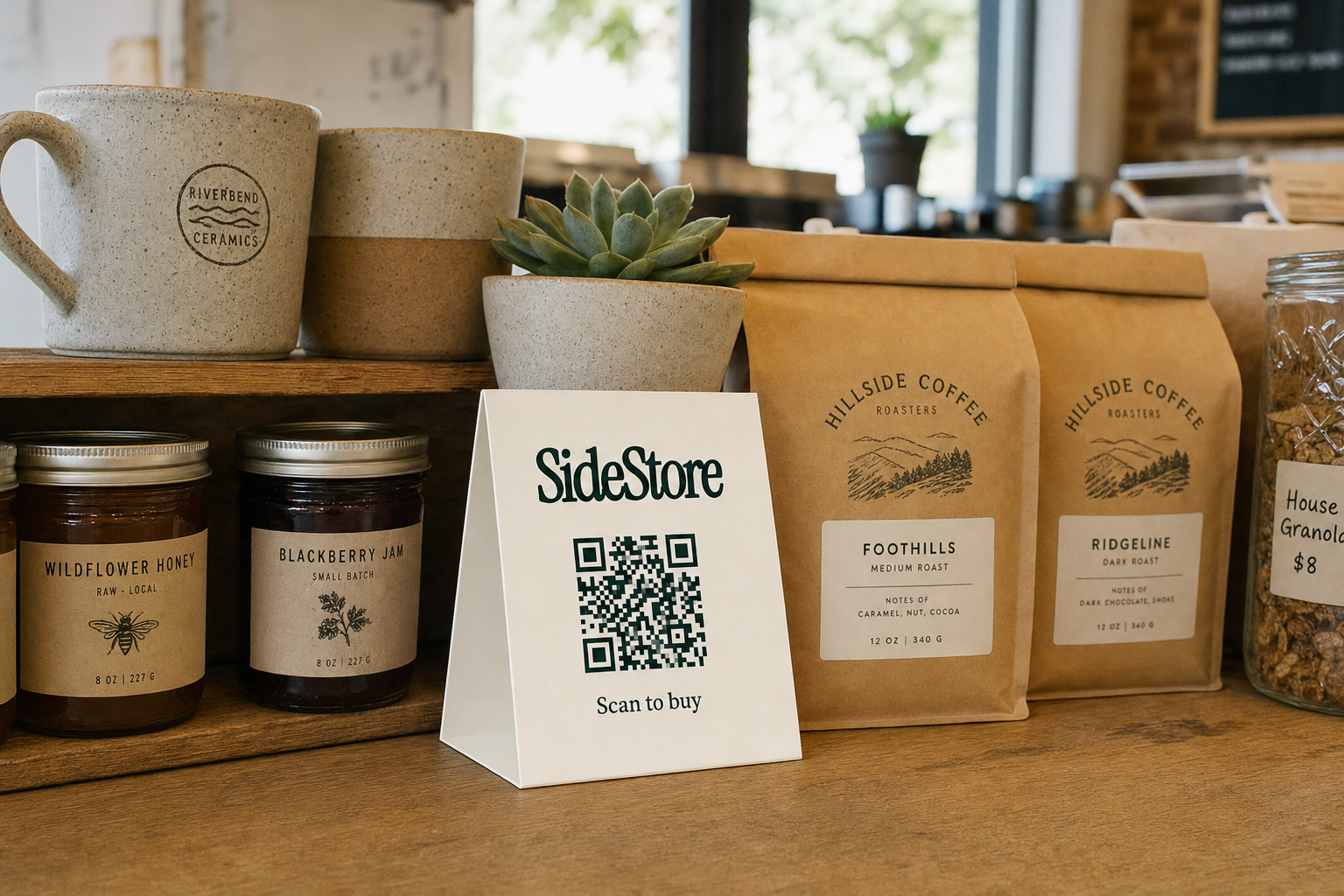
Most retail analysis focuses on floor space in large stores. Cafes are overlooked, which is exactly why they represent an opportunity. You already have three assets that dedicated retail stores pay significant money to create.
Footfall. Your customers walk through your door because of coffee, routine, or community. That habitual traffic is predictable and loyal. A boutique product placed on your counter reaches the same person three or four mornings a week, which means repeated exposure without repeated advertising spend.
Ambient brand. Your cafe has a character. Whether it is Scandinavian minimalism, a neighborhood community hub, or a specialty roastery, that aesthetic signals something about your customers' taste. Products that fit your aesthetic benefit from that association the moment they sit on your shelf. You are not just providing a surface; you are providing context.
Dwell time. Customers wait for their order. They sit with a laptop. They read. Unlike a supermarket aisle, a cafe creates moments of stillness in which someone will actually look at a product, pick it up, and read the label. That attention is rare and genuinely valuable.
The traditional alternative to this arrangement was consignment: a maker drops off stock, you track sales manually, settle up every few weeks with a spreadsheet, and hope the numbers match. The friction kept most cafe owners away from the idea entirely. The paperwork alone was enough to make it not worth the counter space.
The Retail Widget changes that equation entirely. The checkout is handled by a QR scan, the sales data is live, and the split payout is automatic. There is no spreadsheet, no monthly reconciliation call, and no stock counting on a Sunday afternoon. Learn more about how cafes can make money from unused shelf space without the friction of traditional consignment.
What Products Work on Cafe Shelves
The short answer is: products that are coherent with your space and priced for an impulse decision. The longer answer involves a few specific categories worth understanding.
Food and drink products are the most obvious fit. Small-batch hot sauces, single-origin honey, locally roasted coffee beans, herbal teas, and artisan preserves sit naturally beside food service. A 150g jar of chili oil priced at CHF 12 to CHF 18 is exactly the kind of product a coffee drinker picks up while waiting for a flat white.
Paper and stationery goods perform well in cafes with a strong creative or literary identity. Notebooks, hand-printed greeting cards, zines, and letterpress bookmarks move steadily when the cafe attracts writers, students, or remote workers.
Small handmade objects such as ceramic espresso cups, hand-poured candles, or linen coasters can work if the price point is right and the product visually belongs in the space. A handmade ceramic cup priced at CHF 28 on the counter of a specialty coffee shop is a credible product in a credible location. The same cup on the counter of a high-volume chain would look out of place.
The coherence principle is the most important filter you can apply. A product that makes sense in your space will sell itself. A product that requires explanation, or that visually clashes with your aesthetic, will sit there and collect dust regardless of its quality. When you evaluate a maker's product, ask one question first: would my regulars buy this here?
Stock tracking via the Retail Widget means you will see when a product stops moving. You are not committed to permanent shelf space, and you will never become a de facto stockroom manager sitting on unsold inventory you can't shift.
How a Retail Widget Turns Your Shelf Into a Live Sales Channel
Understanding the full flow, from scan to settlement, takes about two minutes. Here it is from both sides.
The customer's experience.
A customer notices a product on your shelf. Next to it sits a small printed card with a QR code and a product name. They point their phone at the code. A clean product page loads instantly. No app download required. They see the product, the price, and a buy button. They tap, pay with their preferred method, and get a confirmation. The whole interaction takes under thirty seconds. They collect their coffee and leave. The product stays on the shelf until the maker restocks it.
That is the entire customer journey. No staff member needs to be involved. No separate till transaction. No awkward "do you take card?" moment. The scan-to-pay shelf placement is entirely self-contained.
The host's experience.
You see none of that transaction in real time unless you want to. The dashboard records the scan, logs the sale, decrements the stock count, and queues the split payout. If you check your phone at 10:30am between the morning rush and the lunch crowd, you will see exactly how many units sold, which shelf placement drove the sales, and what your current balance is.
Placement attribution means each physical location in your cafe has its own tracked identity. The counter beside the till is not the same placement as the shelf by the window. You can compare them directly. If the counter is outperforming the window shelf three to one, you know where to concentrate future product placements.
Stock tracking sends an alert when a product's count drops below a threshold. You do not need to physically check the shelf every morning. The system tells you when the maker needs to restock. Your role is to keep the Retail Widget card visible and the shelf tidy.
The shelf is not a passive display. With a Retail Widget active on it, it is a live sales channel with its own data stream.
How the Revenue Split Works
You agree a split percentage with the maker before anything goes live. That agreement is embedded in the Retail Widget configuration, so every transaction automatically honors it. You do not invoice the maker. You do not wait for a monthly bank transfer. The split payout happens at the point of sale.
The typical host revenue share for a cafe placement sits somewhere between 15% and 35% of the retail price, depending on the product category, margin structure, and the value of your specific location. A high-footfall specialty cafe in a city center can reasonably command a higher share than a quiet rural spot. That negotiation happens between you and the maker when you set up the placement.
Here is a concrete example. A maker places a selection of artisan hot sauces on your counter, priced at CHF 16 each. You agree a 25% host share. Each unit sold returns CHF 4.00 to you automatically. If twelve units sell in a week, that is CHF 48.00 credited to your account for zero additional labor. The maker keeps CHF 12.00 per unit and handles restocking.
What you never have to do: raise an invoice, follow up on payment, calculate the split yourself, or reconcile a spreadsheet against physical stock counts. The mechanism handles all of it.
Explore how the split payout works in practice if you want a closer look at the configuration options. The key reassurance is simple: your share is calculated and transferred automatically on every transaction. You earn while you serve coffee.
How to Set Up Your First Shelf Placement
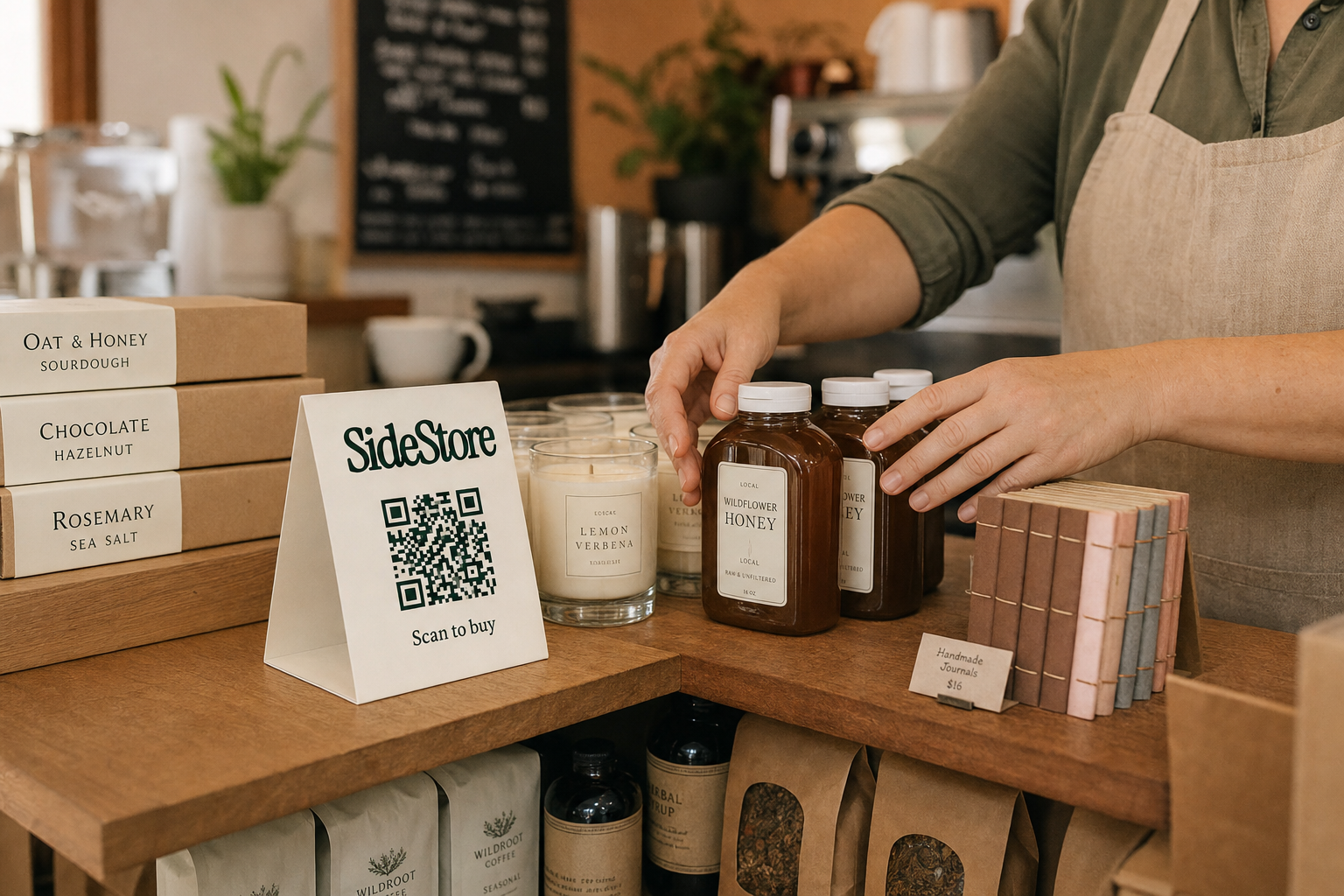
Setting up your first placement is a five-step process. Each step is completable in a single sitting.
1. Create your host profile on SideStore.
Register your cafe as a merchant space. You will add basic details: your location, your cafe category, and a short description of your audience and aesthetic. This is what makers see when they are searching for suitable host spaces. Be specific about your clientele and your visual style, as it helps the right makers find you.
2. Browse or accept a maker request.
Either wait for a maker to request your space, or browse the maker listings and reach out directly to someone whose products fit your aesthetic. Look at their product photos carefully. Ask yourself the coherence question: does this belong in my cafe? If yes, move forward.
3. Agree the split percentage.
Before any product arrives, set the revenue share in the platform. Both parties confirm it. Once confirmed, the split is locked into the Retail Widget for that placement. There is no renegotiation mid-run unless both sides agree to amend it.
4. Receive the products and print the Retail Widget card.
The maker delivers the stock. You print the QR card generated by the dashboard. Place it beside the products at eye level, visible to someone standing at the counter or browsing the shelf. The card does not need to be large. A business-card format is sufficient.
5. Go live and check the data after 48 hours.
The placement is active the moment the Retail Widget card is in place. Check the dashboard after two days. You will see scan counts, sales, and stock levels. At this point you can assess whether the placement location is working or whether shifting the product to a higher-visibility spot would improve results.
For a full walkthrough of going live with your first placement, the dashboard guides you through each step. After the first setup, subsequent placements take significantly less time.
Make it a five-minute Monday morning habit: open the dashboard, check the previous week's scans and sales, note the stock level, and decide whether anything needs adjusting. That is all the management this requires.
What to Realistically Expect From a Shelf Placement
Earnings from a shelf placement depend on three variables: footfall, product price, and your host share percentage. Here is how that plays out across realistic traffic tiers.
A quiet neighborhood cafe serving around 80 covers a day might see two or three product sales per week from a well-placed shelf item priced at CHF 16. At a 25% split, that is CHF 8 to CHF 12 per week, roughly CHF 35 to CHF 50 per month per product line. Modest but real, and it cost you nothing except a square foot of shelf and a printed card.
A city-center specialty cafe with 300-plus daily visitors, a strong aesthetic, and products coherently placed can see significantly higher volume. Ten to fifteen units per week of the same CHF 16 product returns CHF 40 to CHF 60 per week to you. Across two or three product lines, that compounds toward CHF 300 to CHF 500 in monthly passive revenue.
Multiple placements scale the model. A cafe with three active product placements from three different makers sees each one performing independently, tracked separately by placement attribution.
The honest caveats matter here, and you can read more about realistic earnings from a shelf placement in detail. Poor placement kills sales before the product gets a chance. A product tucked behind the espresso machine where customers never look will scan zero times. A product priced above CHF 40 in a fast-turnover takeaway cafe will sit untouched regardless of quality. Mismatch between product aesthetic and cafe character produces the same result: inertia. Placement matters as much as product selection.
Managing Your Placements From One Dashboard
Once you have one or more placements active, the dashboard becomes your weekly check-in point. Every metric you need is on one screen.
Scan count tells you how many times customers engaged with the Retail Widget, even if they did not complete a purchase. A high scan count with low conversion signals a pricing issue or a product that attracts curiosity but not commitment.
Units sold is the conversion number. Watch this against scan count to understand your placement's efficiency.
Stock level updates automatically with every sale. You can see at a glance which products are running low and which are stagnant. If a product has not moved in two weeks, that is useful signal.
Split payout shows your accumulated balance per placement. You know exactly what you have earned from which location in your cafe, without any calculation on your part.
Placement attribution lets you compare locations directly. The counter placement versus the window shelf versus the entrance display, each tracked independently. You will quickly learn which spots in your space convert and which are decorative.
Check this dashboard between your morning rush and the lunch crowd. It takes five minutes. Manage all of it from one screen, and keep track of your manage placements from one dashboard setup as you scale. The natural next step is adding a second placement once the first is performing. The overhead is the same. The returns compound.
Start With One Shelf
Your cafe already has the footfall, the brand context, and the physical space. A Retail Widget connects that space to a live sales channel: a maker's products, a scan-to-pay QR card, automatic split payouts, and real-time stock tracking. No inventory risk. No manual settlement. No staff involvement at the point of sale.
The next action is straightforward. Register as a host on SideStore, complete your merchant profile, and select one shelf or counter position you are willing to activate. Contact a maker whose products fit your aesthetic, agree a split, and print the Retail Widget card when the stock arrives.
Your store is already built. You just have not activated it yet. Read more on how cafes can make money from unused shelf space and learn how to make money from unused shelf space starting this week. Start with one shelf, read the data after 48 hours, and build from there.