How High-Traffic Retailers Can Monetize Idle Shelf Space
Learn how high-traffic retailers can monetize idle shelf space using Retail Widgets, scan-to-pay checkout, split payouts, and placement attribution, no inventory risk, no POS integration required.
Every square metre of your retail space costs money, whether it earns or not. Rent, fixtures, utilities, and staff time are fixed. The shelf section sitting half-empty beside your till is not a neutral gap: it is overhead with no return.
The good news is that activating that space does not require buying new inventory, hiring extra staff, or renegotiating your lease. Retail Widgets let you host products from local makers, earn a revenue share on every sale, and settle automatically through scan-to-pay checkout and split payouts. No invoicing. No chasing. No stock risk.
This article shows you exactly how to make money from unused shelf space as a high-traffic retailer. You will learn why idle shelf space is an active cost, how Retail Widgets work in practice, the operational difference between hosting makers and buying wholesale, and a five-step process to go from empty shelf to earning placement within a day.
Why Idle Shelf Space Is a Cost, Not Just a Gap
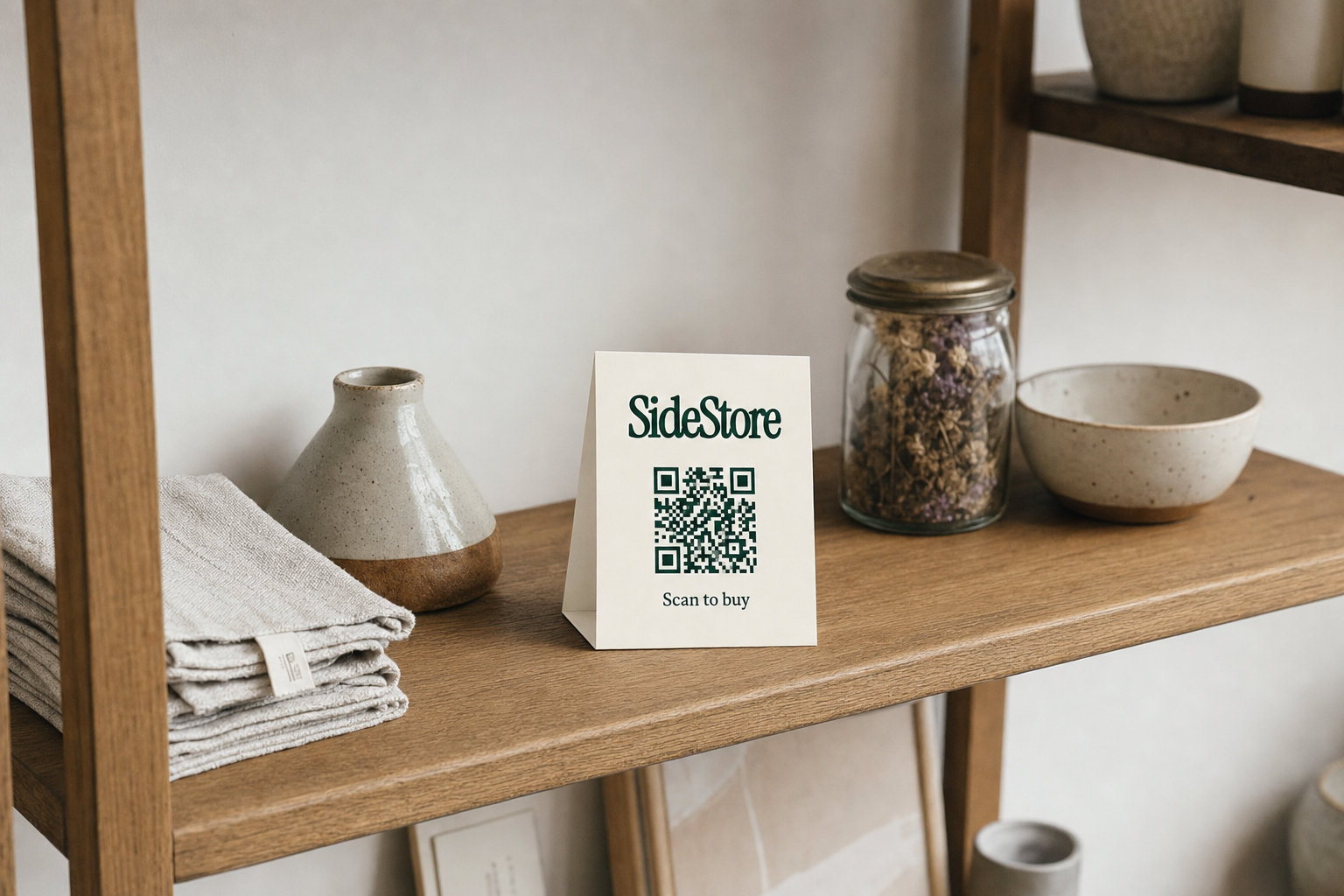
Fixed overhead does not pause when a shelf sits empty. You pay for that space through your monthly rent, your insurance, your heating, and your staff hours. A gap on the shelf is not a neutral condition: it is a location that costs money and returns nothing. For high-traffic retailers, where foot traffic is already your primary asset, that waste is especially sharp.
Most retailers respond to idle space in one of three ways. The first is tolerance: leave it empty and accept the loss. The second is self-filling: buy more wholesale inventory to occupy the space, adding capital cost and stock risk. The third is activation: fill the space with products from local makers on a revenue-share arrangement, earning without buying. The third option is the only one that turns a fixed cost into a variable income line.
The logic applies across venue types. How cafes activate unused shelf space follows the same structure as retail activation: identify the dead zone, bring in a maker, deploy a Retail Widget, earn. For boutiques, the approach is nearly identical, and you can add local products without buying inventory while keeping your existing buying strategy intact. Hosting is additive. It does not displace your core offer; it earns from space that was already costing you money.
The key shift is conceptual. Stop treating the empty shelf as a to-do item for your next buying trip. Treat it as a placement slot: a unit of physical space with earning potential, waiting to be activated.
What a Retail Widget Does on Your Shelf
A Retail Widget is one deployable unit that turns any shelf location into a self-contained point of sale. No POS integration, no extra hardware, no staff training beyond a five-minute brief. Here is what each component does and what it means for you as the host.
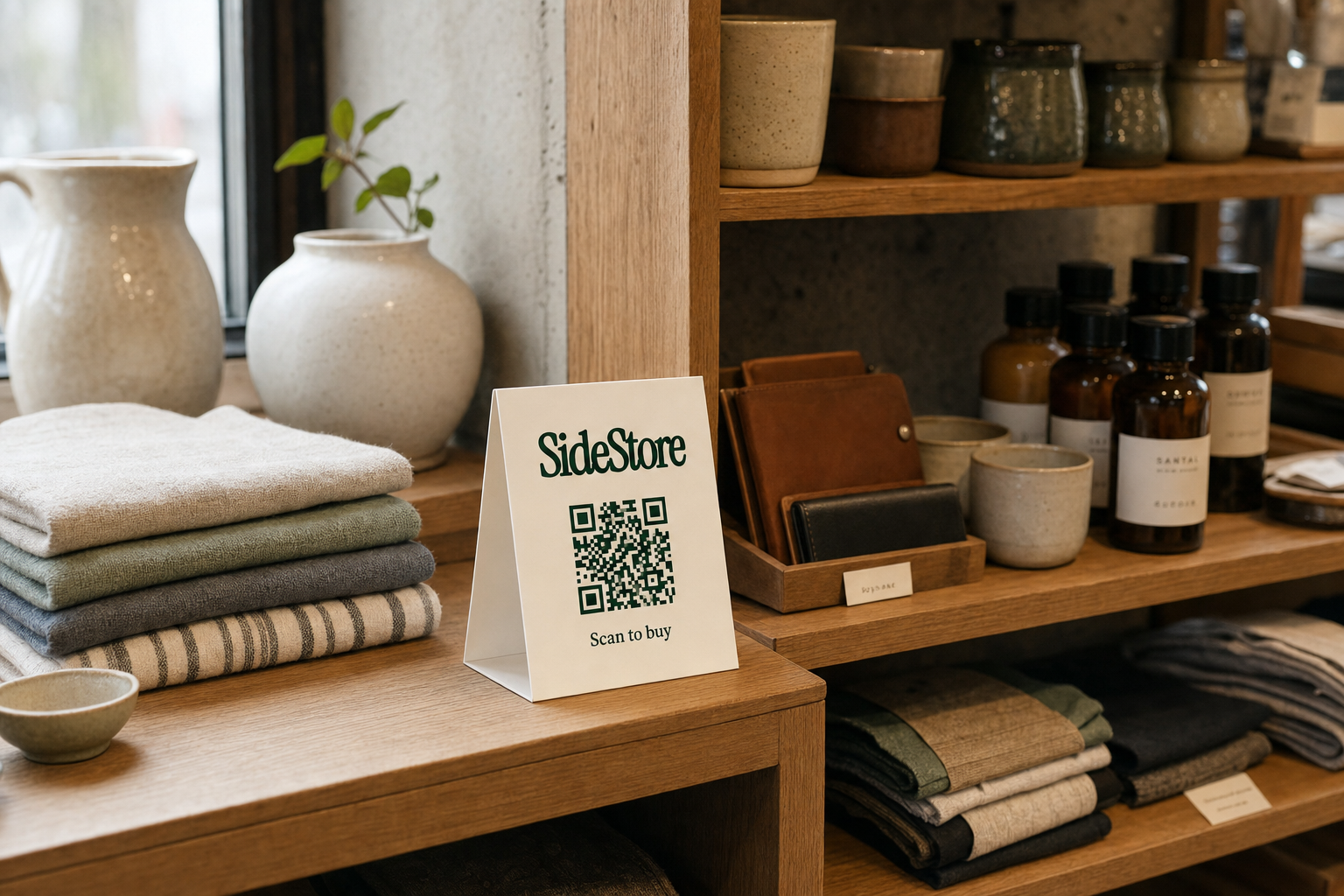
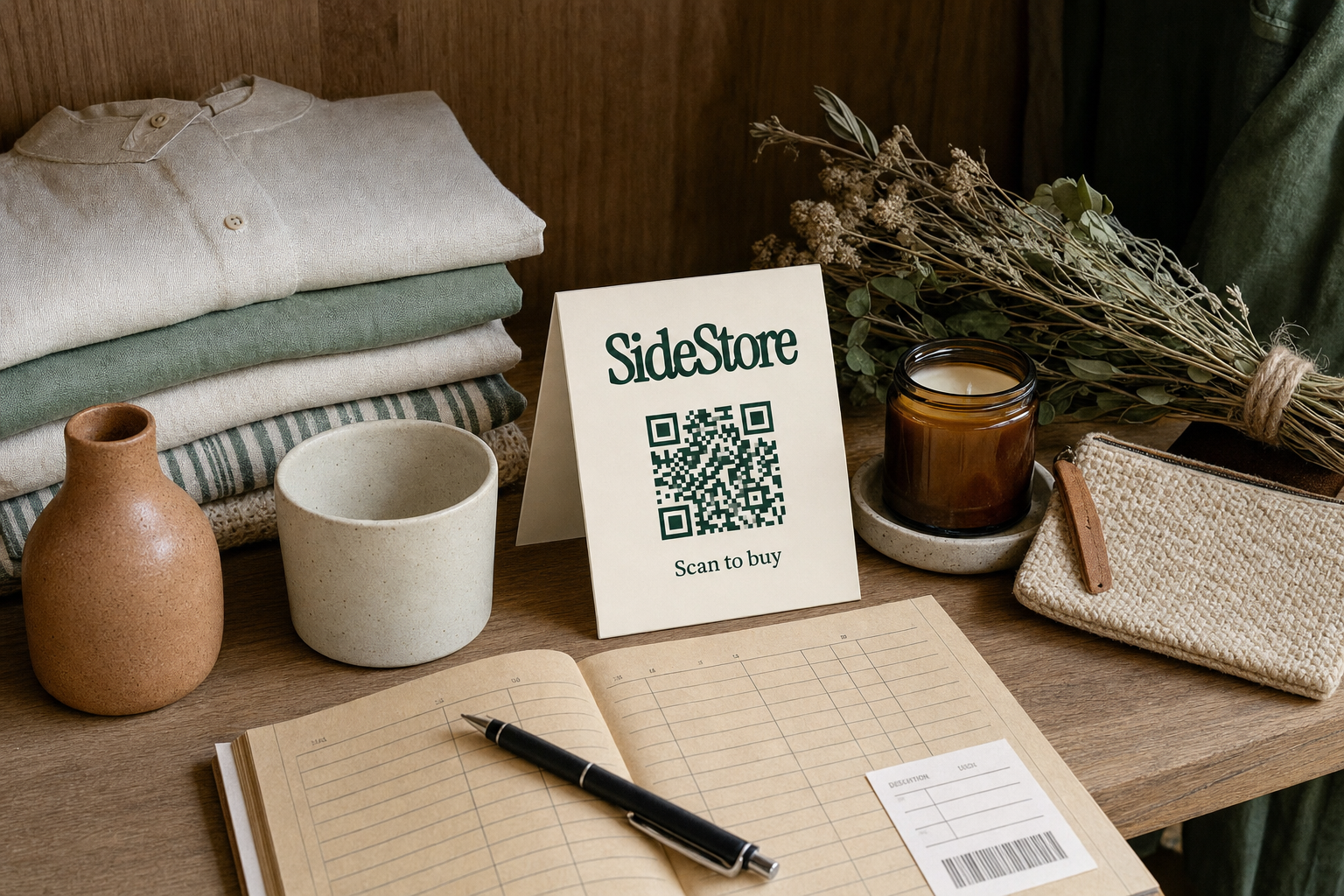
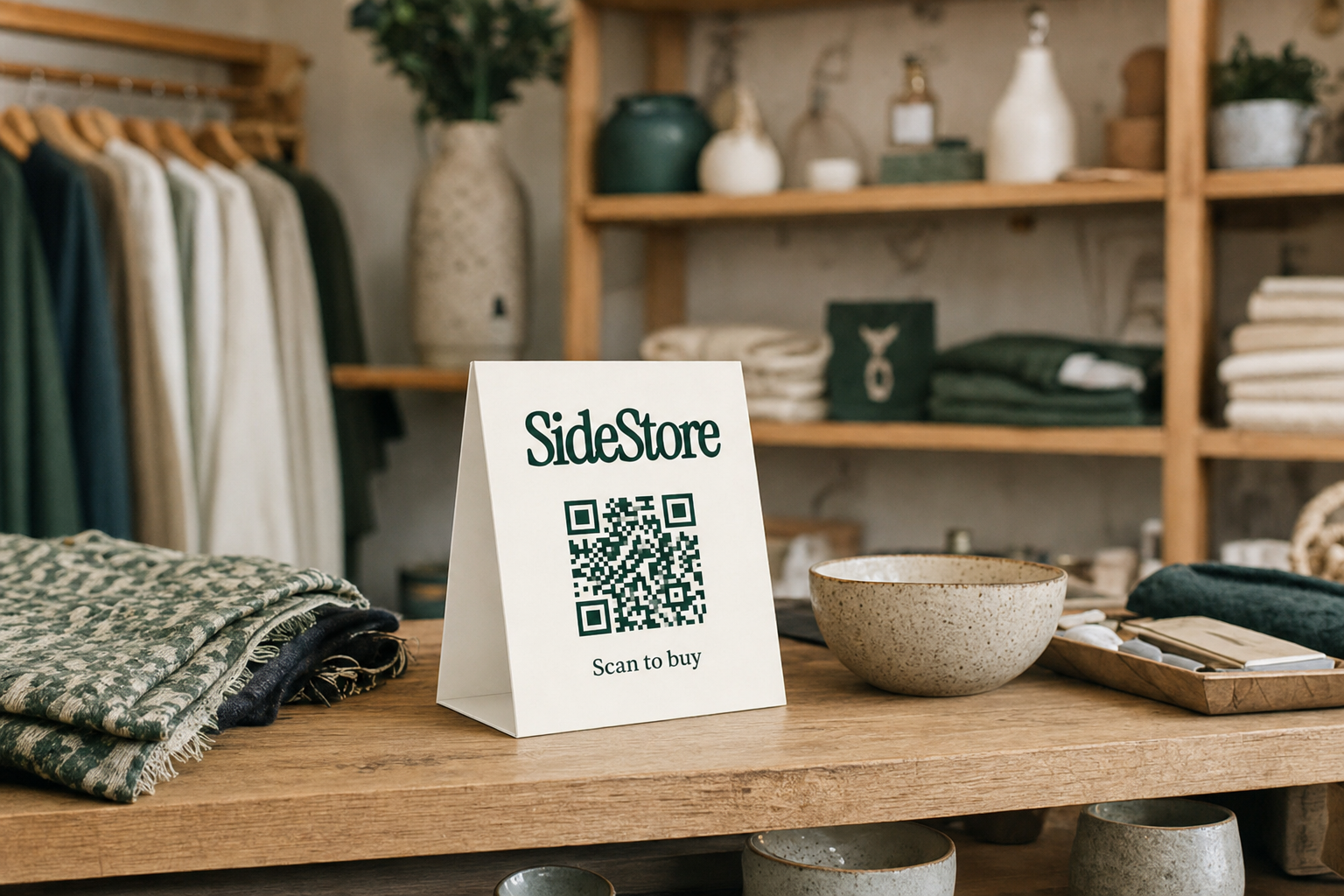
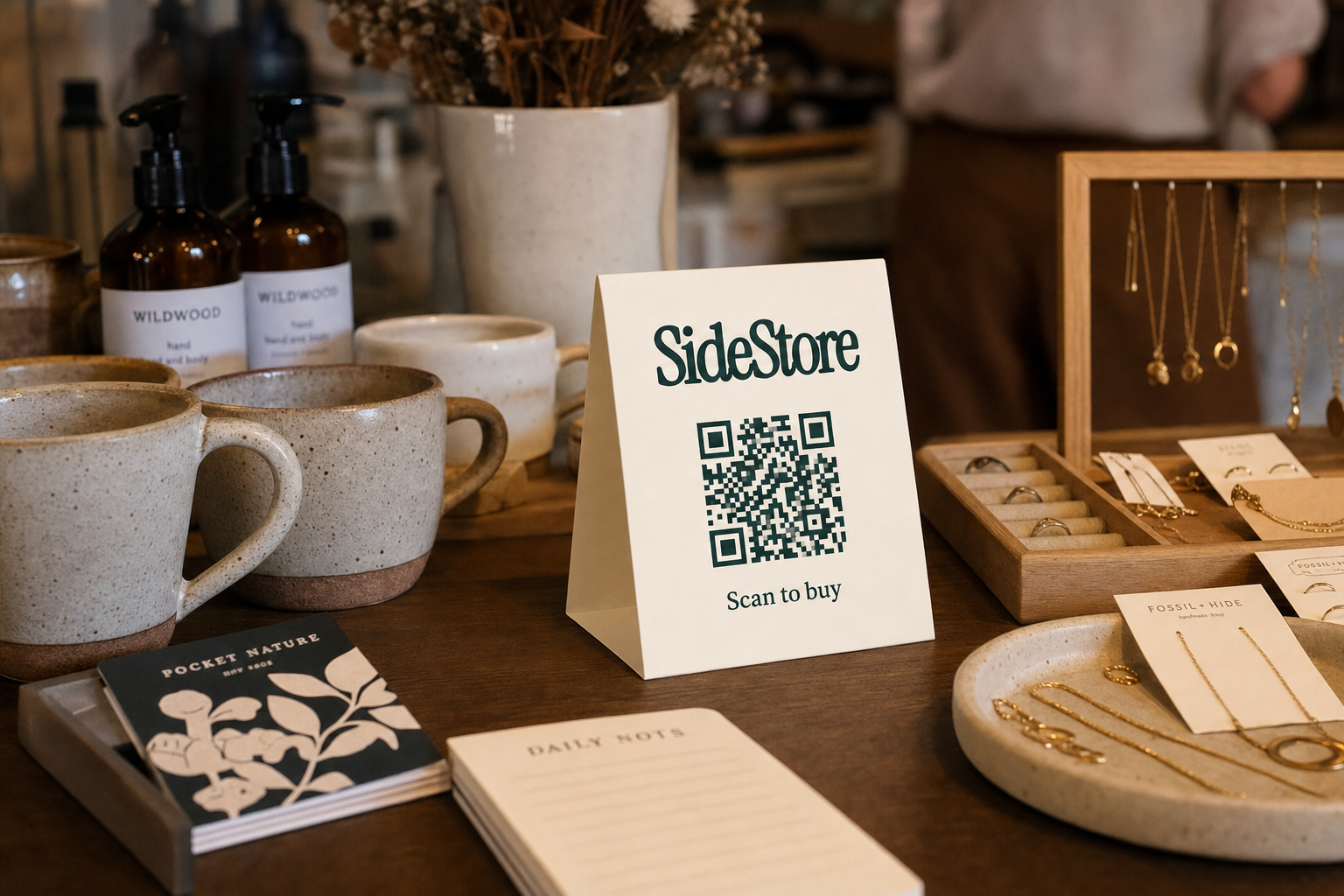
Scan-to-pay checkout. Each Retail Widget includes a printable QR code that customers scan to purchase directly. Payment is processed instantly. You do not need to handle the transaction at your till, train staff to explain the product, or add anything to your EPOS system. The product sells itself at the shelf.
Split payouts. When a sale completes, the revenue splits automatically between you and the maker according to the agreed rate. Your share lands in your SideStore balance without any manual reconciliation. There is no end-of-month invoice to raise, no payment chasing, and no spreadsheet to maintain. The accounting burden that kills most consignment arrangements is simply absent.
Stock tracking. Live inventory counts update with every sale. You can see exactly how many units remain on each Retail Widget placement without counting shelves by hand. When stock drops to a low threshold, you know to notify the maker before the shelf runs empty and stops earning.
Placement attribution. SideStore records which specific shelf location generated each sale. If you run multiple placements across your space, you can see which positions perform and which do not. That data lets you make informed decisions about which placements to keep, reposition, or replace.
Together, these four components mean the shelf earns, settles, and reports on its own. Your role is to keep it stocked and in good condition.
Hosting Local Makers vs. Buying Wholesale: The Operational Difference
The core trade-off is simple: buying wholesale gives you higher margin per unit but transfers all the risk to you, while hosting makers gives you a lower share but eliminates your upfront cost and stock exposure entirely.
Buying wholesale. You pay for inventory before you know whether it will sell. A typical wholesale order requires minimum quantities, ties up working capital, and leaves you holding unsold stock if the product does not move. Margin can be strong, but the operational overhead is real: you are responsible for purchase orders, storage, markdowns, and write-offs. Every unit on the shelf represents money you have already spent.
Hosting local makers. You commit no capital. The maker supplies the products, sets the price, and retains ownership of unsold stock. You agree on a split, deploy a Retail Widget, and earn a percentage of every sale. If the product does not move, you lose nothing except the shelf space that was already idle. Operational overhead is low: SideStore handles checkout, settlement, and stock data automatically. For boutique shops adding local products without buying inventory, this is the core appeal.
Margin per unit is lower with hosted placements than with wholesale. That is the honest trade-off. But on space that was previously earning nothing, a 20 to 30 per cent revenue share on maker sales is a net gain with no downside risk. Hosting is not a replacement for your buying strategy. It is what you do with the space your buying strategy leaves empty.
How to Activate Idle Shelf Space in Five Steps
This is the complete merchant journey from identifying dead space to receiving your first split payout. Each step is concrete and sequenced. No ambiguity.
Step 1: Audit your space. Walk your floor and identify locations that are consistently underused. Look for half-filled shelves, seasonal displays that have run their course, windowsills, counter edges, and foyer surfaces. Note the approximate dimensions and foot traffic level of each location. The goal is a shortlist of two to five candidate placements. Other venue types do the same audit: how hotels turn lobby space into retail revenue begins with exactly this kind of space inventory.
Step 2: Identify compatible makers. Look for local makers whose products match your customer profile and require no special handling. Perishables, fragile ceramics without protective packaging, and items requiring staff demonstration are harder to manage. Start with small, shelf-stable products: handmade goods, packaged food, printed art, accessories. Reach out directly, explain the placement model, and confirm they can supply and replenish stock.
Step 3: Agree on the split and list the placement. Set a clear revenue-share rate with the maker before anything goes live. SideStore records the placement and split agreement, so both parties see the same terms. List the shelf location in your dashboard with dimensions and any placement conditions. Clarity at this stage prevents disputes later.
Step 4: Deploy the Retail Widget. Print the Retail Widget QR code and mount it clearly at the placement. Confirm scan-to-pay is working by running a test scan. Brief your staff in one sentence: if a customer asks about the product, direct them to scan the code. No till entry required, no staff product knowledge needed. Stock tracking goes live immediately.
Step 5: Monitor, restock, and iterate. Check placement attribution data weekly. See which locations are converting and which are not. When stock tracking shows low inventory, notify the maker to restock. If a placement consistently underperforms over four to six weeks, end it and try a different maker or product category. Small bed and breakfast venues do the same thing with a single shelf corner: how bed and breakfasts activate a small retail corner shows that scale does not change the process, only the number of placements.
What to Expect Once a Retail Widget Is Live
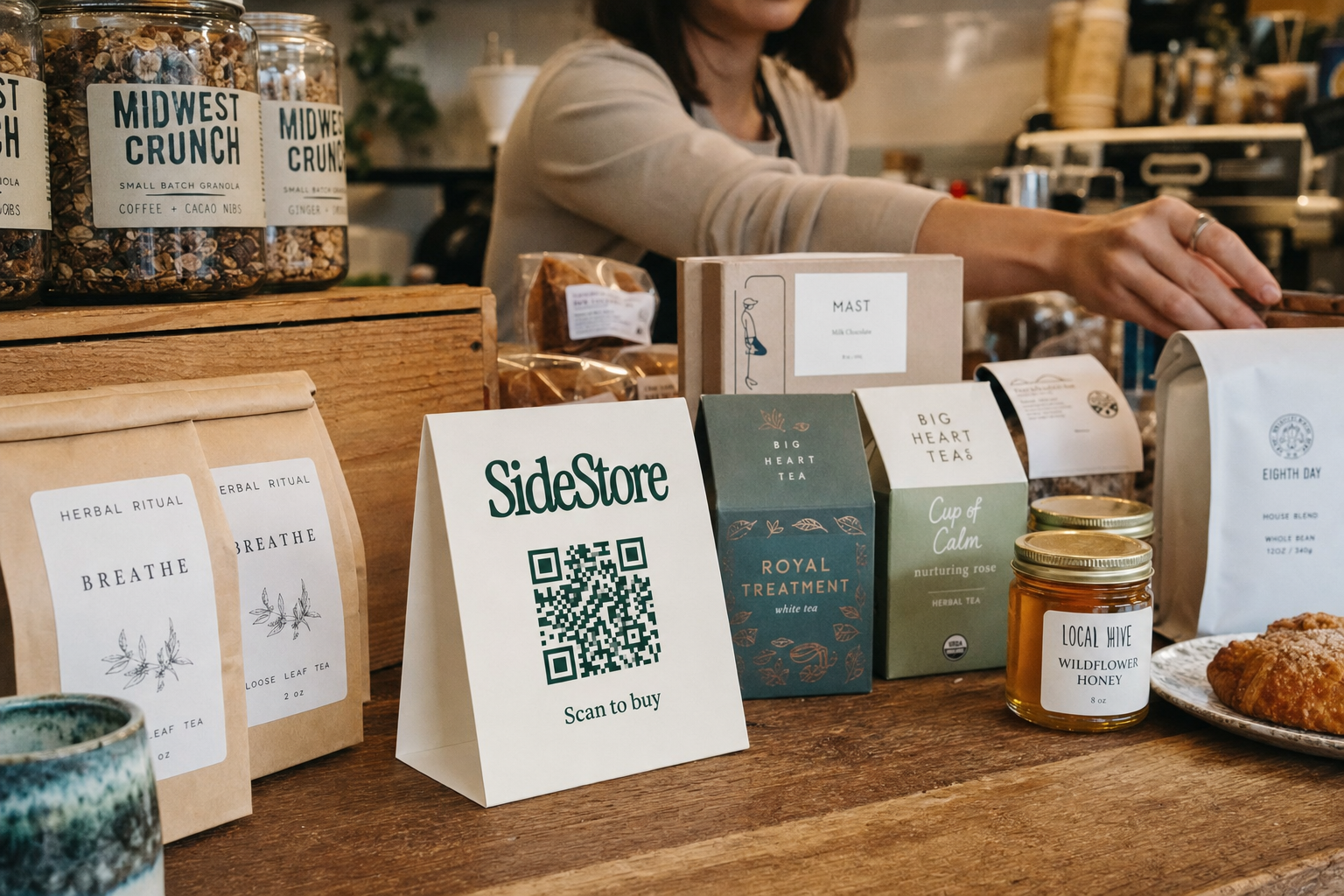
Once a Retail Widget is deployed, your day-to-day involvement is low. Here is what the three main operational scenarios look like.
Normal operation. Customers scan, purchase, and walk away. Transactions process automatically. Your split payout accumulates in your SideStore balance and settles on the agreed schedule. You do not need to log in daily. A weekly check of your placement attribution data is enough to stay informed. Managing maker placements this way is similar to how cafes manage maker placements day to day: low touch, data-informed.
Low stock. When the product count on a placement drops below a set threshold, stock tracking flags it. Your job is to notify the maker promptly so they can restock before the shelf sits empty. Empty shelves do not earn. Build a simple habit: check the dashboard twice a week, action any low-stock alerts the same day.
Poor performance. If a placement generates few or no sales over four to six weeks, you have two options. Reposition the product to a higher-traffic location and give it another trial period. Or end the placement entirely. Because you bought no inventory, ending a placement costs you nothing. The maker collects their remaining stock and you recover the space for a better-performing product or a different maker.
From deployment to first sale, most placements either convert within the first two weeks or signal clearly that they will not. Four to six weeks is a reasonable evaluation window before you make a change.
Scaling From One Placement to a Revenue-Generating Corner
One Retail Widget placement is a test. A cluster of three to five placements across your floor is a revenue-generating corner. Managing that corner from a single SideStore dashboard is what makes the model operationally viable at scale.
Start with your best candidate location and let it run for four weeks. Once you have baseline data from placement attribution, you know what your highest-traffic zones are and which product categories your customers respond to. Use that data to select your next placement, not guesswork.
As you add placements, the dashboard consolidates everything: live stock levels across all locations, split payouts per maker, and attribution data broken down by shelf position. You can see at a glance which placement earned most last week, which one is running low, and which one has not had a sale in ten days. That clarity is what separates a managed retail corner from a cluttered shelf.
Other venue types scale the same way. Hotels running multiple placements from one dashboard manage lobby, reception, and corridor locations simultaneously without adding administrative overhead. The dashboard does the reconciliation. You make the placement decisions.
The broader frame matters here: building a retail network from unused shelf space is not limited to a single store. If you operate multiple locations, each can host placements and report back to the same system. Your idle space across every site becomes a distributed revenue line, managed centrally.
Start With One Shelf Section
Idle shelf space is overhead that earns nothing. Hosting a maker product on that space, activated by a Retail Widget with scan-to-pay checkout and automatic split payouts, converts a fixed cost into a variable income line with no inventory risk and minimal operational burden.
The process is five steps: audit your space, identify compatible makers, agree on the split, deploy the Retail Widget, and monitor with placement attribution data. You can complete steps one through four in a single afternoon.
Monetize idle shelf space by starting with one shelf section this week. Pick your most underused location, find one local maker whose products fit your customer, and go live. Once you see how the first placement performs, adding the next one takes less than an hour. Visit make money from unused shelf space to see the full model in detail.
Build a commerce network without opening a store of your own.