How the SideStore QR Card Works: Scan to Buy, Explained
A clear explainer of the SideStore QR card and the Retail Widget behind it: how scan-to-buy works, the two ways to display a card, and how live stock, placement attribution, and split payouts are handled.
A SideStore QR card is a small printed card that sits beside a product. A customer points their phone at it, a product page opens, they pay, and the sale is done. No app to download, no till, no staff member involved. That is the visible half of the system.
The other half sits behind the card. Each card is the front end of a Retail Widget, the interface a maker or a merchant uses to place and manage a product on consignment. Scan-to-buy checkout is one function of that widget. The same widget also tracks live stock, attributes every sale to the exact placement it came from, and splits the payout automatically between the maker who owns the product and the host who provides the space.
This article explains what the card is, what happens when someone scans it, and the two ways a card gets displayed in the real world. A maker can print a card for their own product and take it wherever the product goes. A merchant can display a single card that covers every product in their placement. Both routes run on the same mechanism.
If you are new to the model, it helps to read how a host can make money from unused shelf space and how local makers can sell products without opening a retail store alongside this explainer.
What the SideStore QR Card Is
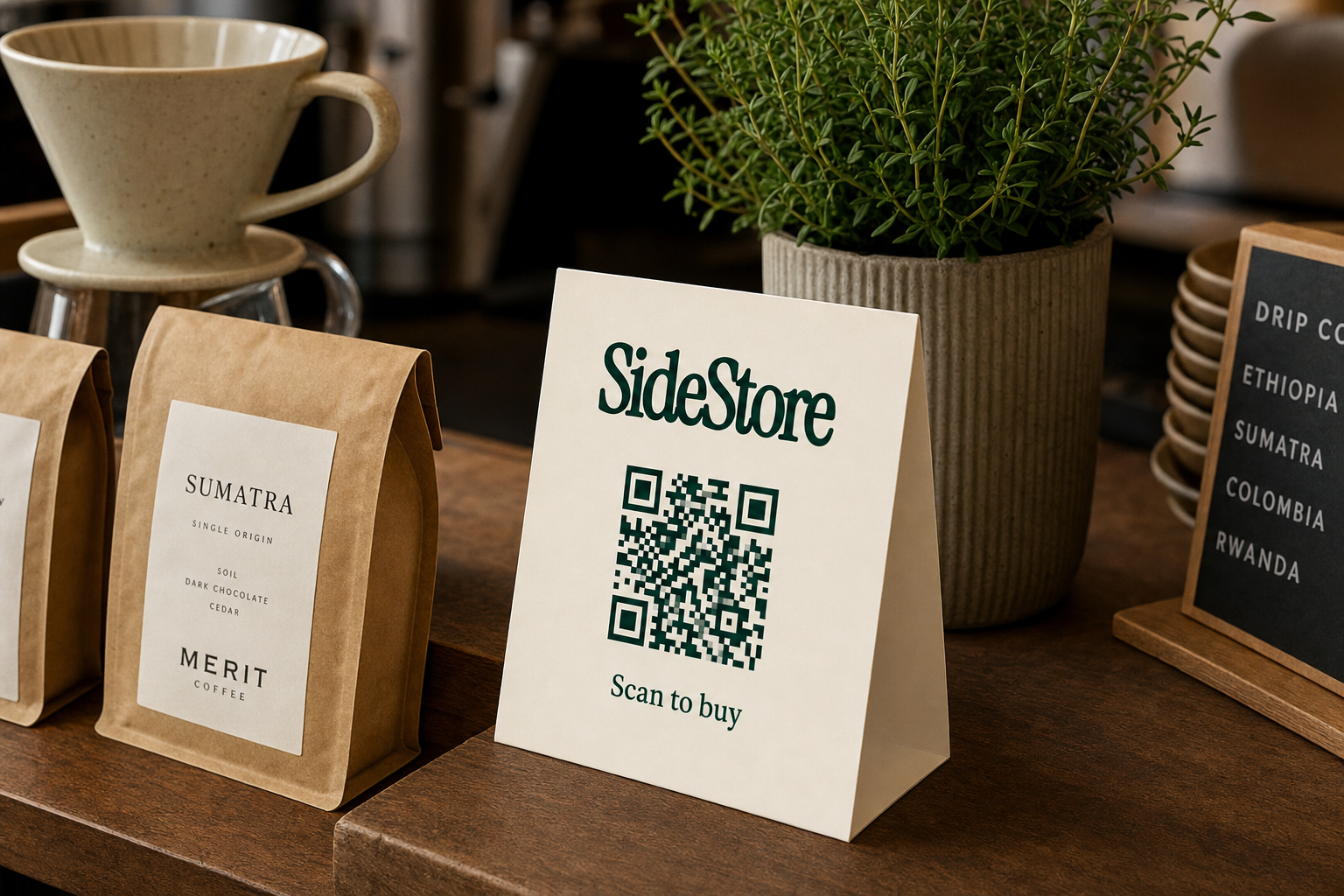
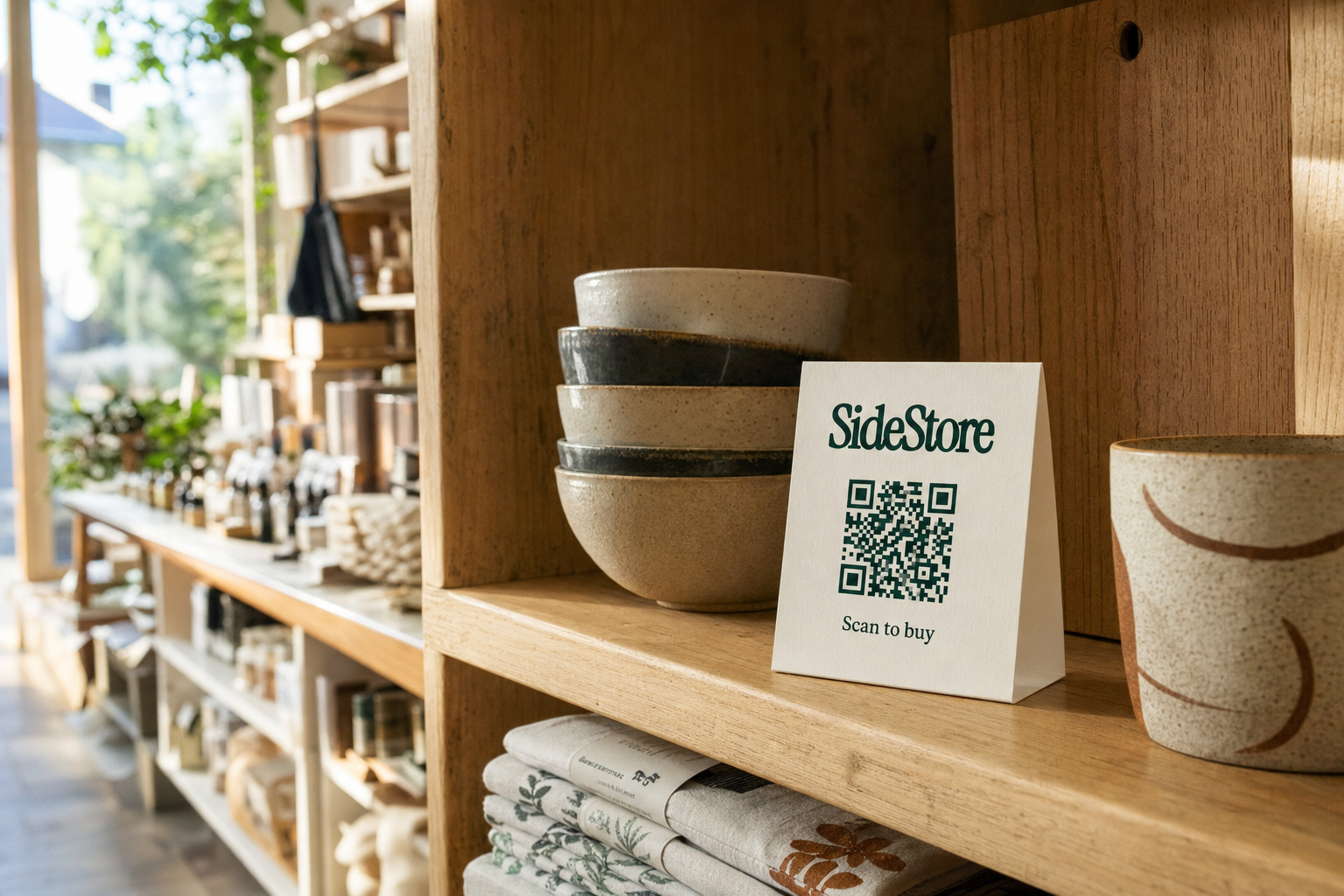
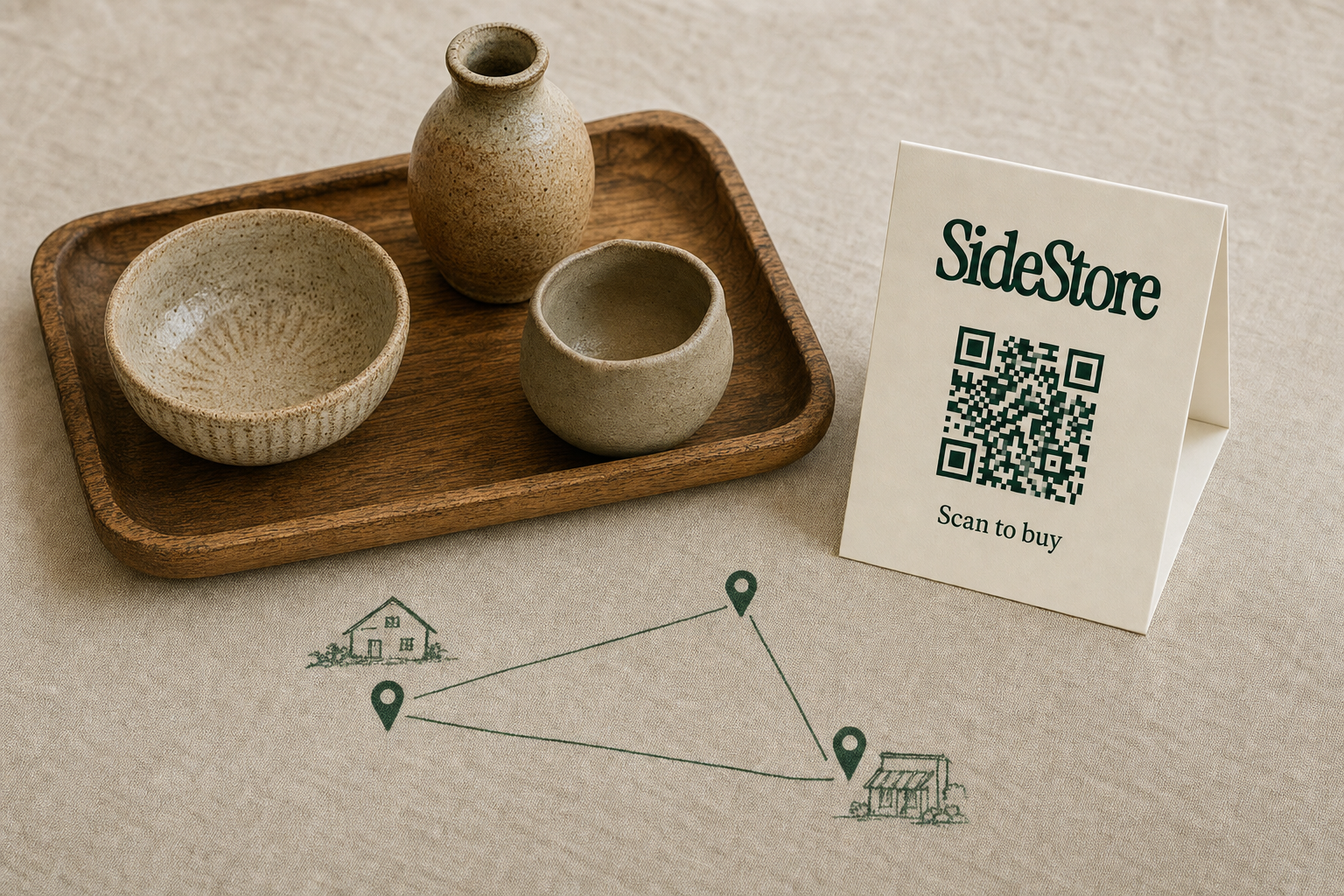
The card is a printed piece in an ivory finish, usually the size of a business card or a small tent card that stands on its own. It carries three things: the SideStore wordmark, a QR code in the brand's deep green, and the words "Scan to buy". You can print it at home on a standard printer or order a batch of tent cards for a counter.
What matters is not the paper but what the code points to. The QR on a SideStore card is not a generic link to a website. It is bound to a specific product or placement inside a Retail Widget. When it resolves, it opens a live product page that reflects the current price and the current stock at that moment. If the product is sold out, the page says so. If the price changed this morning, the page shows the new price. The card is static; the page behind it is live.
Because the code is tied to a placement, every scan is also a piece of data. The system knows which card was scanned, where it sits, and what happened next. That is the difference between a decorative label and a working sales channel.
The Retail Widget Behind the Card
A Retail Widget is the interface you use to place a product on consignment and manage it once it is live. Consignment simply means the maker keeps ownership of the product until it sells, the host provides the space and the footfall, and the two agree a split of each sale in advance. It is an old arrangement. What was always painful was the administration: manual stock counts, handwritten sales logs, and a reconciliation call at the end of every month.
The Retail Widget removes that administration. It carries four functions in one place. It runs the scan-to-pay checkout that the card exposes to customers. It keeps a live stock count that drops with every sale. It attributes each sale to the placement it came from. And it splits the payout automatically at the point of sale, so no one has to raise an invoice or chase a transfer.
Seen this way, the card and the widget are two halves of the same thing. The card is how a customer reaches the checkout. The widget is what the maker and the host use to set the product up, watch it sell, and get paid. Everything that follows is really about how you choose to expose that widget to the shop floor.
Mode One: A Maker Prints a Card for Their Own Product
The first way to use a SideStore card is the one a maker controls directly. You create your product in SideStore, generate its Retail Widget, print the card, and place that card beside your own product wherever the product goes. One card stands for one product.
The advantage of this mode is that the card travels with the item. A ceramicist can stand a printed card next to a single mug on a boutique shelf this week, a market stall next weekend, and a pop-up the week after. The card points to that one product's page the whole time, so the stock count, the price, and the sales history follow the mug rather than the location. Each product you make can have its own card, its own page, and its own independently tracked stock.
This mode suits makers who want per-product control and a clean, individual product page for each item. It is the natural fit when you are the one carrying your goods between venues, or when you sell a small range where each piece deserves its own presentation. For the wider picture of placing goods this way, see how to sell handmade products in physical stores on consignment.
Mode Two: A Merchant Displays One Card for a Whole Placement
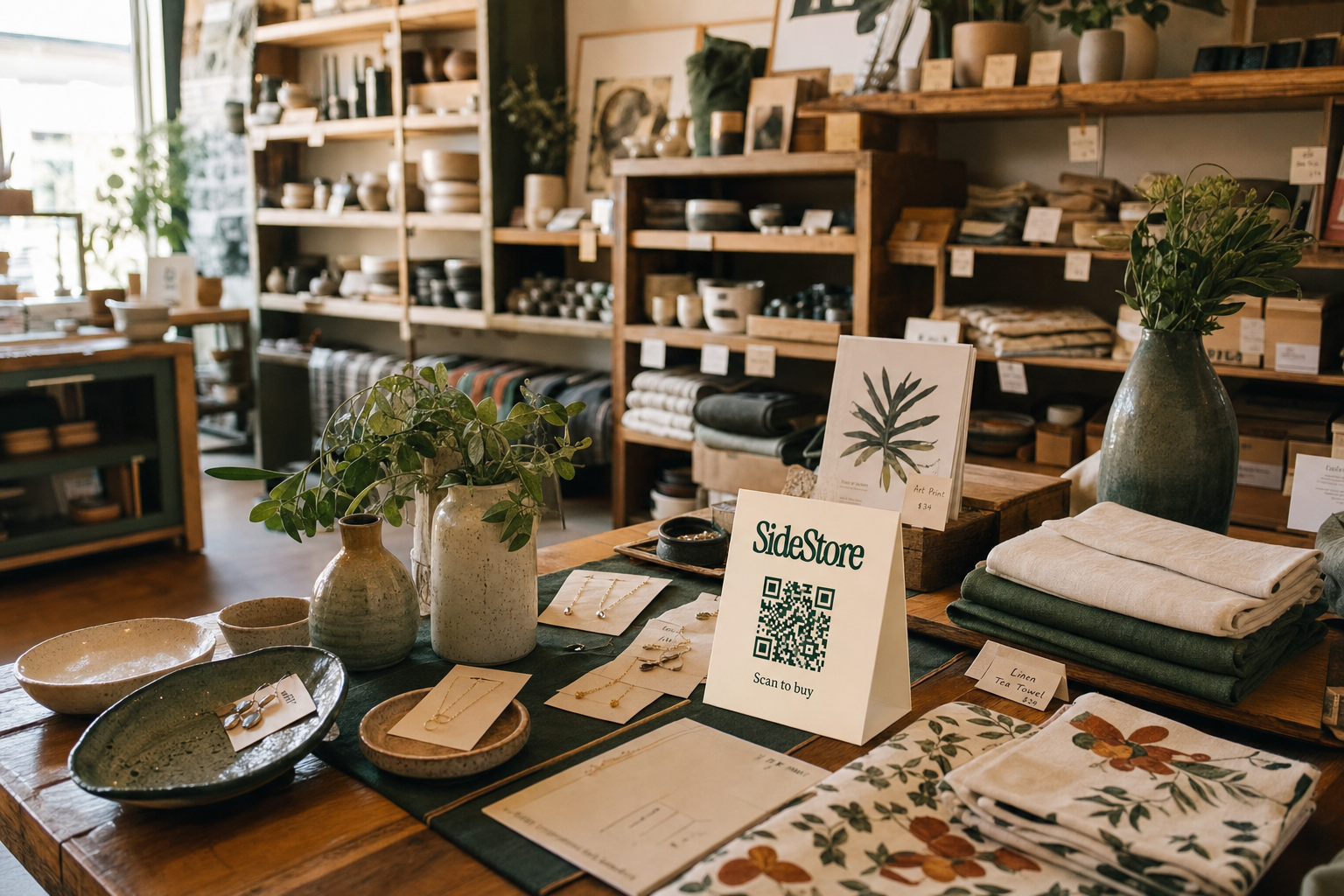
The second way is the one a merchant, or host, controls. If you host several makers' products in one placement, a shelf, a corner, or a counter, you do not need a separate card for every item. You can display a single SideStore card that covers the entire placement.
A customer scans that one card and sees the products available at that placement. They pick the item they want, and they pay. One card stands for the whole shelf. This keeps the counter uncluttered and gives customers a single, obvious scan point rather than a row of competing cards.
Behind that single entry point, nothing is lost. The Retail Widget still tracks each product's stock separately, still attributes each sale to this placement, and still applies the correct split for whichever maker's product sold. The single card is a display choice, not a limit on the data. This mode suits a cafe, boutique, or hotel that wants one tidy scan point for a mixed shelf. It pairs well with the approach in how cafes can make money from unused shelf space.
What Happens When Someone Scans
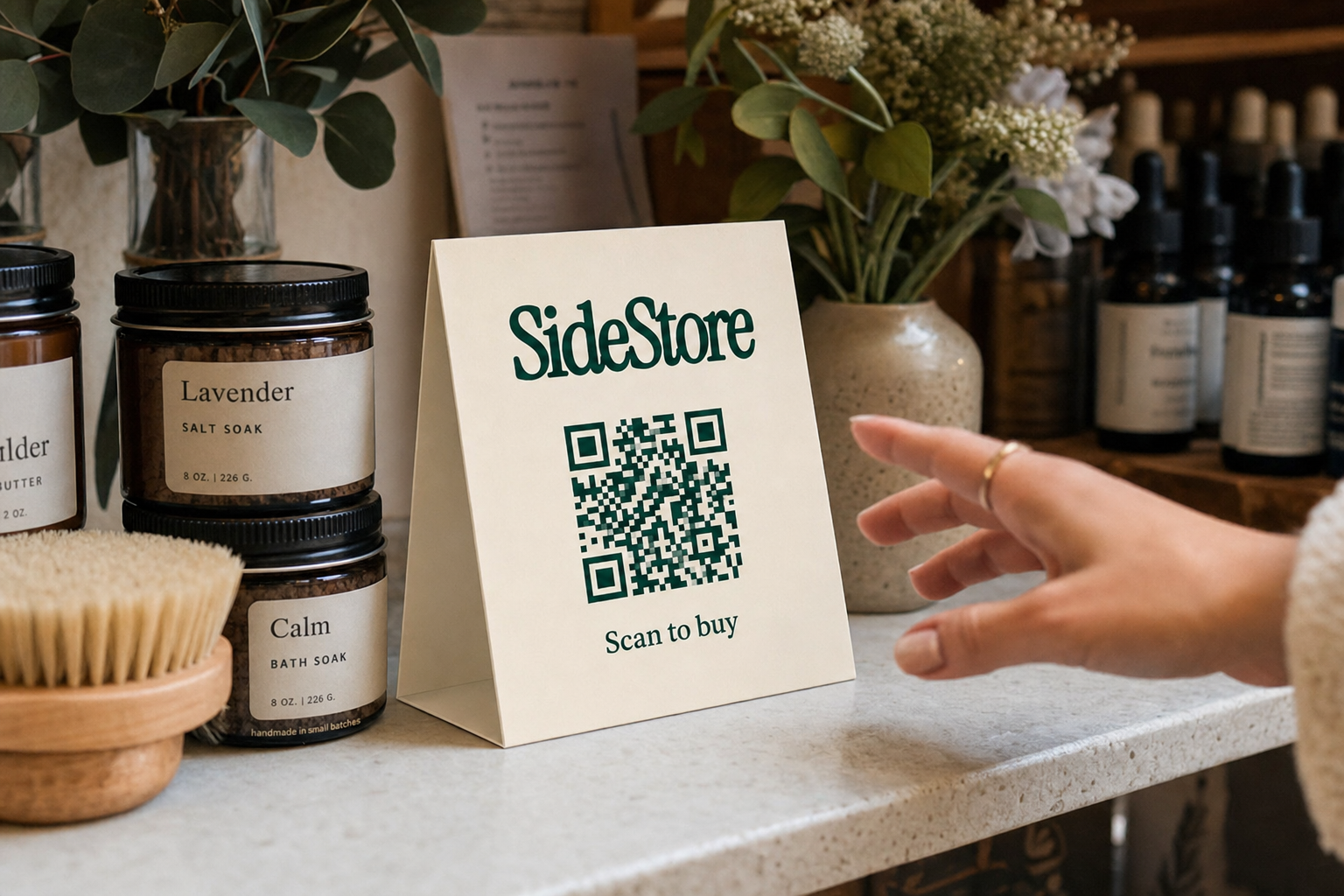
The customer experience is the same in both modes, and it is deliberately short. A customer points their phone camera at the code. A product page loads in the browser, with no app to install. They see the product, the price, and a buy button. They tap it, pay with their preferred method, and get a confirmation. The whole interaction takes under thirty seconds.
Behind that tap, three things happen at once. The stock count for the product drops by one. The sale is attributed to the placement the card belongs to. And the split payout is queued, sending the host's share to the host and the maker's share to the maker. The customer sees none of this. They simply walk away with a confirmation, and the product stays on the shelf until it needs restocking.
What the Retail Widget Manages Beyond Checkout
Checkout is the function people notice first, but it is only one of four. The reasons to run a card rather than a plain price label all live in the three functions that sit around the checkout.
Live stock. The count updates with every sale, and the dashboard can alert you when a product runs low. No one has to walk the shelf and count units on a Sunday. The number you see is the number that is actually there.
Placement attribution. Each physical location has its own tracked identity. The counter by the till is a different placement from the shelf by the window, even when they hold the same product. That lets a host compare spots directly and learn which position actually converts.
Automatic split payouts. The agreed split is embedded in the widget, so every transaction honors it without anyone doing the maths. There is no invoice to raise, no monthly reconciliation, and no waiting for a transfer. Each sale settles at the moment it happens.
Those three functions are why a SideStore card is worth more than the QR code printed on it. To see how the economics play out for a host, read the breakdown in how to make money from unused shelf space.
Choosing Between One Card and Many
The choice between the two modes comes down to who controls the display and how tidy the shop floor needs to be. It is not a choice about capability, because stock tracking, attribution, and split payouts all work either way.
Print a card per product when you are a maker moving your own goods between venues, or when each item benefits from its own page and its own presentation. Display a single card for the placement when you are a host with a mixed shelf and you want one clean scan point instead of a cluster of cards competing for attention.
The two modes can also coexist in the same space. A boutique might run one placement card for its general shelf while a featured maker stands an individual product card beside a hero item. Both routes report into the same dashboard, so the host still sees every sale, every stock level, and every split in one view.
Getting Your First Card Live
Getting started is a short sequence. Create your product, or your placement, in SideStore. Generate the Retail Widget, which produces the QR card ready to print. If a maker and a host are both involved, agree the split before anything goes live, so it is locked into the widget from the first sale. Print the card, stand it beside the product or on the counter, and you are live.
After the first day, open the dashboard. You will see scans, sales, current stock, and your split balance, attributed to the exact placement. From there the decision is simply whether to add a second card, a second product, or a second placement. The mechanism is the same each time, whether you print one card for one mug or one card for a whole shelf.
The card on the counter is the small, visible part. The Retail Widget behind it is what turns a scan into a tracked, split, and settled sale.