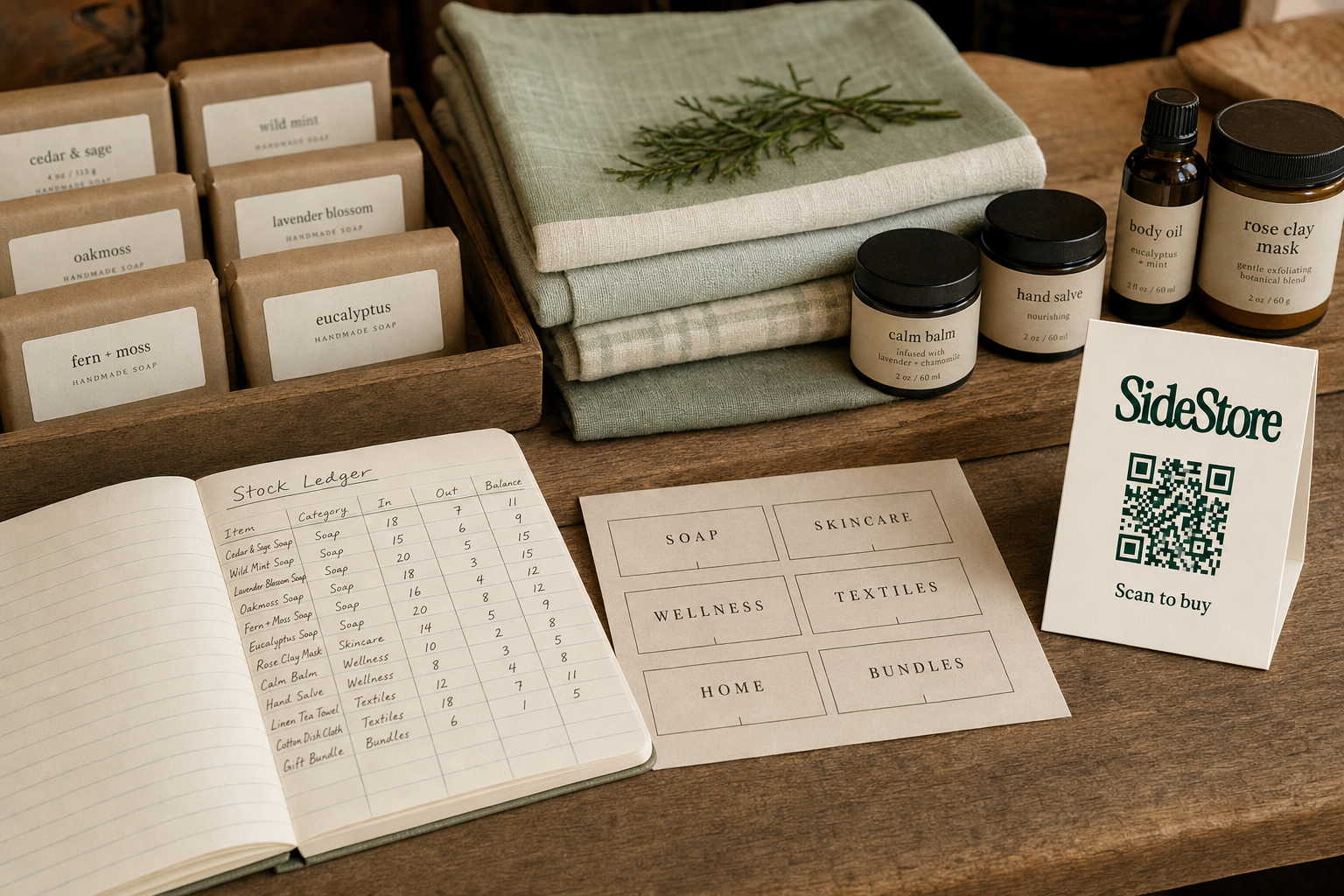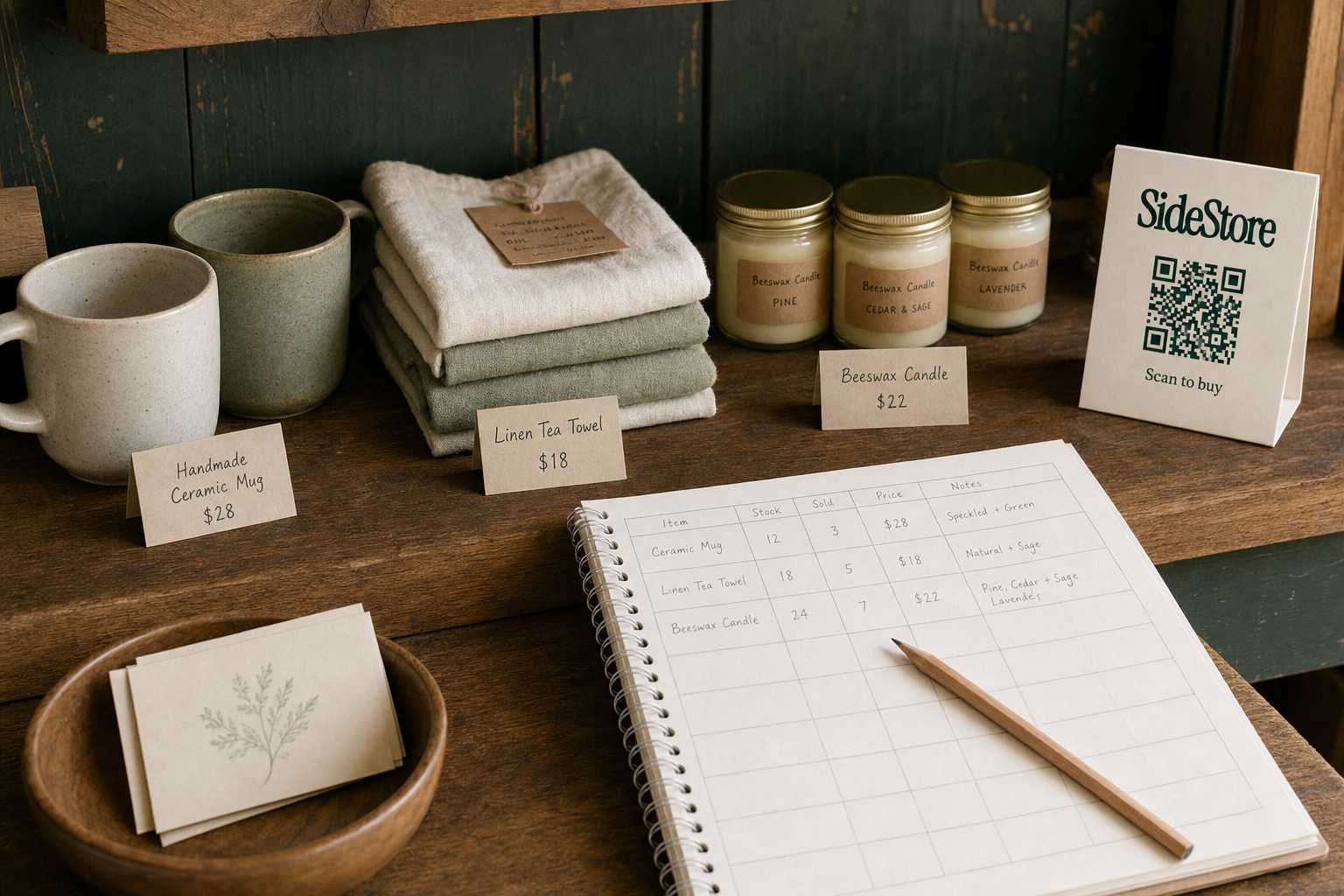
A boutique inventory template is a structured spreadsheet that records every product you stock, SKU, quantity, cost, sell price, supplier, reorder point, so you always know what you have, what it cost, and when to restock. If you need one today, start with five mandatory columns: SKU, product name, quantity on hand, cost price, and reorder point. Everything else builds from there.
Run a boutique without reliable tracking and you end up buying on gut feel. Twelve units of a slow-selling scarf. Zero of your fastest-moving earring set. A boutique inventory template fixes that. It also forces the margin discipline that separates boutiques that stay busy from boutiques that actually profit.
Before you build yours, know this: owned inventory is only one model. If you're exploring consignment or sourcing from makers who sell that way, your tracking needs are different, simpler, even. And if you're sourcing affordably, boutique inventory for sale covers wholesale and consignment sourcing in detail.
What a Boutique Inventory Template Must Include
A boutique inventory template must include, at minimum: SKU, product name, quantity on hand, cost price, sell price, and reorder point. These six columns give you the data to manage cash, prevent stockouts, and calculate gross margin. Everything else is useful context. These six are operational essentials.
Here are the mandatory columns and what each one does:
- SKU (Stock Keeping Unit), Your unique internal code for each product variant. A striped linen shirt in blue size S is a different SKU from the same shirt in white size M.
- Product Name, Human-readable name, including variant descriptors: colour, size, material.
- Quantity on Hand, Current physical count. This must reflect reality, not the last time you updated the spreadsheet.
- Cost Price, What you paid per unit, including shipping or duty. If this is wrong, every margin calculation is wrong.
- Sell Price, Your retail price. Track it here even if it lives in your POS, so the template is self-contained.
- Reorder Point, The quantity at which you place a new order, before you hit zero.
SKU discipline matters. Assign SKUs at the variant level from day one. If you start grouping sizes together to keep it simple, you'll lose the ability to see that your size 10 is always the first to sell out while your size 6 sits for months.
Margin formula: Gross margin = (Sell price − Cost price) / Sell price. At a sell price of £40 and a cost of £16, your gross margin is 60%. Know this number for every category, not just overall average.
Reorder point calculation: Reorder point = (Average daily sales × Lead time in days) + Safety stock. Worked example: if a candle sells 2 units per day, your supplier takes 7 days to deliver, and you want 5 units as a buffer, your reorder point is (2 × 7) + 5 = 19 units. When stock hits 19, you order. Not when the shelf looks thin.
For guidance on starting stock, see how much inventory to start a boutique and how much inventory to start with.
Boutique Inventory Template: Column-by-Column Structure
The fastest way to build a usable boutique inventory template is to map every column before you enter a single product. The table below gives you a reference structure you can copy into Google Sheets or Excel today.
One short note: mark columns as Required or Optional based on your stage. A new boutique with 30 SKUs needs the Required columns and little else. A shop with 300 SKUs across multiple suppliers needs everything. Don't over-engineer on day one. Don't skip the Required fields on the grounds that you'll add them later, because you won't.
| Column Name | Data Type | Example Value | Why It Matters | Required or Optional | Who Owns It |
|---|---|---|---|---|---|
| SKU | Text / Code | BLU-LIN-S-001 | Unique identifier for each variant; prevents duplicate entries | Required | Buyer / Owner |
| Product Name | Text | Blue Linen Shirt, Size S | Human-readable reference for staff and supplier orders | Required | Buyer / Owner |
| Category | Text | Tops, Accessories, Homeware | Enables filtering and category-level reporting | Required | Buyer / Owner |
| Supplier Name | Text | Coastal Textile Co. | Links stock to source for reorders and returns | Required | Buyer / Owner |
| Cost Price (ex. VAT) | Currency | £16.00 | Base for all margin calculations | Required | Buyer / Owner |
| Sell Price | Currency | £40.00 | Retail price; cross-reference with POS for accuracy | Required | Buyer / Owner |
| Gross Margin % | Formula | 60% | (Sell − Cost) / Sell; auto-calculated from columns above | Required | Auto (formula) |
| Quantity on Hand | Integer | 14 | Physical count; update after every sale or delivery | Required | Shop Floor / Owner |
| Reorder Point | Integer | 19 | Triggers a reorder before stock reaches zero | Required | Buyer / Owner |
| Last Reorder Date | Date | 2026-08-01 | Tracks ordering cadence and supplier lead time accuracy | Optional | Buyer / Owner |
| Lead Time (days) | Integer | 7 | Days from order to delivery; feeds reorder point calculation | Optional | Buyer / Owner |
| Location / Shelf | Text | Rail B, Shelf 3 | Physical location in store; saves time during stocktakes | Optional | Shop Floor |
| Notes | Text | Slow seller, consider markdown | Free-text field for any context that doesn't fit a column | Optional | Owner |
Once this structure is in place, keeping it current is the real discipline. For guidance on clearing stock that isn't moving, how to clear excess boutique inventory covers markdown strategies and alternative channels.
How to Build Your Boutique Inventory Template in Five Steps
You can build a working boutique inventory template in an afternoon. The five steps below take you from blank spreadsheet to live tracking system. They also flag the honest trade-offs at each stage so you don't learn them the hard way.
Step 1: Define your product taxonomy before you enter anything. Decide your category structure, your SKU format, and your variant rules (size, colour, material) before you type a single product name. Write these rules in a "Settings" tab in your spreadsheet. This takes an hour up front. Skip it and you'll reformat everything after 200 entries.
Step 2: Choose your tool based on your volume and budget. Google Sheets is free, accessible from any device, and handles up to a few hundred SKUs without complaint. It's the right choice for most boutiques starting out. Excel offers more powerful formulas and pivot tables, and works better offline, but costs money and has no built-in collaboration. Retail software (POS-integrated inventory tools) syncs with your till automatically, but the monthly fee only makes sense once manual updates are eating real staff time. Start with Google Sheets unless you already know you need more.
Step 3: Enter your current stock count with a physical stocktake. Count everything before you enter it. Print a blank version of your template and walk the floor with a pen. This is tedious. Entering quantities from memory produces errors that compound every time you rely on them.
Step 4: Set your reorder points using the formula from Section 2. Calculate reorder points for your ten fastest-moving SKUs first. Add a conditional formatting rule that turns the "Quantity on Hand" cell red when it hits or falls below the reorder point. Conditional formatting adds a small setup burden. It eliminates the need to scan every row manually.
Step 5: Build a monthly reconciliation routine, or automate it. Schedule a monthly physical count against your template and update every discrepancy. If you're selling through consignment or running placements at multiple locations, manual reconciliation across sites becomes a burden. SideStore's Retail Widget handles live stock counts and split payouts automatically for consignment placements, which replaces the manual reconciliation step for that portion of your inventory. If you're also selling at external venues, alternatives to weekend markets outlines channels that integrate more cleanly with ongoing tracking.
When Consignment Makes the Template Unnecessary
If you're an independent maker, a boutique inventory template might be solving the wrong problem. The harder truth: many makers don't struggle with tracking stock they own. They struggle to get their products into any physical space at all, on terms they can afford.
Consignment changes that equation.
Under a consignment model, you place your products in a merchant's space and get paid when they sell. You never hand over cash upfront. The merchant carries no stock risk. What you need to track is not a purchase ledger but a placement ledger: where your products are, how many units sit in each location, what's sold.
That's a different template entirely. A placement tracker needs these columns: location name, units placed, units sold, units remaining, your percentage split, and the amount owed. It does not need cost-of-goods columns in the same way an ownership template does, because you haven't bought and resold anything. You've licensed shelf space and get paid on performance.
For one or two placements, a simple spreadsheet handles this fine. You can update it after each payout and keep it readable. But at five or more locations, manually reconciling each placement becomes time-consuming and error-prone. That's where SideStore's Retail Widget earns its place: it handles live stock counts across all your placements, scan-to-pay checkout (one function of the Widget, not the whole product), and automatic split payouts to both you and the merchant. You get a live view of sold counts and remaining stock per location, without building and maintaining separate tabs for each site.
If you're still figuring out what selling on consignment means, that's the right place to start. For makers who want offline distribution without the cost of your own shop, starting a boutique with no inventory and running a boutique without owning inventory cover the model in more detail.
For Merchants: Tracking Consignment Products You Host
If you host products from other makers in your space, your inventory template needs one critical distinction: consignment stock is not your asset. It does not belong on your balance sheet as owned inventory. Mixing consignment products into your standard stock ledger creates an accounting error. It will confuse your P&L, your stock valuations, and anyone who looks at your books.
Keep a separate consignment ledger with these columns:
- Maker / Supplier Name, Who placed the product.
- Product Name & SKU, The maker's reference, not yours.
- Units Received, What arrived at your location.
- Units Sold, Running sold count since placement.
- Units Remaining, Simple arithmetic: received minus sold.
- Your Commission Rate, Your agreed percentage of each sale.
- Amount Owed to Maker, What you owe on settlement.
- Settlement Date, When you last paid out.
This ledger lets you track your earnings from hosted products without conflating them with your own stock. If you're a cafe or hotel carrying maker products, you already have a functioning business. The consignment ledger is a lightweight addition, not a new system.
SideStore's Retail Widget handles this automatically for merchants using the platform: placement attribution tracks which maker's products have sold, live sold counts update in real time, and split payouts go to the maker automatically so you don't have to calculate or transfer manually. For merchants thinking about how this works in practice, how cafes earn from unused shelf space and how hotels turn lobby space into retail revenue lay out the mechanics per venue type.
Five Inventory Mistakes Boutiques Make (and How to Avoid Them)
Most boutique inventory problems are not caused by bad luck. They're caused by predictable, avoidable process failures. Here are the five that recur most often, and the fix for each.
1. Tracking at product level instead of variant level. A size-12 dress and a size-8 dress are different SKUs. Treating them as one means you can't see which size sells out first. Fix: assign a separate SKU to every size-colour-material combination from day one.
2. Updating the template from memory instead of from physical counts. Memory-based updates drift from reality within weeks. Fix: count before you enter, always. Even if it's just a quick shelf check for your top 20 sellers.
3. Setting reorder points based on feel rather than calculation. "I'll reorder when it looks low" results in stockouts on your fastest sellers and overbuying on slow ones. Fix: use the reorder point formula (average daily sales × lead time + safety stock) and let the math decide.
4. Mixing consignment stock with owned inventory in one ledger. This inflates your apparent stock value and creates a reconciliation nightmare. Fix: maintain a separate consignment ledger that never touches your owned-stock totals. See boutique inventory for sale for sourcing structures that make this distinction cleaner.
5. Never acting on dead stock until it's a crisis. Slow-selling units tie up cash and floor space for months before anyone takes action. Fix: set a rule. Any SKU unsold after 90 days triggers a markdown or clearance review. Clearing dead boutique inventory covers the options in detail.
Frequently Asked Questions
What should a boutique inventory spreadsheet include? A boutique inventory spreadsheet should include, at minimum: SKU, product name, quantity on hand, cost price, sell price, gross margin percentage, reorder point, and supplier name. These columns give you the data to prevent stockouts, manage cash, and calculate profitability. Optional additions include lead time, shelf location, and a notes field for context.
How often should I update my boutique inventory? Update your quantity-on-hand column after every delivery and, ideally, after each day's sales if you're not using a POS that syncs automatically. At minimum, run a physical stocktake monthly and reconcile any discrepancies. Gaps between physical reality and your template are where errors compound and costly decisions get made on bad data.
Can I use Google Sheets as a boutique inventory template? Yes. Google Sheets handles boutique inventory well for shops with up to a few hundred SKUs, particularly because it's free, accessible from any device, and supports conditional formatting for low-stock alerts. The limitations appear when you need automatic POS sync or multi-location tracking at scale. At that point, dedicated retail software or a platform like SideStore (for consignment placements) becomes worth the cost.
Do I need a separate inventory template for consignment products? Yes. Consignment products are not your assets, so they must be tracked separately from owned stock. Your consignment ledger needs columns for maker name, units placed, units sold, units remaining, your commission rate, and the amount owed to the maker. If you're selling on consignment yourself as a maker, your tracker focuses on placements rather than purchase costs.
What to Do Next
Two paths from here. If you own your stock, copy the column structure from Section 3 into a Google Sheet today and run your first physical stocktake this week. If you're a maker placing products on consignment, a spreadsheet works for one or two locations. Beyond five, SideStore's Retail Widget manages the reconciliation for you.
Merchants with spare shelf space can start at how cafes make money from shelf space. Makers looking for channels beyond Saturday markets can start at alternatives to weekend markets.
Build a consignment network without opening a store of your own.