Boutique Hub Inventory
Run a boutique hub without buying stock. Learn how consignment inventory, the Retail Widget, and automatic split payouts replace traditional owned inventory risk.
Boutique hub inventory is the collection of physical products held in or placed through a boutique that acts as a central retail point for multiple makers, brands, or product lines. If you are weighing how to stock that hub, the central question is whether you carry owned inventory (you buy it, you own the risk) or consignment inventory (makers supply it, you earn a commission when it sells, and unsold stock stays off your balance sheet). For most boutique operators with limited capital or shelf space, consignment is the model that makes the numbers work without the exposure. Understanding the difference between these two approaches, and how to manage boutique inventory management and selling on consignment in practice, is the starting point for running a boutique hub that grows without overextending.
Owned Inventory vs Consignment Inventory: What the Difference Costs You
The core difference between owned and consignment inventory is who bears the financial risk when a product does not sell. With owned inventory, you pay upfront and absorb any loss if units sit unsold. With consignment, you earn only when a sale happens, and the maker retains ownership until that point.
| Dimension | Owned Inventory | Consignment Inventory |
|---|---|---|
| Upfront cost | You pay wholesale or cost price before selling | None, maker supplies stock at no cost to you |
| Stock risk | You absorb the loss on unsold units | Unsold stock is returned to the maker; risk stays with them |
| Restocking responsibility | You reorder and manage restock | Maker monitors and restocks their own placement |
| Settlement method | Margin captured at purchase; revenue recognised at sale | Automatic split payout at point of sale via the Retail Widget |
| Balance sheet impact | Inventory appears as an asset (and a liability if financed) | Consignment stock does not appear on your balance sheet |
In a boutique hub serving multiple makers, the balance sheet difference is material. Owned inventory ties up working capital across every product line you carry. Consignment lets you fill the same shelf space with boutique inventory for sale from multiple makers without a single upfront purchase. Typically, the tradeoff is margin: owned inventory can yield higher per-unit profit if it sells well. Consignment yields a reliable commission without the exposure, which in most boutique models is the more sustainable starting position.
How Boutique Hub Inventory Works in Practice
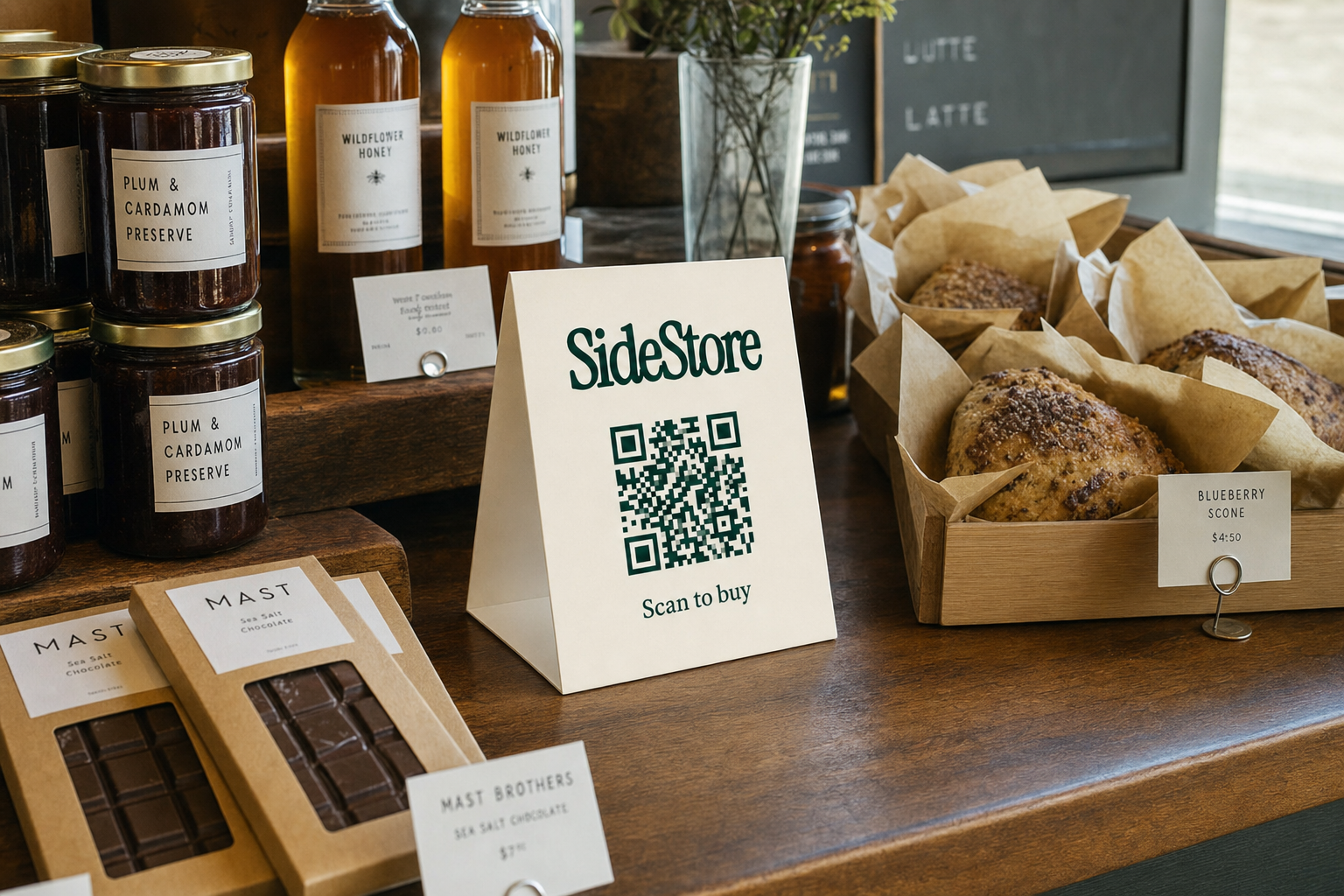
In a consignment hub, boutique hub inventory works as a managed placement: a maker supplies stock, the Retail Widget tracks it, and every sale triggers an automatic payout split without manual reconciliation.
Here is the placement lifecycle, step by step:
- Maker delivers stock. The maker brings a defined number of units to your boutique and records the placement through the Retail Widget.
- Retail Widget logs units. Each product and its quantity is entered into the Widget, which begins live stock tracking from that moment.
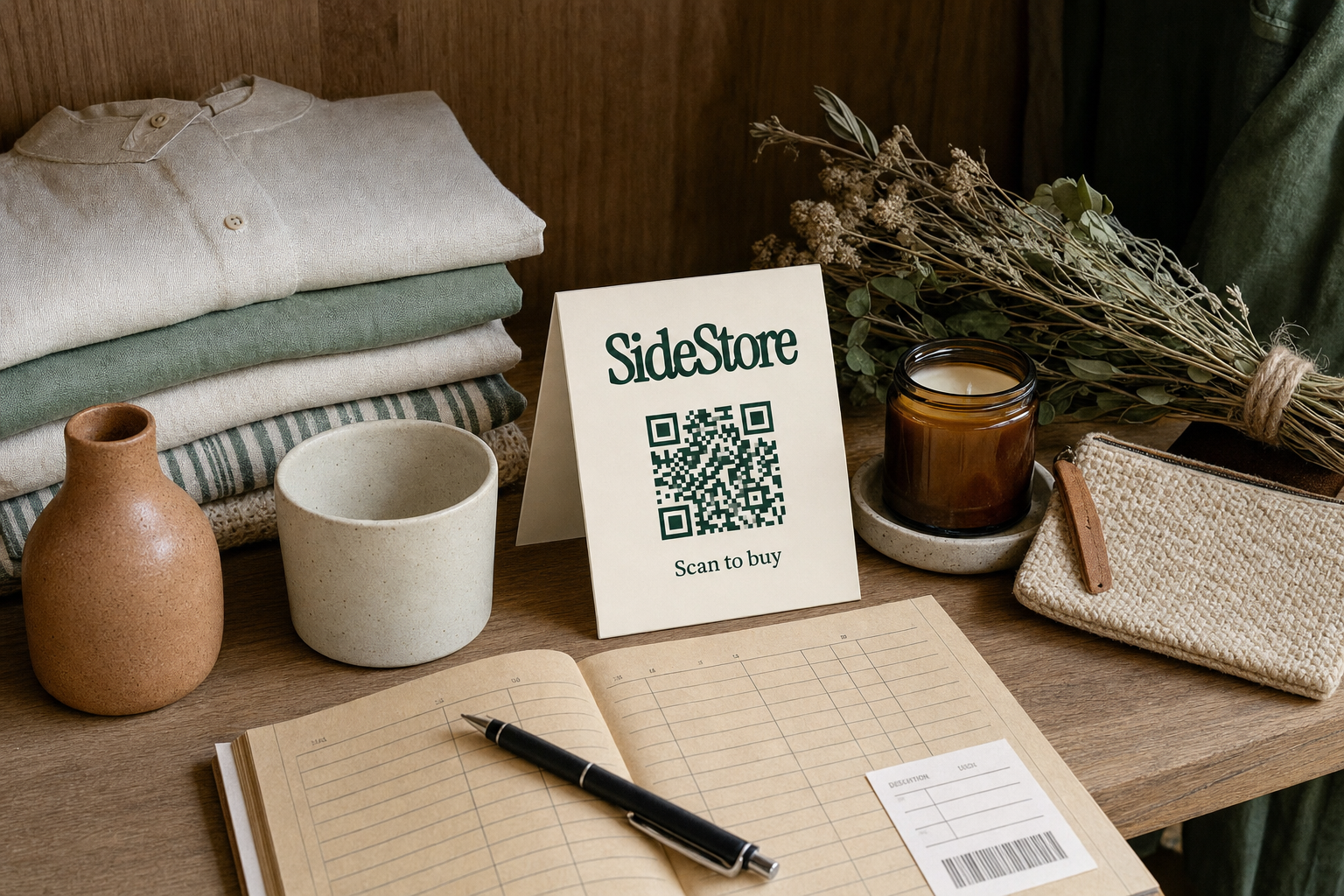
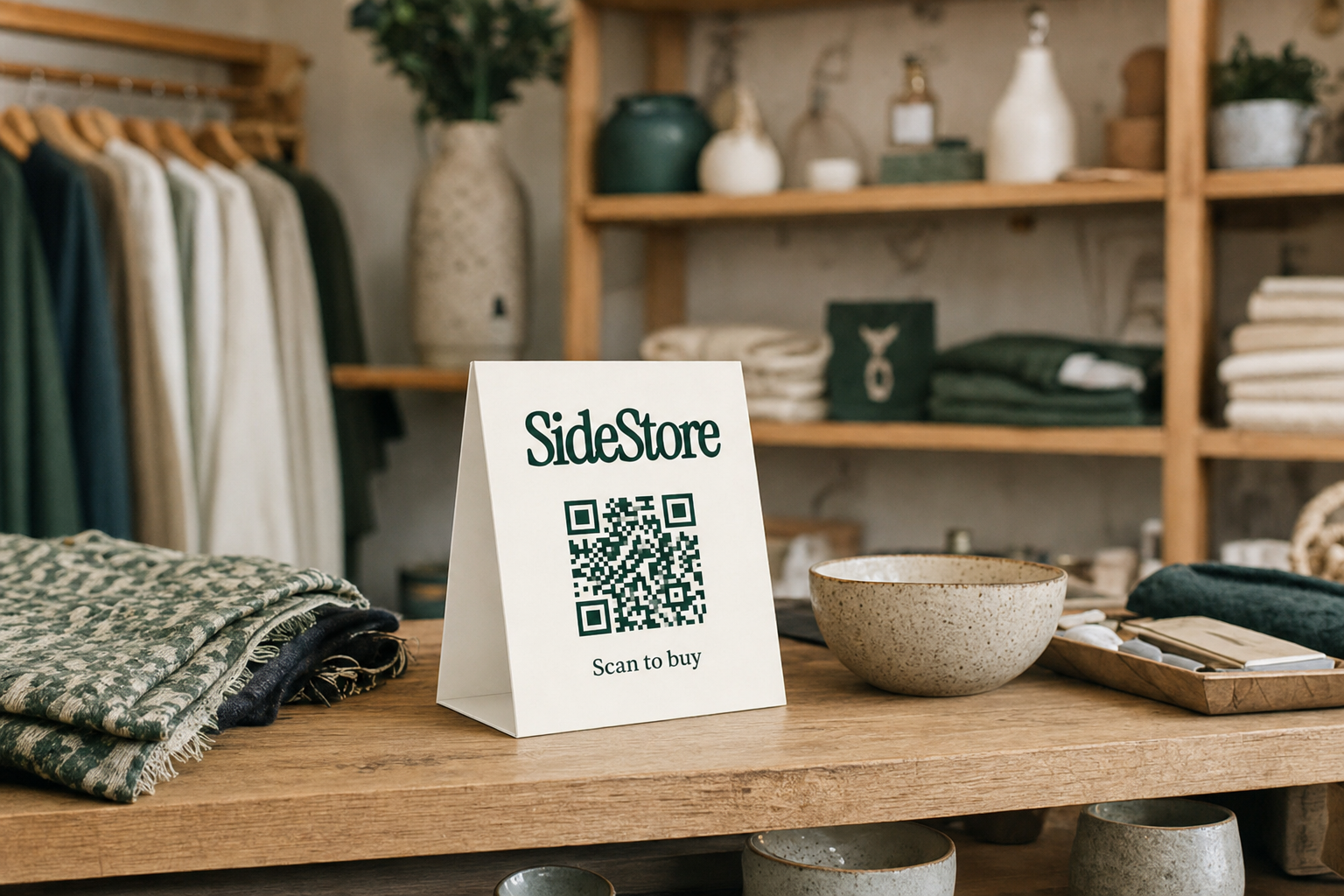
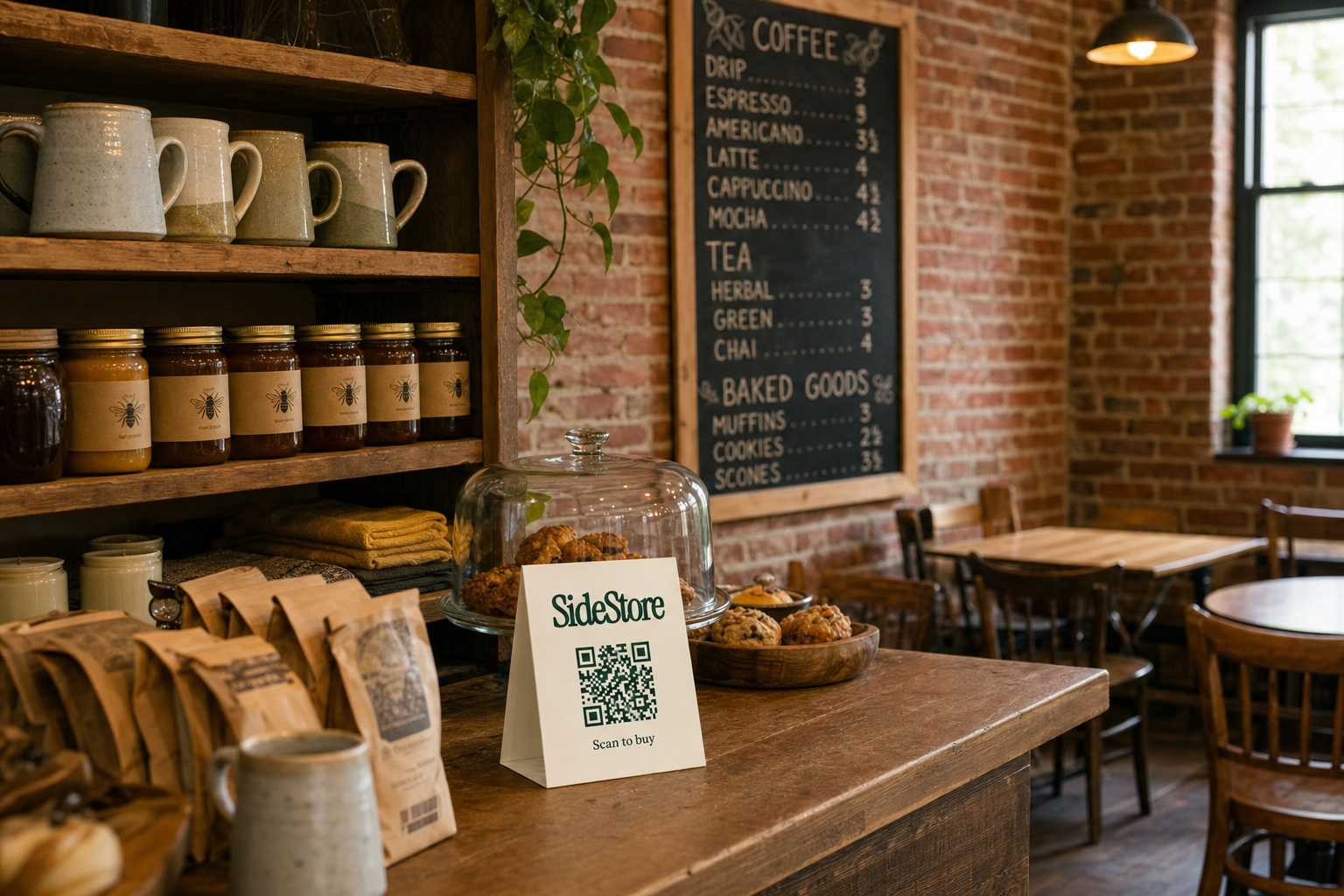
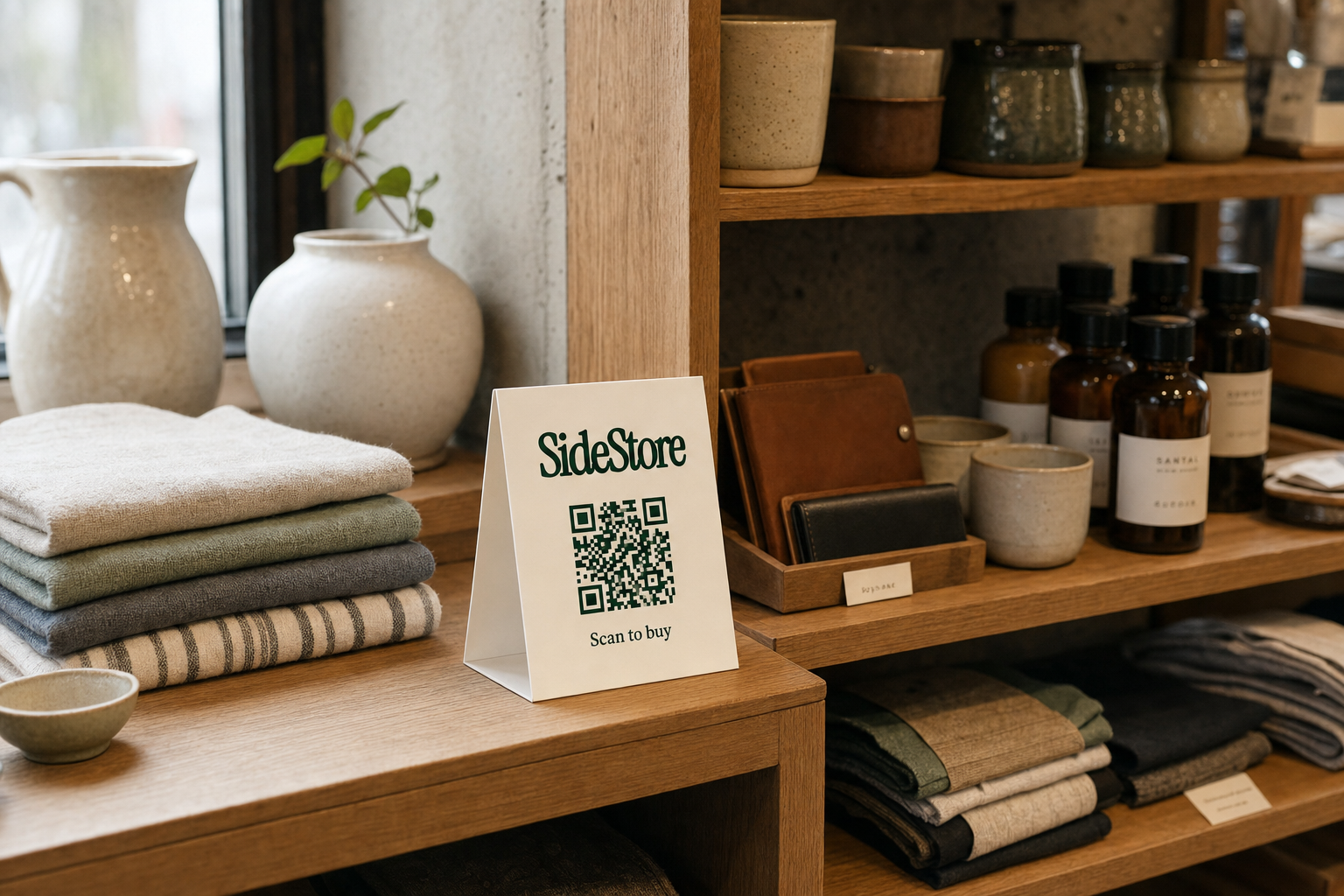
- QR card is displayed. A printed SideStore QR card is placed at the product or at the placement. This is one function of the Retail Widget, not the full product itself.
- Customer scans and pays. The customer scans the QR code, completes the purchase directly, and payment is processed instantly.
- Stock count updates live. The Retail Widget adjusts the unit count in real time, so you and the maker both see current stock without a manual count.
- Split payout settles automatically. At the point of sale, the agreed commission goes to you and the remainder to the maker, with no invoice, no end-of-month reconciliation.
Placement attribution is the mechanism that links every sale to a specific location. If a maker has product in three boutiques, each placement has its own attribution, so the Retail Widget tells the maker exactly which location is selling and which is sitting slow. For you as a host, this means the data lives at the placement level: you can see what your specific location is contributing without needing to pull a multi-site report manually.
For background on clearing existing boutique inventory before onboarding consignment placements, or for a fuller picture of how selling through consignment works, those resources cover both angles in detail.
Setting Up Consignment Placements: A Step-by-Step Approach
Setting up a consignment placement in your boutique hub takes five clear steps, from agreeing terms with a maker to going live with a scannable product in your space. The process is designed to be low-effort for the host.
- Agree the commission split with the maker. Before any stock moves, set the rate. Common splits vary by product category and relationship, but the rate is a commercial agreement between you and the maker, not a platform-imposed figure.
- Define the shelf space and product count. Decide how many units and how much floor or shelf space this placement will occupy. Consider starting conservatively, especially if you are new to consignment. Guidance on how much stock a maker should bring to a new placement can help both sides set realistic expectations.
- Log the placement in the Retail Widget. The maker (or you jointly) enters the product details, unit count, price, and commission split into the Retail Widget. This activates live stock tracking from day one.
- Print and place the QR card. Generate the SideStore QR card and display it at the product or at the placement area. One card per placement is sufficient to cover all products within that placement. Customers scan the card to browse and pay; you do not need a separate terminal or POS integration for consignment sales.
- Go live and monitor. The placement is active. Watch stock levels through the Retail Widget dashboard. When stock runs low, the maker is responsible for restocking their units.
A single QR card handles the entire placement, not just one product. If a maker has five products in your boutique under one placement, one card covers all five. This keeps the customer experience clean and reduces setup complexity on your side. The QR checkout is one function of the Retail Widget; the Widget is doing the heavier work of tracking, attribution, and settlement in the background.
Managing Inventory Across Multiple Boutique Locations
Managing boutique hub inventory across multiple locations is simpler on the consignment model than on a traditional owned-inventory approach, because each placement is self-contained and tracked independently through the Retail Widget.
In a traditional multi-location setup, you typically need a POS system that syncs inventory counts across sites, manual transfer orders when one location runs low, and a staff member responsible for reconciliation. On consignment, the maker owns the restock responsibility. If a unit sells at your boutique hub on the high street, the Retail Widget records that sale against that specific placement. The maker sees their stock count drop and decides when to replenish. You do not need to raise a purchase order or transfer stock from a warehouse.
For a boutique hosting multiple makers, this scales without linear complexity. Each maker manages their own placement. You manage the shelf space and the commission agreement. The Retail Widget holds the attribution layer that keeps everything separated: sales for maker A are not mixed with sales for maker B, even if they share the same physical display area.
Where consignment across multiple locations genuinely differs from a fully integrated POS is in real-time visibility for the host. The Retail Widget gives you placement-level data per location, which is accurate and live. It is not a full enterprise inventory suite, and it is honest to say so. If your boutique hub also carries significant owned inventory alongside consignment placements, you will likely want a separate system for the owned side. The two models sit differently on the balance sheet and need different tracking logic.
For deeper reading, boutique inventory management covers the broader discipline. If you are a maker considering alternatives to weekend markets as a distribution route, alternatives to weekend markets for independent makers explains how consignment placements in boutiques compare.
The Revenue Model: How Boutiques Earn From Consignment Stock
A boutique earns from consignment inventory through a commission on each sale, paid automatically at the point of transaction, with no invoicing and no end-of-month settlement process.
Here is how the mechanics work in practice. Say a maker places a handmade ceramic piece in your boutique at a retail price of £80. You and the maker have agreed a 30% host commission. When a customer scans the QR card and completes the purchase, the Retail Widget splits the payment immediately: £24 goes to you and £56 goes to the maker. That is an illustrative example, not a guaranteed outcome. Commission rates, retail prices, and product categories vary, and your actual earnings depend on the split you negotiate and the volume of sales your placement generates.
The automatic split settlement removes a genuine operational burden. Traditional consignment arrangements often involve the boutique collecting all revenue, then issuing a payment to the maker at the end of the month, minus the agreed commission. That requires reconciliation, trust on both sides, and administrative time. The Retail Widget handles this at the moment of sale, so both parties see their balance update in real time.
Commission rates are always a matter of agreement. There is no platform-mandated split. If you are hosting a high-volume product that moves quickly, you may negotiate differently than you would for a slow-turn artisan piece. The model is flexible; the settlement is automatic either way.
Coffee shops using the same consignment model and hotels earning from lobby retail space both operate on the same revenue logic, which shows how transferable this approach is across different types of host spaces.
Reducing Dead Stock Risk in Your Boutique Hub
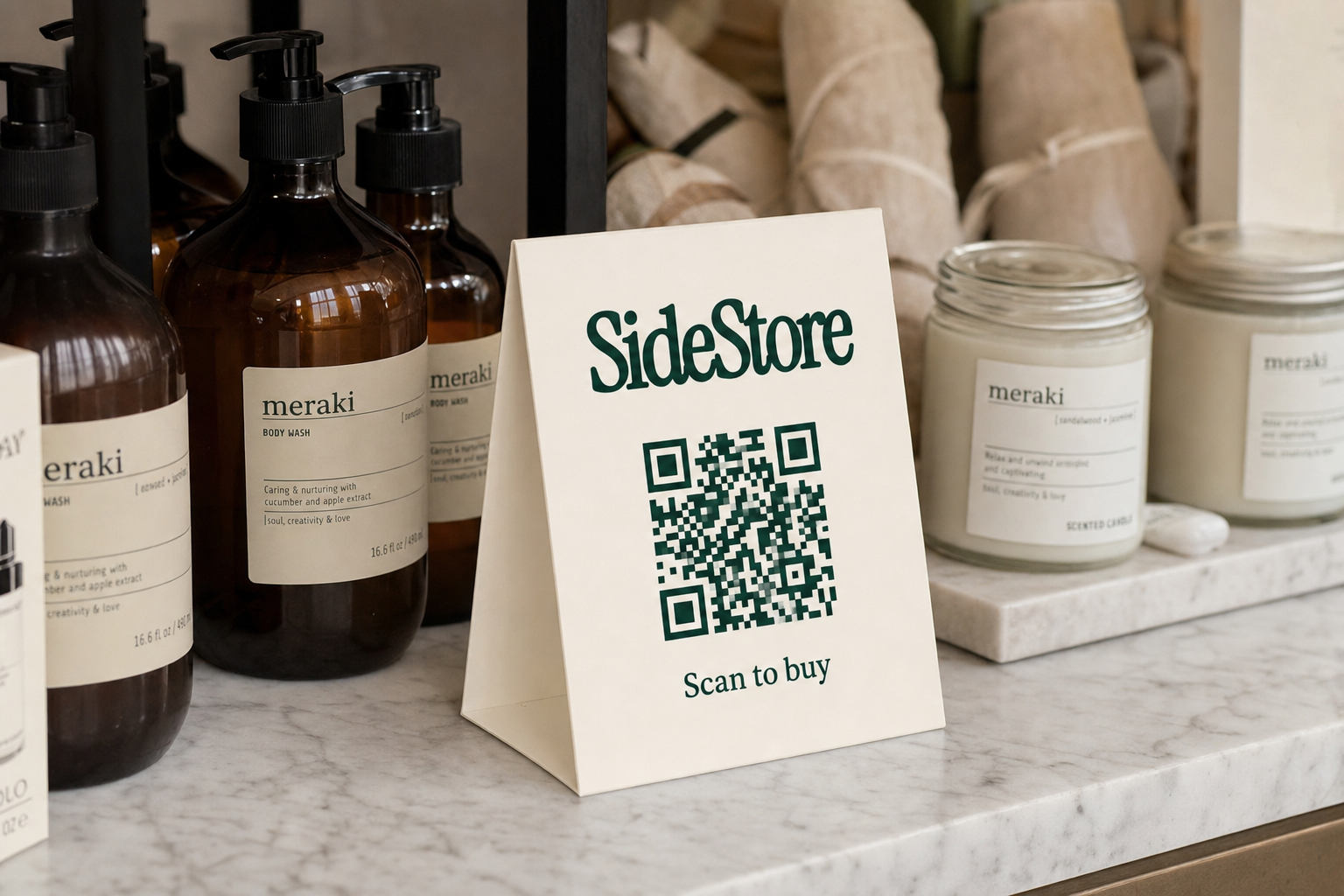
Dead stock risk in a boutique hub is the cost of holding units that do not sell. On the consignment model, that risk does not sit with you.
With owned inventory, unsold stock is a direct loss: you paid for it, it occupies shelf space, and it ties up capital that could be deployed elsewhere. The longer it sits, the more it costs you in opportunity. With consignment, unsold products remain the maker's property. If a product is not moving after a reasonable trial period, you have a straightforward option: end that placement, return the stock to the maker, and replace it with a new placement that might perform better. The Retail Widget tracks what has and has not sold, so you can make that rotation decision with actual data rather than gut feel.
This rotation mechanic is one of the clearest structural advantages of consignment as a boutique hub inventory model. Your shelf space is an asset. Consignment lets you redeploy it without writing off unsold units. If you are currently holding owned stock that has stalled, how to clear existing boutique dead stock covers practical approaches to moving it before you transition your space to a consignment model.
Building a Boutique Consignment Hub: Phases at a Glance
Building a boutique consignment hub typically follows four phases, from initial setup to a fully operational multi-maker placement network. Timelines below are illustrative estimates, not guarantees.
For context on how to calibrate starting stock levels across these phases, how much inventory to start with provides a practical starting framework.
| Phase | Typical Timeline | Owner | Success Metric |
|---|---|---|---|
| 1. Setup and first placement | Week 1-2 | Host (you) and first maker | First QR card live, first sale recorded |
| 2. Placement expansion | Month 1-3 | Host recruits additional makers | 3-5 active placements, stock tracking live across all |
| 3. Performance review and rotation | Month 3-6 | Host and makers jointly | Slow placements rotated; top performers restocked proactively |
| 4. Scaled consignment network | Month 6+ | Distributed across all makers | Consistent commission revenue, low host management overhead |
Each phase builds on the previous one without requiring additional capital outlay from you.
Frequently Asked Questions
These are the questions boutique operators most commonly raise when moving from owned inventory to a consignment model. Answers are drawn from the mechanics of the Retail Widget and standard consignment practice.
What is boutique hub inventory?
Boutique hub inventory is the stock held in or placed through a boutique that serves as a central retail point, either owned outright by the boutique or supplied on consignment by independent makers. Consignment inventory means the maker retains ownership until a sale occurs, and the boutique earns a commission at the point of sale. For more detail on the consignment side, see selling consignment.
Does a boutique need to buy inventory to host consignment products?
No. On the consignment model, the maker supplies the stock at no upfront cost to you. You provide the shelf space and the retail environment; the maker provides the product and bears the stock risk. This is the core mechanics of running a boutique without buying inventory.
How does a boutique track consignment stock without a separate POS system?
The Retail Widget handles stock tracking natively. When a customer completes a purchase via the QR card, the unit count updates live in the Widget. You do not need a separate POS integration for consignment sales, though you may choose to maintain one for any owned inventory you carry alongside.
What happens if a consignment product does not sell?
Unsold consignment stock remains the maker's property. You can agree a trial period upfront, and if the product does not move within that window, the maker collects their stock and you reassign the shelf space. There is no financial loss to your boutique on unsold consignment units.
Can one boutique run consignment placements for multiple makers at the same time?
Yes. The Retail Widget tracks each placement separately through placement attribution, so sales and stock counts for each maker remain distinct. You can host several makers simultaneously without their data or payouts mixing.
Next Steps for Your Boutique Hub
Boutique hub inventory on the consignment model means stocking your space without buying stock, tracking every unit live, and receiving your commission automatically at each sale. The Retail Widget handles the mechanics; you manage the space and the maker relationships. Start with one placement, review boutique inventory management to understand the broader discipline, then deepen your grasp of the settlement side through selling through consignment. Place your first consignment product and go live.