Boutique inventory software tracks what stock you hold, where it is, how fast it moves, and what you owe or are owed when it sells. If you are running a boutique with more than a handful of SKUs, spreadsheets stop working. Fast.
The honest answer: yes, you need it. Manual tracking survives until the first time you oversell a popular item, misplace a consignor's garment, or spend an afternoon reconciling a till against a spreadsheet. Software closes that gap. It automates stock counts, flags slow movers, and connects checkout directly to your inventory record so the two never drift apart.
For a broader operational grounding, see our guide to boutique inventory management.
The sections below cover what this software does, which features matter most, how the main approaches compare, and why consignment inventory demands a different kind of tool entirely.
What Boutique Inventory Software Actually Does
Boutique inventory software connects your physical stock to a live digital record. Every sale, return, and restock updates the same source of truth automatically. That sounds straightforward. The operational gap it closes is substantial.
At baseline, the software tracks SKUs, quantities, and locations. When a garment sells at the point of sale, the count drops by one. When you receive a delivery, the count rises. Most systems also generate reorder alerts, so you are not manually checking bin levels at the end of each week.
Beyond the count, capable software gives you sell-through data: which lines are moving, at what rate, and which are stalling. That visibility matters when you are deciding whether to discount a slow mover, return it to a supplier, or stop reordering it altogether. Without the data, those decisions are guesswork.
Better platforms also handle supplier or consignor records separately from owned inventory. That distinction matters more than it appears. A garment on consignment does not belong to you; when it sells, part of the revenue belongs to the maker or supplier who placed it. If your software does not track that split, you are reconciling it manually every month, which takes time and introduces error.
Checkout integration is the practical link between inventory software and the shop floor. When a POS system talks to your inventory record in real time, the two stay in sync without any manual step in between.
For context on what stock is available in the boutique resale market, see boutique inventory for sale.
Features to Look for When Choosing Boutique Inventory Software
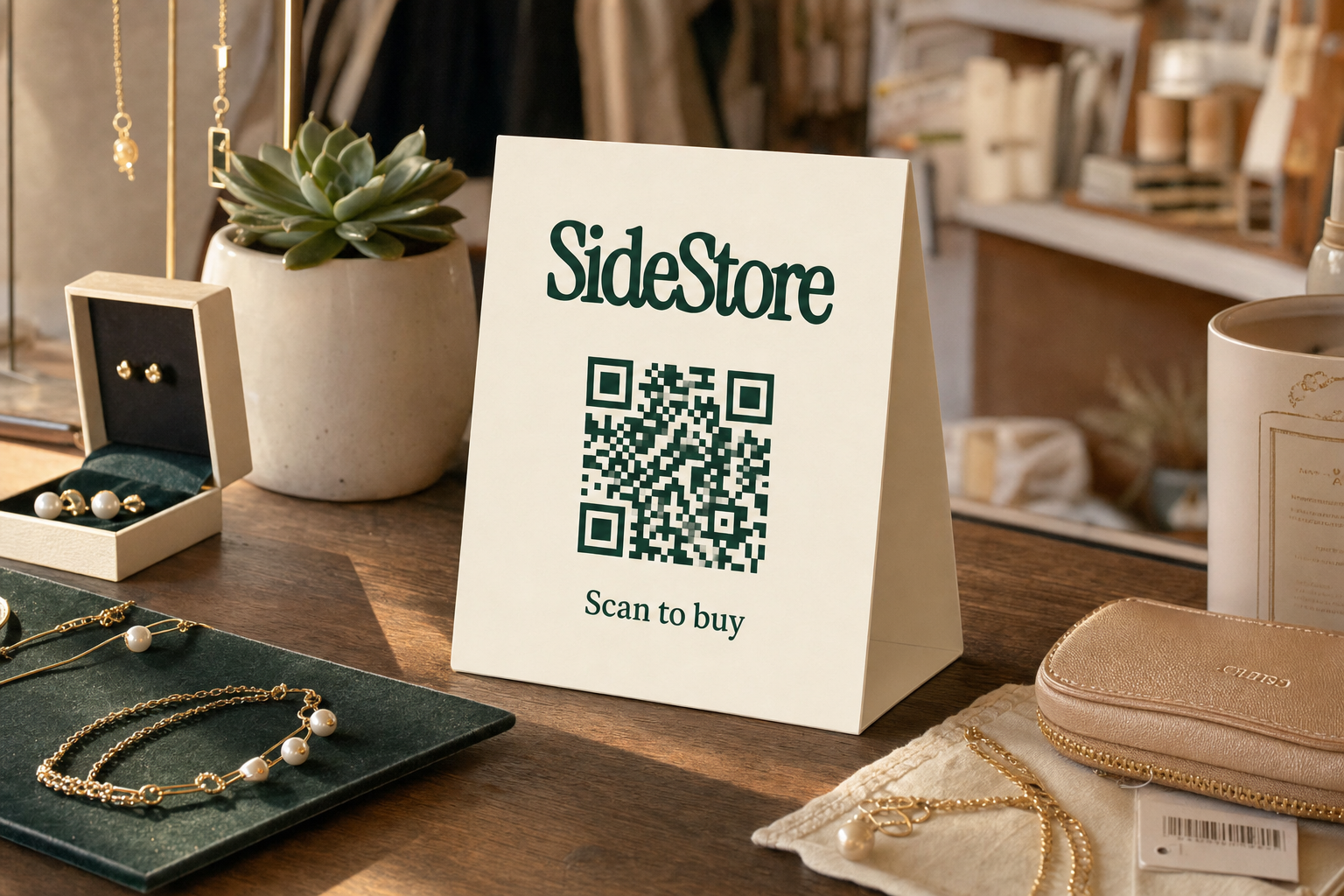
The features that matter most are the ones whose absence costs you money or time. Prioritise in that order: financial exposure first, then operational friction, then reporting.
Real-time stock tracking is non-negotiable. Without it, you are always working from yesterday's numbers. In a boutique with moderate foot traffic, a day's lag is enough to oversell a limited item.
Multi-location support matters the moment you have more than one selling surface. That might mean a second physical location, a consignment rail alongside your owned stock, or products placed at a nearby venue. Software that treats everything as one flat list will not tell you which location drove which sale.
Consignor or supplier attribution is the feature most boutique owners underestimate until they are handling a payout dispute. If your software tracks who owns each item and calculates the payout split automatically on sale, reconciliation takes minutes. Without it, you are building that logic in a spreadsheet every month.
Sell-through reporting by line, season, or supplier lets you edit your buy rather than repeat it. Without this, dead stock accumulates because there is no clear signal to act on. See our articles on how much inventory a boutique needs and how much inventory to start with for guidance on right-sizing your stock.
POS and checkout integration closes the loop. An inventory system that requires manual sales entry after the fact is not a system; it is a second job.
Returns and adjustments handling is a practical edge case that matters in fashion retail. If a customer returns a garment, the software should reinstate the SKU without requiring a manual workaround.
Barcode or QR scan support speeds up both receiving and selling. In a busy boutique, manual entry at the point of sale slows every transaction and introduces typos.
Each of these features has a cost if it is absent. Factor that cost, not just the subscription price, when you are evaluating options.
Boutique Inventory Software: Approaches Compared
The main approaches to boutique inventory software differ primarily in which inventory ownership model they assume and how much they build around consignment. Here is how they compare across the dimensions that matter most for a boutique operator.
| Approach | Best for | Inventory ownership model | Consignment tracking | Split payouts | Checkout integration | Typical cost structure |
|---|---|---|---|---|---|---|
| General retail POS with inventory module | Multi-product owned-stock boutiques | Owned inventory only | Absent or manual | Not included | Native (POS-first design) | Monthly subscription, per-register pricing |
| Dedicated consignment software | Resale, vintage, and consignor-heavy boutiques | Consignment-focused | Built in | Automated | Varies; often add-on | Monthly fee, sometimes per-consignor |
| Spreadsheet-based tracking | Tiny boutiques, early stage | Any, manually managed | Manual | Manual | None | Free (labour cost is the real cost) |
| eCommerce platform with inventory sync | Online-first boutiques with some physical presence | Owned inventory primary | Limited or absent | Not included | Plugin-dependent | Platform fee plus plugin cost |
| Consignment commerce platform (e.g. SideStore) | Boutiques hosting maker products on consignment | Consignment (you host, maker owns) | Native, per-placement | Automated split settlement | QR scan-to-pay via Retail Widget | Per-placement or platform fee |
The trade-off is real. General retail POS systems are polished and well-supported, but they are built around inventory you own. If consignment is a meaningful part of your mix, you will be running a parallel reconciliation process that those systems do not solve. Dedicated consignment software handles the attribution and payout problem but may feel heavy for a boutique that is mostly owned stock. Consignment commerce platforms like SideStore are purpose-built for the hosted-inventory model, which is a different operational reality from traditional retail.
For more on how selling on consignment works in practice, see selling consignment and selling through consignment.
A Different Model: Managing Inventory You Do Not Own
Consignment inventory is stock you display and sell but do not own. When it sells, you retain a share of the revenue and pass the rest to the maker or supplier who placed it with you. This model needs different software because the ownership record, not just the stock count, has to be tracked correctly.
Standard retail inventory software was built to track one thing well: what you own. When you host products on behalf of independent makers, the software needs to know who owns each item, what the agreed split is, and how to calculate the payout automatically at the point of sale. Most POS-first systems do not do this natively.
This is where SideStore and its Retail Widget become relevant. The Retail Widget is the full interface for placing and managing consignment products: it handles live stock tracking, placement attribution (which location or shelf drove each sale), and automatic split settlement between you as the host and the maker. The QR scan-to-pay checkout is one function within that interface, not the whole product.
The practical consequence for a boutique: if you host even a small number of maker products on consignment alongside your owned inventory, you are likely running two systems today. One handles your owned stock; the other (probably a spreadsheet) handles consignor reconciliation. SideStore replaces that second system with something that runs automatically.
If you are sitting on excess owned stock and looking for ways to move it, the considerations are different. See how to get rid of boutique inventory for practical options.
How the SideStore Retail Widget Handles Inventory for Boutiques
The Retail Widget manages consignment placements end to end: a maker places their products in your space, the Widget tracks stock and attributes each sale to the correct location, and split settlement runs automatically. Here is how that unfolds day to day.
Step 1: Set up the placement. A maker registers their products in SideStore and configures the consignment terms, including the revenue split with you as the host. You confirm the placement in the dashboard.
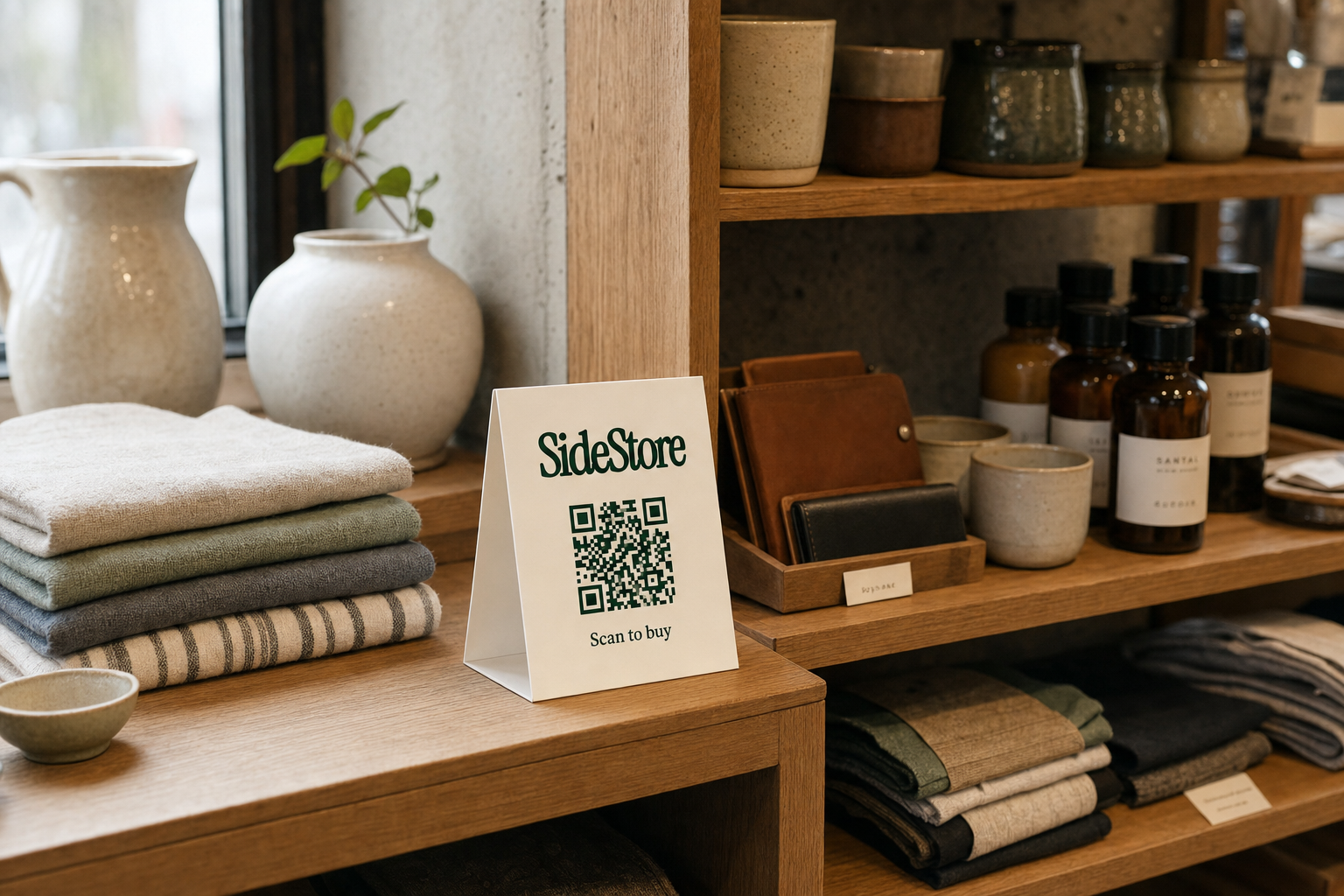
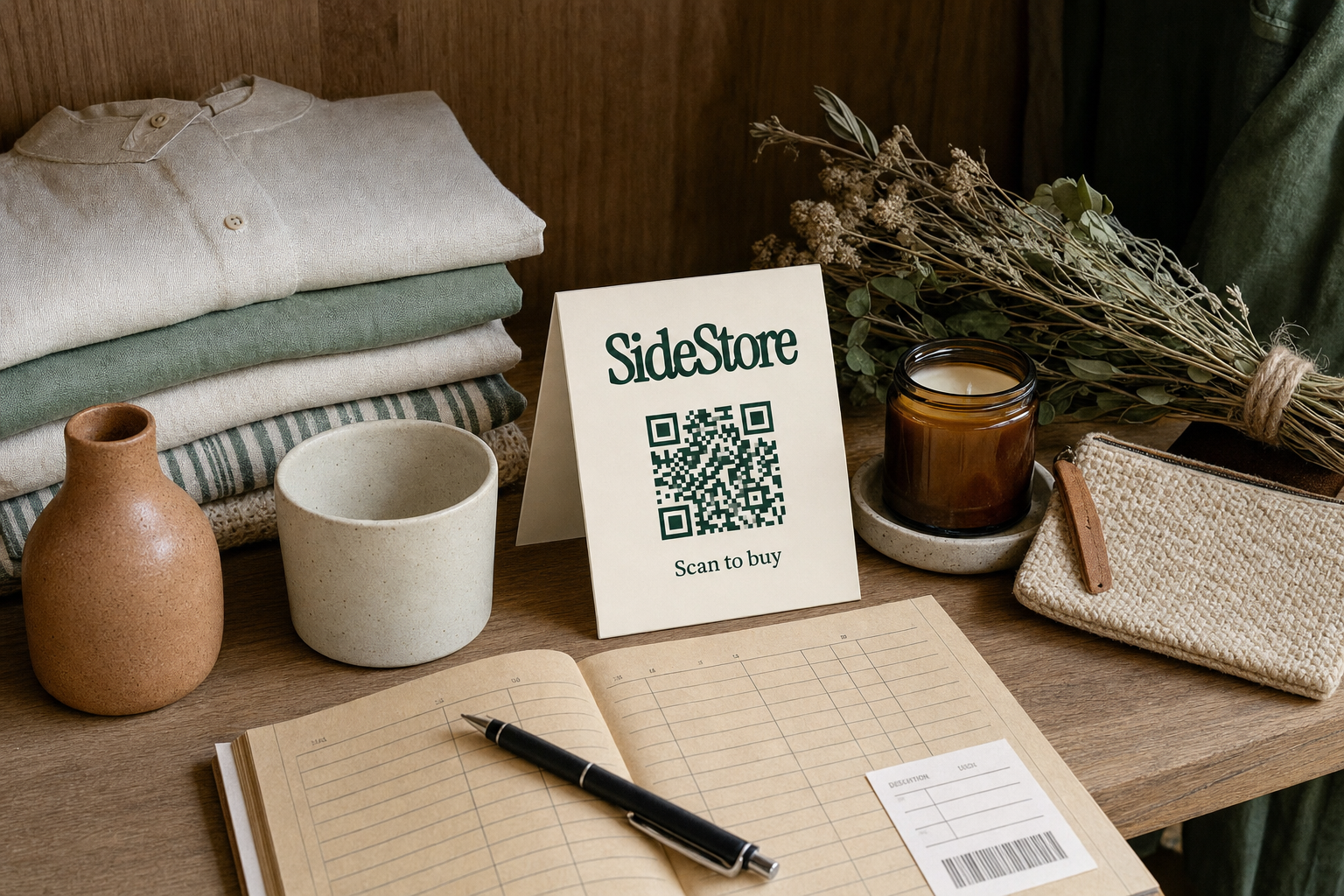
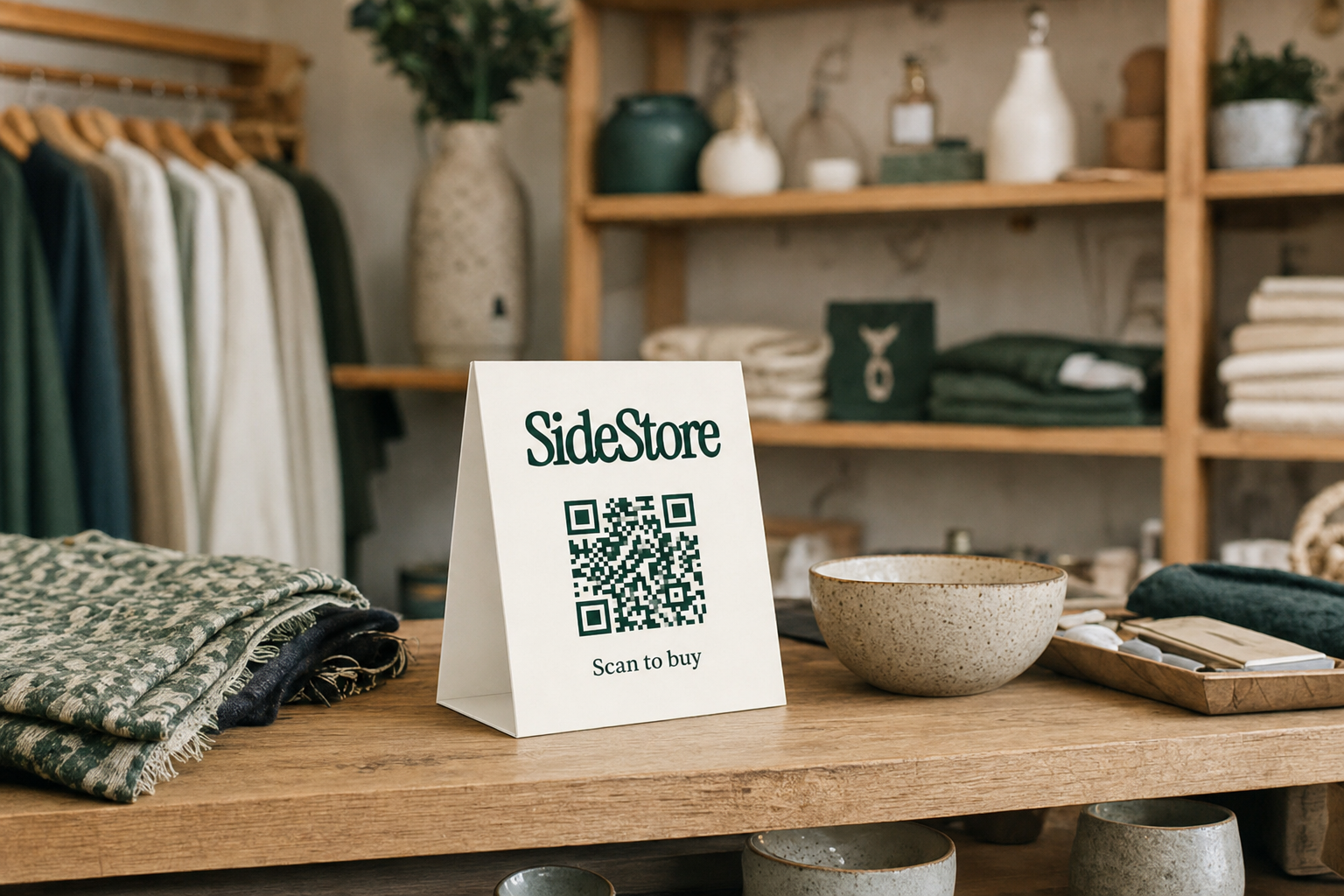
Step 2: Display the QR card. You have two options. You can display a single SideStore QR card that covers all the maker's products in your placement. Or the maker can attach individual QR cards to each product. Either format connects the buyer directly to checkout for that specific item.
Step 3: Customer scans and pays. When a customer scans the QR code, they see the product details and complete payment through the scan-to-pay checkout. No staff intervention needed.
Step 4: Stock updates automatically. The Retail Widget updates the live inventory count immediately on each sale. You can see current stock levels in the dashboard without a manual count.
Step 5: Split settlement runs automatically. Revenue is split according to the agreed terms and paid out to both you and the maker without a manual reconciliation step at the end of the week or month.
Step 6: Review placement attribution. The dashboard shows which placements and locations drove sales, so you can evaluate whether a particular shelf or product placement is earning its space.
For makers looking at channels beyond boutiques, see alternatives to weekend markets for makers.
Putting Boutique Inventory Software to Work: Practical Steps
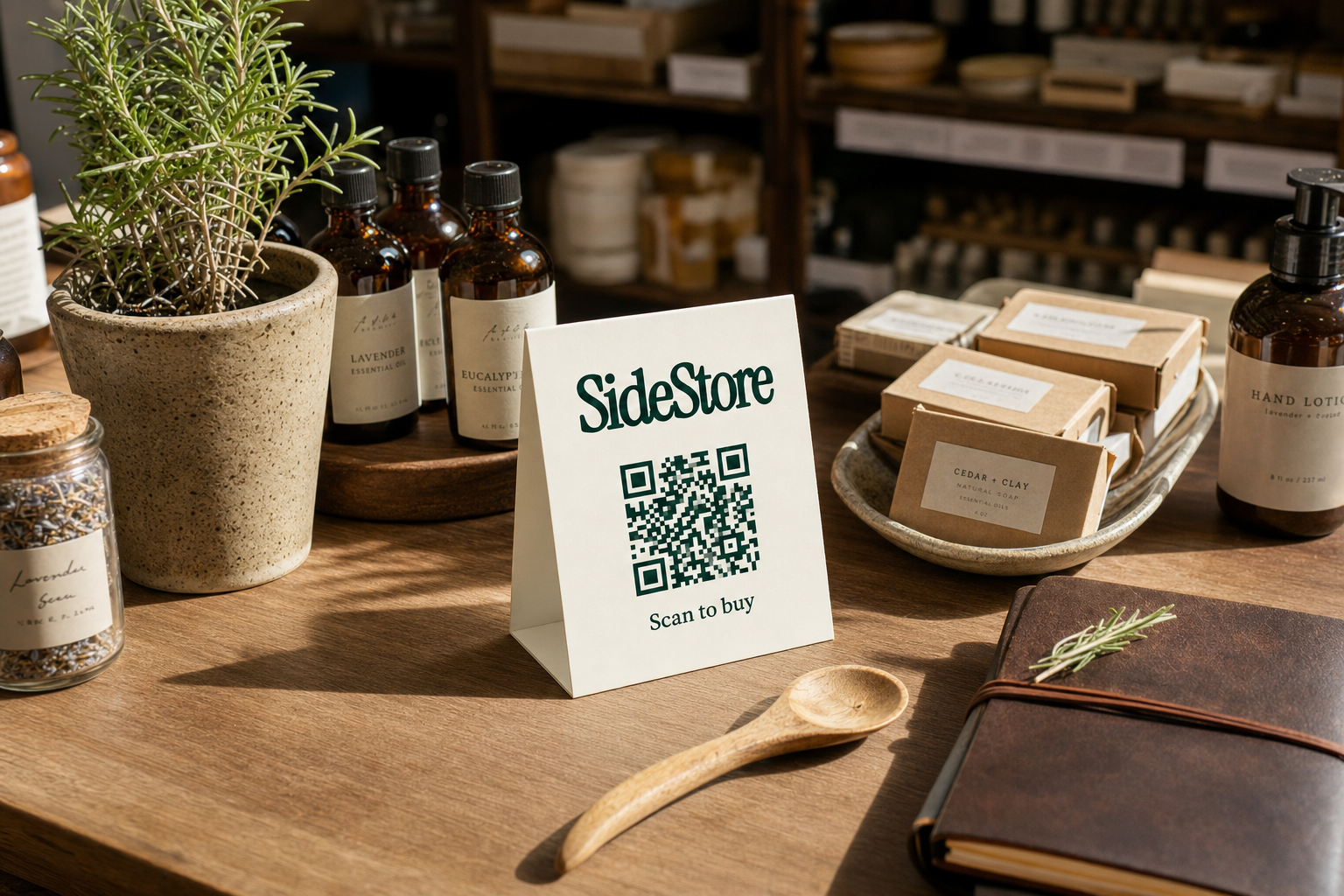
Implementation works best when you approach it as a data migration first and a software problem second. The software is only as useful as the inventory record you bring to it.
Step 1: Audit your current stock. Before you import anything, count what you actually have. Discrepancies between your records and physical stock compound inside the new system if you do not resolve them first.
Step 2: Separate owned from consigned inventory. Identify which products belong to you and which are held on behalf of a maker or supplier. Tag them accordingly in your new system from day one.
Step 3: Configure your consignment terms. For any hosted inventory, enter the agreed revenue split before the first sale. This is what makes automated payout reconciliation possible.
Step 4: Integrate your checkout. Connect your POS or scan-to-pay setup so that sales update inventory automatically. Manual bridging steps create the errors you are trying to eliminate.
Step 5: Set reorder and low-stock alerts. Define thresholds for your owned inventory so the software flags when action is needed, rather than you checking manually.
Step 6: Run a parallel period. For the first two to four weeks, cross-check the software's records against your previous system. This surfaces any import errors or configuration gaps before they affect payouts or stock decisions.
Step 7: Review sell-through monthly. Use the reporting to edit your owned buy and evaluate which consignment placements are earning their shelf space.
For a related look at how other venue types approach this, see how hotels manage retail placements.
Beyond the Boutique: Inventory Software in Cafes and Multi-Venue Spaces
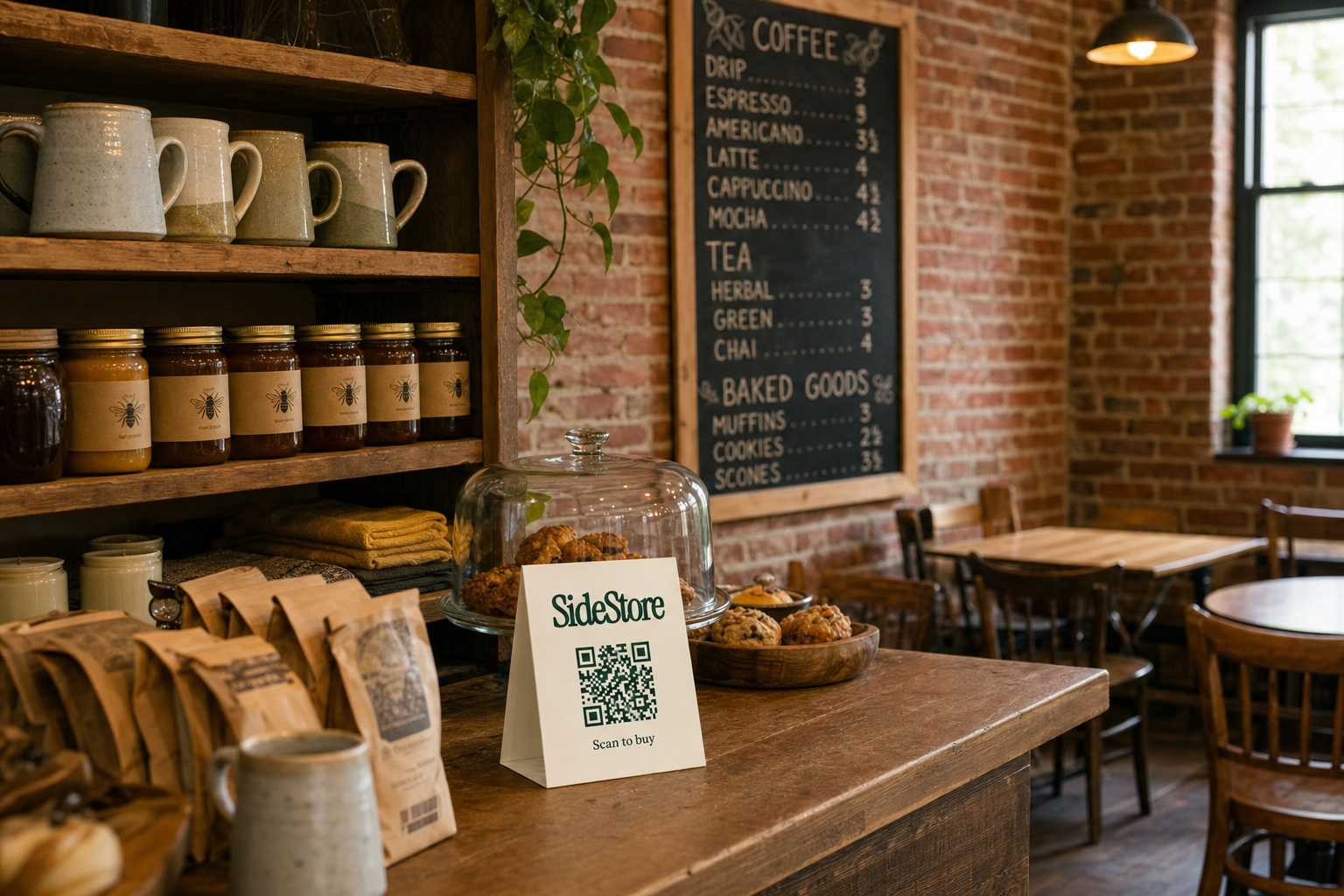
The same inventory and consignment logic applies to any venue with products on display, not just boutiques. Cafes, hotels, and bed and breakfasts increasingly host maker products alongside their core offering, using idle counter or shelf space to earn additional revenue without buying stock.
The operational requirement is identical: track what is there, attribute each sale to the correct location, and settle with the maker automatically. The Retail Widget handles this across venue types.
For more on how this works specifically in a cafe context, see coffee shop retail. And if you are evaluating whether the margin makes sense for a hospitality business, how much profit a coffee shop makes gives useful baseline context.
Choosing the Right Inventory Software for Your Boutique
The right software for boutique inventory depends on one prior question: what proportion of your stock do you own versus host on consignment? If the answer is mostly owned, a well-integrated retail POS with an inventory module will serve you. If consignment is a meaningful part of your mix, the software needs to track ownership and automate split payouts, not just stock counts.
Do not pay for complexity you do not need. A small boutique with straightforward owned inventory and a single location has different requirements from one hosting a rotating selection of maker products across multiple surfaces.
For a full operational grounding, return to boutique inventory management. If you are still deciding whether to carry inventory at all, how to start a boutique with no inventory covers the consignment-first alternative directly.
Your next practical step: audit your current SKUs, separate what you own from what you host, and evaluate software against that split. That single distinction will tell you which category of tool actually fits.