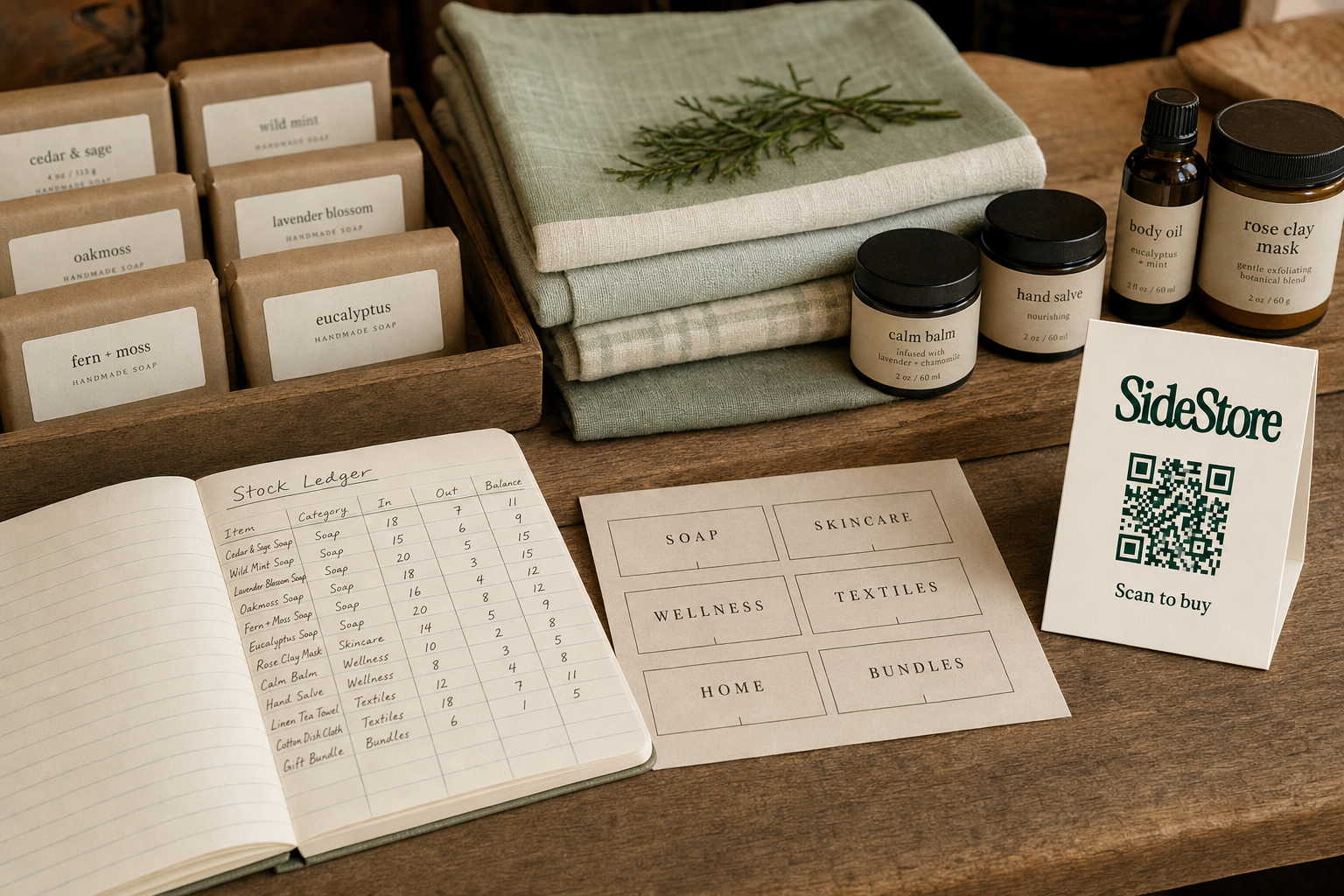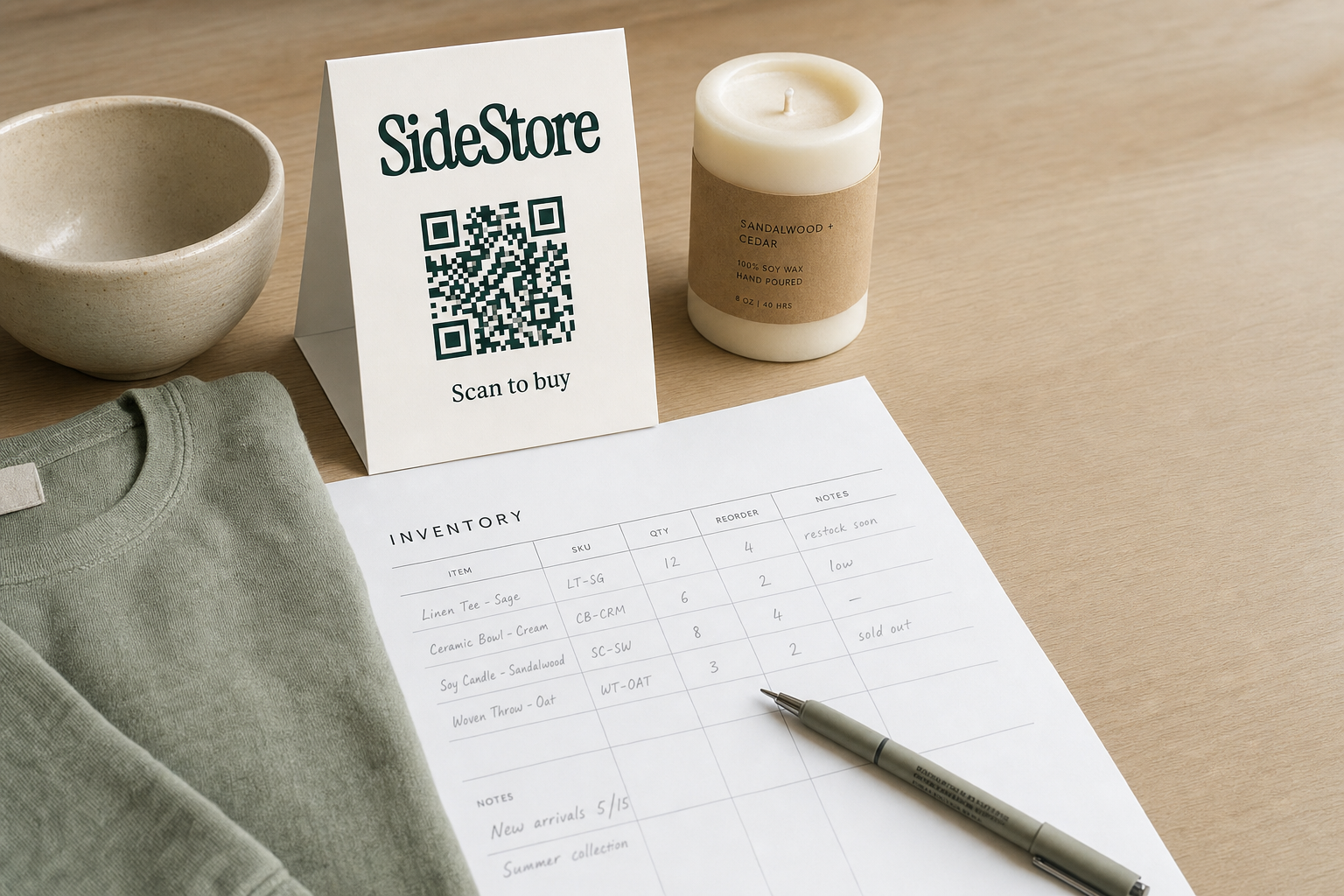
A boutique inventory sheet is a structured record that tracks every product you stock: quantity, location, cost, sale price, reorder status. If your stock feels like guesswork, a well-built sheet fixes that immediately.
The sheet is not just a count. It is the operational backbone of a small retail business. You use it to catch shrinkage early, avoid over-ordering slow sellers, and know exactly when to reorder before a popular line runs out. If you also host products from independent makers through selling on consignment, the sheet needs to separate owned stock from placed stock. Different economics. Different obligations.
You do not need expensive software to start. A spreadsheet built around twelve core fields is enough for most boutiques under 150 SKUs. This guide covers what to track, how to build it, and when a spreadsheet stops being sufficient.
What a Boutique Inventory Sheet Actually Tracks
A boutique inventory sheet tracks two distinct categories of data: static product data that rarely changes, and dynamic stock data that changes with every sale, return, or delivery. Keeping these two categories clear in your sheet structure prevents the most common source of inventory confusion.
Static product data is the fixed information about each item: name, SKU, supplier, cost price, retail price. This data lives in the left-hand columns of your sheet and changes only when you renegotiate a supplier price or retire a product line. Think of it as the catalogue layer.
Dynamic stock data is the live operational layer: units on hand, units on order, units sold this period, units returned, and the reorder point. This is the information you update regularly, ideally daily. If you stock 20 units of a candle and sell 4 over a weekend, your "units on hand" column drops to 16. That simple number, tracked consistently, tells you whether you need to reorder before the next market weekend.
The separation matters because static and dynamic data have different owners and different update rhythms. A buyer updates static data when sourcing. A floor manager or owner updates dynamic data as transactions happen. Confusing the two leads to sheets where someone corrects the cost price when they meant to log a sale, which corrupts your records silently.
For boutiques that carry boutique inventory for sale from wholesale suppliers alongside consignment pieces, tracking both categories in parallel is essential. Wholesale stock is your liability once it arrives. Consignment stock is not your cost until it sells. Your sheet needs to reflect that distinction at a glance.
The Core Fields Every Boutique Inventory Sheet Needs
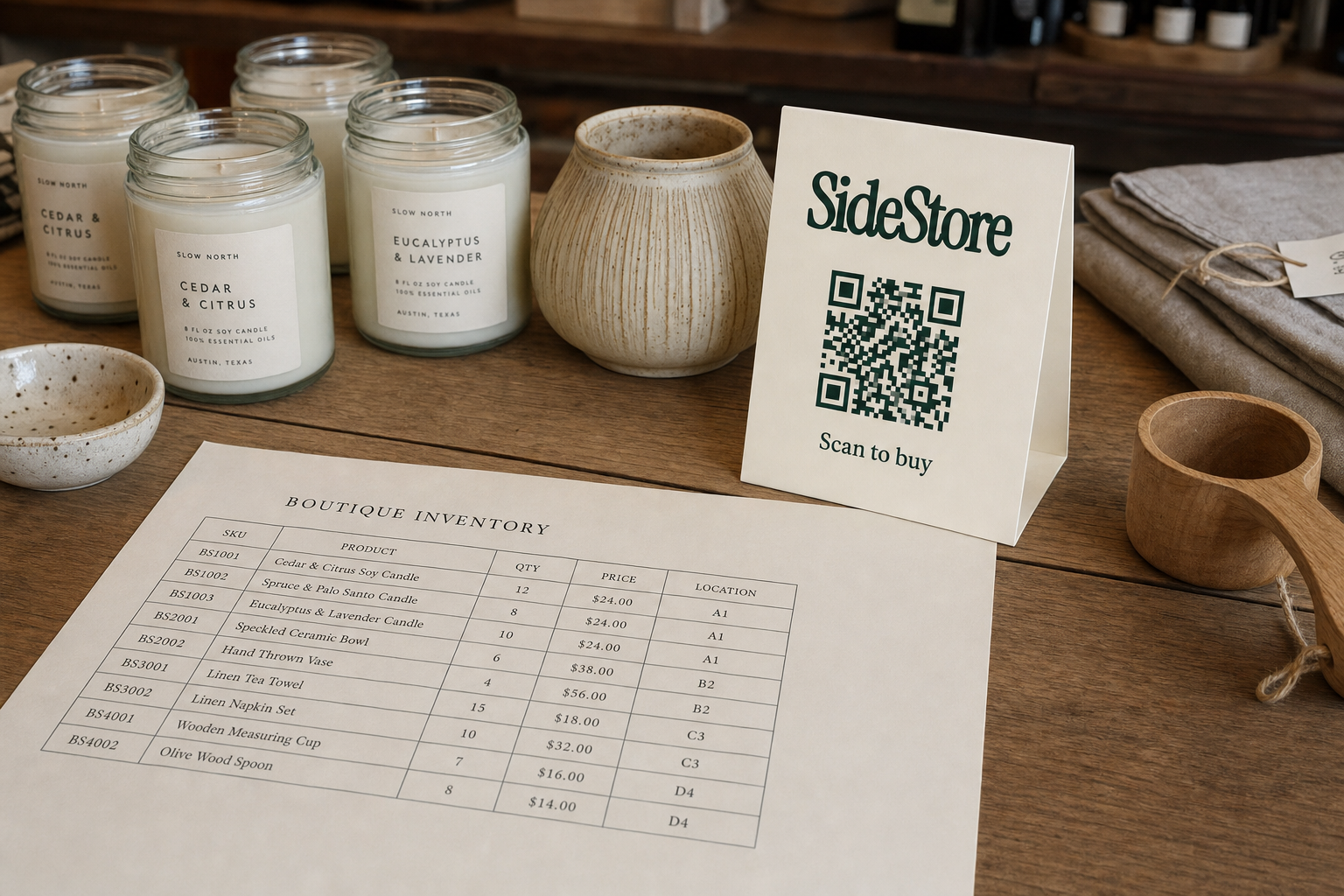
A boutique inventory sheet needs twelve fields to function properly. Fewer than that and you hit gaps in your ability to reorder efficiently or account for what you owe. More than that and the sheet becomes unwieldy to maintain daily.
Here are the twelve fields, with a brief note on why each earns its column:
1. SKU (Stock Keeping Unit), A unique code you assign each product. This is your primary key. Every other row in the sheet references a SKU, so the format needs to be consistent from day one.
2. Product Name, The plain-language name of the item, including any variant descriptor like colour or size.
3. Category, The product type (candles, jewellery, ceramics, clothing). Useful for filtering the sheet and spotting category-level trends.
4. Supplier / Maker, Where the stock came from. For consignment items, this is the maker's name. For wholesale, it is the supplier name.
5. Stock Type, Owned or consignment. This single field changes everything about how you handle the financial accounting for that row.
6. Cost Price, What you paid per unit (owned stock) or what the split produces per unit (consignment). For consignment, this is an illustrative figure, not a purchase price.
7. Retail Price, The price you charge customers.
8. Units on Hand, Current physical count. Update this after every sale, return, or damage write-off.
9. Units on Order, Stock you have ordered but not yet received. This prevents double-ordering when a gap appears.
10. Units Sold (Period), Sales within a defined window (weekly or monthly). This is how you calculate velocity and spot slow movers.
11. Reorder Point, The quantity at which you trigger a reorder. Calculate it as average daily sales multiplied by your supplier's lead time. If you sell 2 units a day and your supplier takes 7 days to deliver, your reorder point is 14 units. This is a practical formula, not a rigid rule.
12. Location / Placement, Where the item physically sits: which shelf, which rack, or which consignment partner's space. If you use the consignment model, this column tells you which maker's products are in which part of your store.
Spreadsheet, Template, or Software: What Works When
Your format choice depends on your SKU count, your technical comfort, and whether you carry consignment stock alongside owned inventory. Here is a direct comparison of the three main options.
| Format | Best for | Setup effort | Cost | Key limitation |
|---|---|---|---|---|
| Manual spreadsheet | Boutiques under 50 SKUs, early-stage operators | Low | Free | No automation; breaks down as SKU count grows |
| Downloadable template | Boutiques with 50, 150 SKUs wanting structure without building from scratch | Very low | Free to low | Still manual; templates vary widely in quality |
| Dedicated inventory software | Boutiques over 150 SKUs or managing multiple locations and consignment placements | Medium to high | Monthly subscription varies | Cost and learning curve; may be overkill under 150 SKUs |
The practical trade-off is this: spreadsheets are fast to start and slow to scale. Software is slow to start and fast to scale. For most boutiques in their first year, a well-built template is the right middle ground.
The hidden cost of staying on a spreadsheet too long is not the spreadsheet itself. It is the time you spend correcting drift. Every manual update is an opportunity for error. When your sheet has 80 SKUs and one person updating it, that risk is manageable. At 200 SKUs with three staff members, it is not.
If you are exploring inventory-light retail models or still figuring out how much inventory you need to start a boutique, start with a downloadable template. It gives you the field structure without committing to a software cost before you know your actual volume.
How to Build Your Boutique Inventory Sheet Step by Step
Building a boutique inventory sheet takes less than two hours if you follow a clear sequence. The order matters: getting the structure right before you enter a single product saves you from reformatting later.
Step 1: Choose your tool. Google Sheets or Excel both work. Google Sheets has the advantage of real-time access from a phone on the shop floor, which matters when you are logging a sale mid-day.
Step 2: Set up your twelve columns. Use the field list from the previous section. Fix the first row as a header row and freeze it so it stays visible as the sheet grows. Label each column exactly as you intend to use it. Vague column names like "other" create confusion in three months.
Step 3: Define your SKU convention. A clear SKU format prevents duplicates and makes filtering fast. One suggested convention: category abbreviation, product name abbreviation, and sequence number. Example: CAN-WL-001 for a first wildflower candle in the candles category. This is a convention, not a rule, but picking one and sticking to it matters more than which one you pick.
Step 4: Enter your static data first. Add every product you currently stock: name, SKU, category, supplier or maker, stock type, cost price, retail price. Do not worry about quantities yet. Getting the catalogue layer complete first means your dynamic data layer has a clean foundation.
Step 5: Conduct a physical stock count and enter dynamic data. Count every unit on the shelf and enter the figure in the Units on Hand column. Record any units on order. Leave Units Sold blank until you have a full trading period to measure. If you are still deciding on your starting stock levels, this count gives you a real baseline.
Step 6: Calculate and enter your reorder points. Use the formula from the field list above (average daily sales multiplied by supplier lead time) for each line. For new products where you have no sales history, set a conservative estimate and revise it after your first full month of trading.
Your sheet is now live. From this point, maintenance is the job.
Tracking Consignment Stock: In the Same Sheet, Not Separate
Consignment stock belongs in the same inventory sheet as your owned stock, distinguished by a Stock Type column. Not hidden away in a separate document. Splitting them into different sheets creates reconciliation work every time you want to see total stock at a glance.
The key difference is financial. Owned stock is a cost you carry from the moment it arrives. Consignment stock carries no upfront cost to you as the host; you owe the maker their share only when a sale occurs. That is why the Stock Type column is essential: it determines how each row is treated in your accounting, even though the physical tracking (units on hand, units sold) is identical.
When you host consignment placements from independent makers, add two extra fields to those rows: Maker Name and Split Rate. The split rate is the percentage of the sale price you pass to the maker after a sale. If a product sells for £40 and you have agreed a 70/30 split, the maker receives £28 and you retain £12 as your host fee. Use whatever rate you have agreed; there is no single standard.
Tracking that split in the sheet means you always know what you owe each maker at month-end. Without it, you are reconciling from receipts. For boutiques that host multiple makers, this quickly becomes unmanageable.
This is where SideStore's Retail Widget changes the calculation. Rather than logging splits manually, the Retail Widget handles live stock tracking and automatic split settlement per placement. Host earnings from consignment placements become passive: the maths is done for you. For how makers place products on consignment in boutiques, the Retail Widget provides placement attribution and scan-to-pay checkout at the point of display.
If you only host one or two makers, a manual column is workable. More than that and automation earns its place.
Maintaining Your Inventory Sheet: Daily Habits That Actually Work
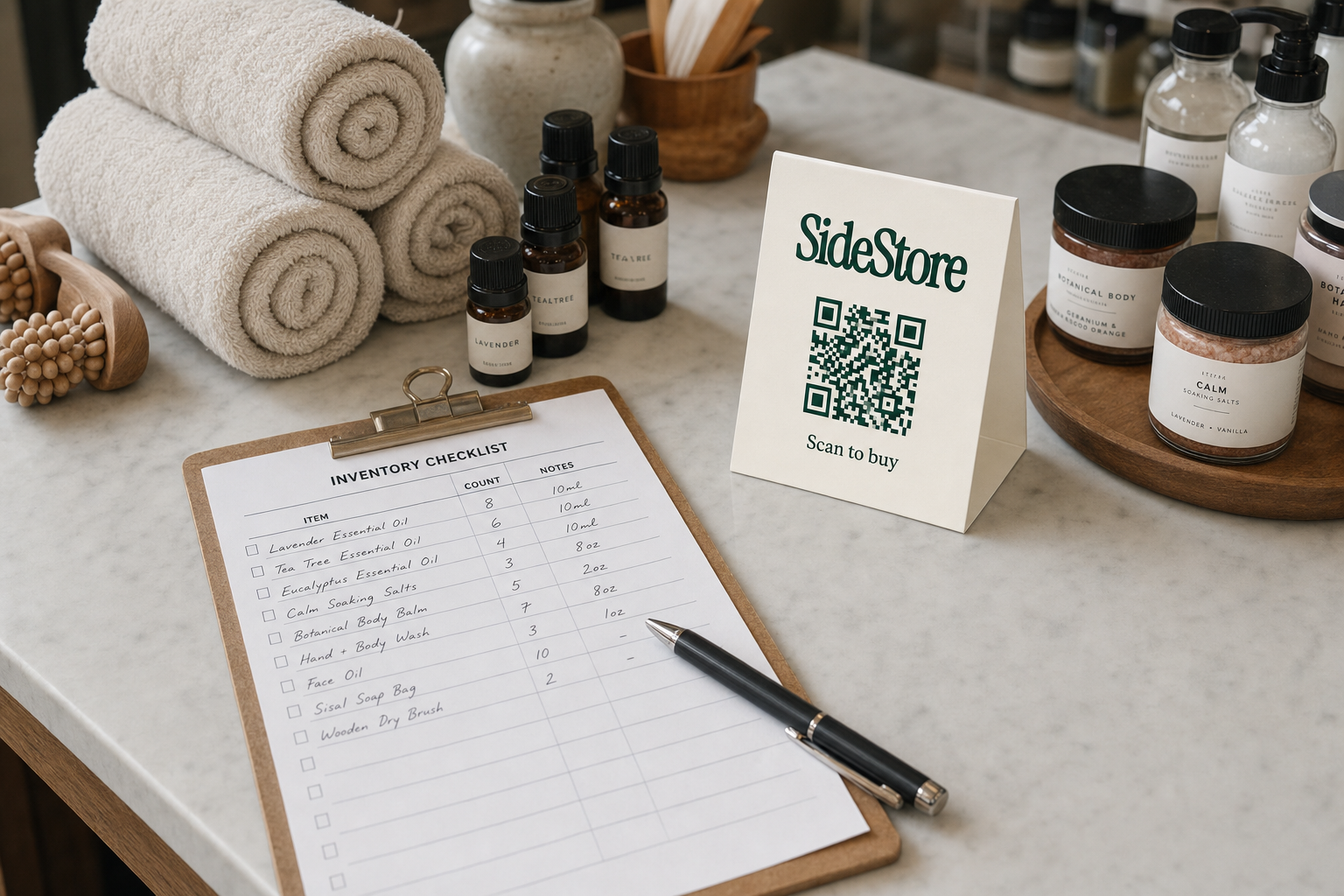
A boutique inventory sheet is only as useful as its accuracy, and accuracy degrades fast without a consistent daily update routine. Three things cause drift: unrecorded sales, unlogged returns, and damage that is never written off. Each one is small on its own. Together they make your sheet unreliable within weeks.
The most effective maintenance habit is a single end-of-day update. Before closing, log that day's sales against the relevant SKUs, record any returns, and note any damage. This takes under ten minutes when done daily. It takes an hour and a half when done weekly, with memory filling in the gaps.
Beyond the daily update, build two other routines into your calendar.
Weekly: scan your Units Sold column. Any product with zero sales for two consecutive weeks is a candidate for a markdown or a placement change. Catching slow movers early prevents dead stock from accumulating. When you do identify slow-moving stock, you will want a clear process for how to move dead stock.
Monthly: run a physical count on your top 20 SKUs by sales volume. You do not need to count everything every month. Counting your fastest movers catches discrepancies before they compound, and the count itself rarely takes more than twenty minutes if your storage is organised.
Consistency beats precision. A sheet updated daily with rough estimates is more useful than a sheet updated perfectly once a month.
Five Inventory Sheet Mistakes Boutiques Make and How to Fix Them
Most boutique inventory problems come from a small number of structural errors, not from lack of effort. Here are the five most common, and the direct fix for each.
Mistake 1: No stock type distinction between owned and consignment items. Every row looks the same, so you cannot tell what you own from what you owe. Fix it by adding a Stock Type column immediately and tagging every existing row. This single field restructures your financial obligations at a glance.
Mistake 2: Using product names instead of SKUs as the primary key. Product names have variants and typos. A candle called "Wildflower" and "Wild Flower" in two different rows creates a split record. Fix it by assigning a unique SKU to every product and using that as the reference throughout the sheet.
Mistake 3: Updating the sheet weekly instead of daily. Weekly updates rely on memory and create gaps. Sales get lumped together, returns go unrecorded, and the sheet drifts from reality. Fix it by making the daily update a closing task, not an optional one.
Mistake 4: No reorder point column. Without a trigger, you reorder reactively, after you have already run out. Fix it by calculating a reorder point for every SKU and reviewing it against Units on Hand each week.
Mistake 5: Tracking everything in one sheet with no filtering. A sheet with 120 rows and no category filters becomes unusable for decision-making. Fix it by applying filter views in Google Sheets or Excel so you can isolate by category, stock type, or supplier in seconds.
For boutiques that want to sidestep inventory complexity entirely, boutique models that avoid inventory risk entirely offer an alternative structure worth understanding before you commit to a large owned-stock model.
When Your Boutique Has Outgrown a Spreadsheet
A spreadsheet stops being enough when the time you spend maintaining it exceeds the insight it gives you. Four signals tell you that threshold has arrived.
Signal 1: You have more than 150 SKUs. This is a rule of thumb, not a published threshold. Below 150 SKUs, a well-structured sheet is manageable for one person. Above it, manual updates accumulate errors faster than you can catch them.
Signal 2: More than one person is updating the sheet. Multiple editors create version conflicts, overwritten data, and finger-pointing when the numbers are wrong. Software with user permissions and an audit log solves this structurally.
Signal 3: You are hosting three or more consignment makers. Tracking individual split rates, per-maker stock levels, and monthly payouts manually across multiple makers is exactly the kind of repetitive reconciliation that software eliminates.
Signal 4: You have opened or are planning a second location. A single-location spreadsheet does not scale to multi-location stock without significant manual work and a high risk of error.
When you hit two or more of these signals simultaneously, the cost of staying on a spreadsheet, in hours and in errors, typically exceeds the cost of a software subscription. At that point, sourcing boutique inventory through new suppliers and managing it well becomes genuinely difficult without a system.
Start with the Sheet, Then Let the System Take Over
A boutique inventory sheet gives you control from day one. You know what you have, what it cost, and when to reorder. That visibility alone separates boutiques that run on gut feeling from those that make decisions on data.
Build the sheet with the twelve fields described here. Maintain it daily. Add the Stock Type column before you take your first consignment placement. When you host makers through consignment as a low-risk distribution model, the sheet tells you what sold and what you owe. Tools like SideStore's Retail Widget can automate the split settlement so you do not have to calculate it manually. You can see how hosts earn from placed products without carrying the stock yourself.
Start with the sheet. Graduate to software when the sheet tells you it is time.