Online boutique inventory organization is the system you use to track, categorize, and manage every unit you own or place, so you always know what you have, where it is, and when to replenish it.
Get this right and your boutique runs lean: the right products are available when customers want them, nothing sits idle eating into your margin, and you spend less time scrambling and more time selling. Get it wrong and you end up with cash locked in dead stock, stockouts on your bestsellers, and no real picture of what's actually moving.
The two core decisions are tracking (how you record and monitor stock levels) and holding (how much inventory you physically carry versus placing on consignment). If holding costs are your pressure point, read the guide on starting an online boutique with no inventory alongside this one. Both decisions shape how you build your boutique from day one.
Why Inventory Organization Breaks or Saves a Small Boutique
Poor inventory organization kills small boutiques quietly. You don't feel it in a single bad week; you feel it across a quarter, when the cash you meant to reinvest is still sitting on a shelf in unsold units, or when a customer asks for your top seller and you've just run out.
Here is what's at stake:
Cash flow. Every unit you hold ties up working capital. The longer a product sits, the more it costs you in storage, insurance, and opportunity. Holding costs vary by category and storage setup, but the principle is consistent: the more you hold unnecessarily, the more you pay to hold it. Check the how much inventory you need to start a boutique guide before you make your first bulk purchase.
Stockouts. Running out of a product that's actually selling damages customer trust and wastes demand you've already earned through marketing. Without a system that tells you when to reorder, you react too late.
Dead stock. Buying the wrong thing, or too much of the right thing, leaves you with units you can't move at full price. The options get worse the longer you wait: discounting, bundling, or disposal.
Visibility across channels. If you sell through your own site, at markets, and through third-party stockists or consignment placements, you need one record that accounts for units across all locations. A unit placed on consignment in a café is not available to sell online. If your tracking doesn't reflect that, you'll oversell and disappoint customers.
Good boutique inventory for sale decisions depend entirely on having accurate counts before you source, not after.
Choose Your Tracking Method: Spreadsheet, Software, or Consignment Dashboard
The right tracking method depends on how many SKUs you run, how many sales channels you use, and whether you carry stock yourself or place products on consignment. A spreadsheet works at low volume with a single channel. Once you're managing placements across multiple merchant spaces, you need something that tracks in real time.
| Method | Best for | Setup effort | Cost | Key limitation |
|---|---|---|---|---|
| Spreadsheet (Google Sheets / Excel) | 1-2 channels, under 50 SKUs, low volume | Low | Free | Manual updates only; no live stock sync |
| Inventory software (e.g. dedicated retail POS or e-commerce platform) | Single-location boutiques with consistent online + in-store sales | Medium to high | Varies by platform | Often designed for owned stock, not consignment placements |
| SideStore Retail Widget | Makers and merchants managing consignment placements across multiple venues | Low | Per placement | Built for consignment; tracks live stock, placement attribution, scan-to-pay, and split payouts |
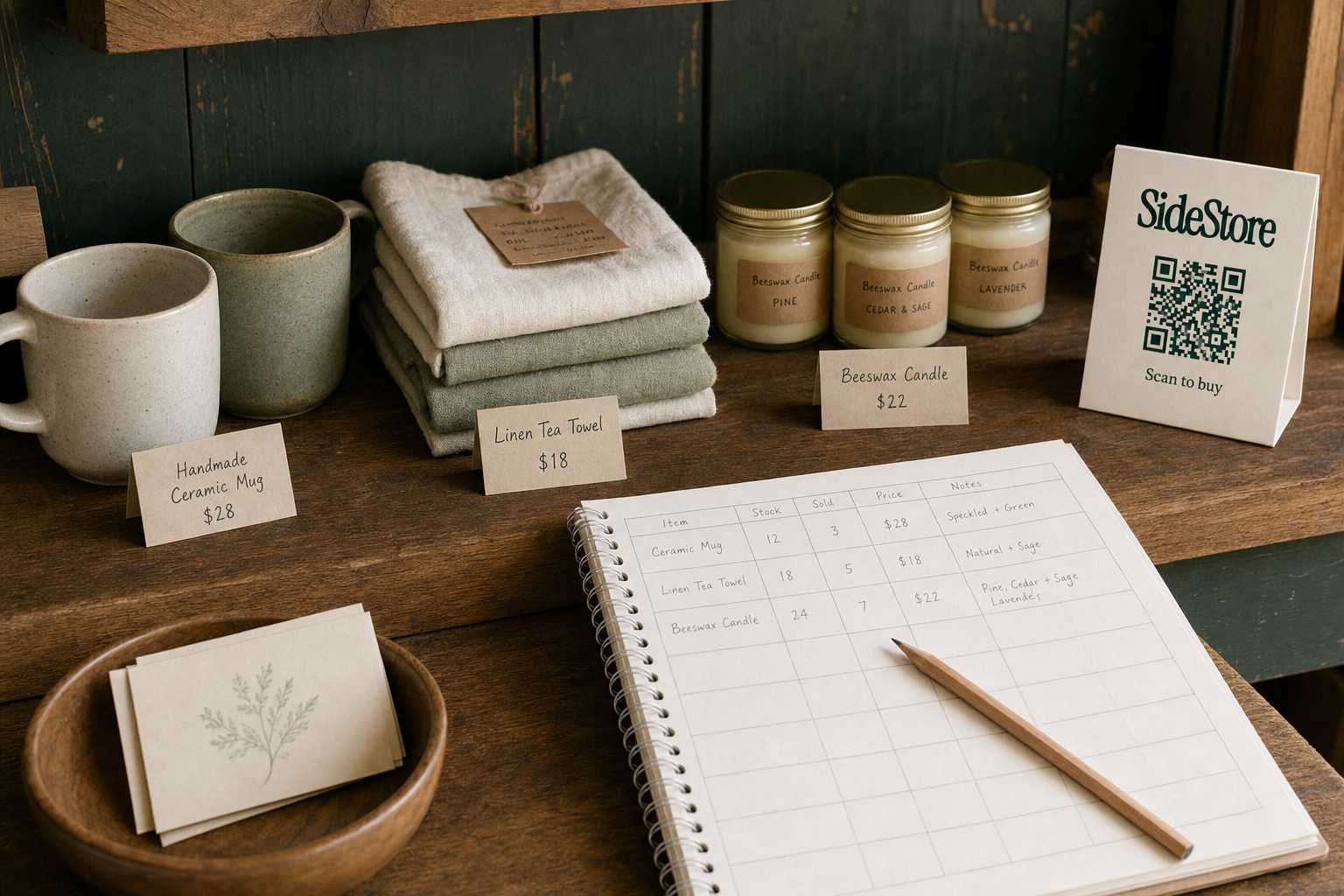
A spreadsheet baseline should include at minimum: SKU, Product Name, Category, Unit Cost, Retail Price, Units on Hand, Units Placed (by location), Reorder Point, and Supplier Lead Time. Without the "Units Placed" column, your available-to-sell count will always be wrong.
The Retail Widget is not simply a QR checkout tool. It is the interface that places and manages a product on consignment end to end: it handles live stock tracking, placement attribution (which venue each unit sits in), scan-to-pay checkout via a printable QR, and automatic split payouts between maker and host. If you're running consignment placements in more than one merchant space, it gives you a single dashboard view across all of them.
If you're still figuring out how much inventory to start with, resolving that question before you choose a tracking method will save you from outgrowing your system in month three.
Categorize and Label Your Products Before You Place a Single Unit
Categorization and labeling are the foundation of every other inventory decision you make. Without a consistent taxonomy, even a well-designed spreadsheet becomes unreliable within weeks, because different people or different moments will describe the same product differently and your counts will drift.
Do this before a single unit ships, sells, or is placed anywhere:
Assign a unique SKU to every variant. A SKU is not a barcode or a product name. It is a code you control that identifies the exact product, size, color, and variant combination. Build a consistent format and stick to it: for example, CAT-PRODUCTCODE-COLOR-SIZE. No two variants should ever share a SKU.
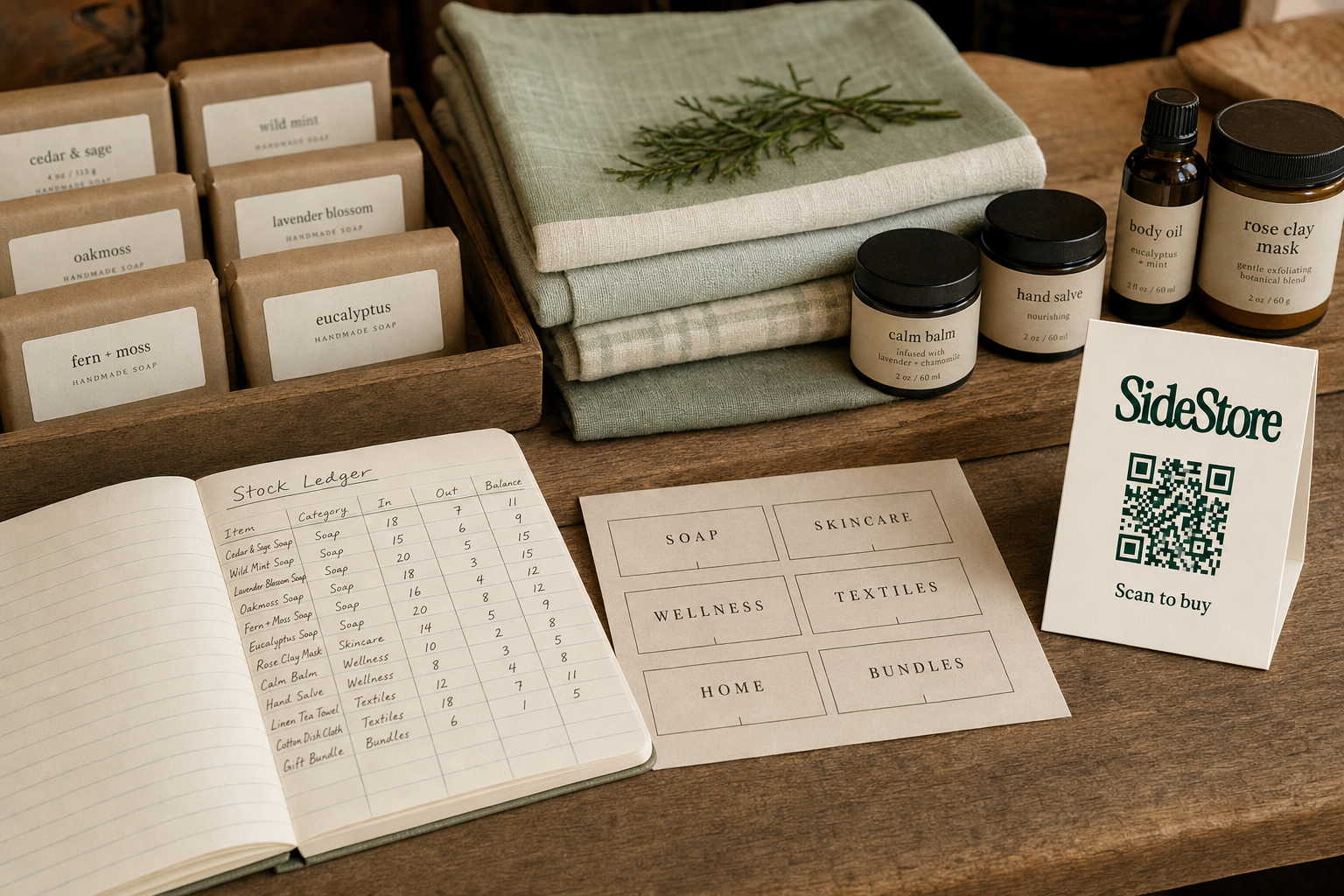
Group SKUs into categories and subcategories. Categories should reflect how customers browse (by type, by material, by occasion) and how you reorder (by supplier or production run). You will use these groupings to spot slow movers by category, not just by individual SKU.
Tag each SKU with a channel or location status. Mark whether the unit is: Available (on hand, available to sell), Placed (on consignment at a named venue), In Transit, or Sold. A unit placed on consignment is off the available-to-sell count for all other channels. Treat it as committed inventory, not available stock.
Print or attach physical labels that match your digital record. Whether you use a barcode, a handwritten code, or a swing tag, the identifier on the physical product must match the SKU in your system exactly. If a merchant or a market stall needs to reference a unit, the physical label is the bridge back to your record.
Consignment placement expands your reach beyond weekend markets. For other distribution options, see alternatives to weekend markets for artists and small brands.
Set Reorder Points So You Never Overbuy or Run Dry
A reorder point is the stock level that triggers a replenishment order. It is not the same as a par level.
The par level is the total stock quantity you want on hand (plus in active placements) at any given time. The reorder point is lower than the par level, set high enough to cover sales during the lead time it takes to replenish.
The formula:
Reorder Point = (Average Daily Sales Velocity x Supplier Lead Time in Days) + Safety Stock
Where:
- Average Daily Sales Velocity is your average units sold per day over a representative period
- Supplier Lead Time is the number of days between placing a reorder and receiving new stock
- Safety Stock is the buffer you carry to absorb unexpected demand spikes or supply delays
You calculate your own numbers from your own sales history. Do not borrow figures from competitors or industry estimates: your product category, your supplier relationships, and your sales channels all affect the right answer for your boutique.
For consignment placements specifically, the Retail Widget's live stock tracking means you can monitor units sold at each merchant location in real time. When stock at a placement drops toward your reorder point for that venue, you can replenish the placement directly, sending new units to the host, without rebuilding your entire holding. This avoids the over-purchase trap: you refill what sold, not what you think might sell.
If stock you can't move is piling up rather than depleting, read the guide on how to get rid of boutique inventory you cannot move before it becomes a bigger problem.
How Consignment Placement Reduces the Inventory You Need to Hold
Consignment placement changes the fundamental math of boutique inventory. Instead of buying stock upfront and holding it until it sells, you place units into merchant spaces and get paid only when those units sell. No upfront purchase is required from the host, and you don't carry the risk of units sitting in a stockroom you pay for.
This matters for online boutique inventory organization because it shifts the holding question. The inventory you need to hold for your own online channel stays lean. The units you've placed on consignment are actively working in a merchant space, generating sales and earning split payouts, without adding to your storage costs or tying up additional working capital.
The Retail Widget handles this end to end. It is the interface that places and manages a product on consignment: it tracks live stock levels at each placement, attributes sales to the correct venue, enables scan-to-pay checkout via a printable QR card attached to the product or displayed in the merchant space, and settles automatic split payouts between you (the maker) and the host merchant. You manage all of it from one dashboard.
For a boutique organizing inventory across multiple channels, this means consignment placements appear in your tracking the same way other located stock does: as committed units, attributable to a specific venue, with live stock counts feeding back to your central record.
If you are new to the model, start with selling on consignment, then read selling through consignment for the practical mechanics. What selling on consignment means covers the core definitions if you want a foundation first.
What to Do With Slow-Moving or Excess Stock
Slow-moving stock is a signal before it becomes a crisis. Your placement attribution data, whether from the Retail Widget or your own spreadsheet, will tell you which SKUs have not moved in 30, 60, or 90 days. That data is your diagnostic tool. Use it before the units depreciate further.
Three options, in order of margin preservation:
Reposition the unit into a better-matched venue. If a product has not sold in a café placement, it may simply be in the wrong merchant context. Pull it and place it in a boutique or hotel space where the customer profile fits better. Placement attribution lets you compare performance by venue and make that call with data, not guesswork.
Bundle, discount, or run a timed promotion. Reducing margin on a slow SKU is better than carrying it indefinitely. Bundle it with a faster-moving product to lift average order value while clearing the unit. Timed promotions create urgency without permanently marking down your price positioning.
Sell off excess inventory in bulk or list it for clearance. If a product is not moving anywhere after repositioning and promotion, exit it cleanly. See listing boutique inventory for sale and the full guide on how to get rid of boutique inventory for specific tactics.
Where to Place Your Products: Finding Merchant Spaces That Move Stock
The right merchant space is one where your customer already goes. Foot traffic alone is not enough: the venue's existing audience needs to match your product's buyer. A handmade ceramic mug belongs in a specialty café, not a general convenience store.
Three venue types consistently work for independent makers placing products on consignment:
Cafés and coffee shops attract a daily-habit audience with discretionary spending and time to browse. If your product is small, giftable, or lifestyle-adjacent, a café shelf is often your highest-conversion placement. Read more about cafes with unused shelf space and what they typically offer.
Hotels and boutique accommodation reach guests who are already in gift-buying mode, often looking for locally made or distinctive products to take home. Lobby placements in particular benefit from extended dwell time. See how hotels turning lobby space into retail are doing this profitably.
Independent boutiques and retailers with complementary product ranges give you a buyer-aligned audience and an existing retail environment. The host benefits from fresh inventory at no cost; you gain a curated setting. If you want the full picture on starting a boutique without holding inventory, that guide covers how to operate across exactly these types of venues from day one.
Frequently Asked Questions
How do I track inventory for an online boutique with no software? Start with a Google Sheets spreadsheet with columns for SKU, product name, category, units on hand, units placed by location, reorder point, and supplier lead time. Update it every time a unit moves: sale, placement, return, or restock. The discipline of updating consistently matters more than the tool itself at low volume.
How much inventory should I start with for an online boutique? The honest answer depends on your sales channel, your supplier's minimum order quantity, and your available capital. The how much inventory to start with for an online boutique guide walks through the decision variables. Starting with fewer SKUs and deeper counts on proven sellers outperforms starting with wide variety and shallow stock.
What is the best way to organize boutique inventory across multiple locations? Assign a location status to every unit in your tracking system: Available, Placed (by named venue), In Transit, or Sold. A unit on consignment in one venue cannot be sold through another channel. The Retail Widget automates this with live placement attribution across multiple merchant spaces, so your central record stays accurate without manual reconciliation.
Can I sell boutique inventory on consignment to avoid holding stock? Yes. Consignment means you place your products in a merchant space and receive a payout only when those units sell, with no upfront cost to the host. Selling on consignment meaning explains the model in full. The Retail Widget manages the placement, checkout, stock tracking, and split settlement, so you can run multiple consignment locations without building out a separate logistics operation.
Start Simple, Then Scale Your Placements
Good online boutique inventory organization starts with one clear system: a consistent SKU structure, a location status for every unit, and a reorder point for every SKU you carry. Get those three things right before adding channels or complexity.
Once your tracking is solid, consignment placement is the lever that lets you grow distribution without growing your stock holding. Place units, track performance, replenish what sells.
To start selling on consignment and manage your placements from a single dashboard, use SideStore's Retail Widget.
Build a consignment network without opening a store of your own.