Free Consignment Inventory Software: What's Available and What You Actually Need
Genuinely free consignment inventory software is rare. Learn what 'free' really means, which features matter, and when a consignment commerce platform beats any free tool.

Free consignment inventory software is supposed to let merchants and makers record, track, and settle consignment stock without paying a subscription. The direct answer: genuinely free software built for consignment is rare. Most options are either freemium (limited until you pay), trial-locked, open-source with significant setup cost, or generic stock tools that lack the consignor payout logic consignment requires.
This guide covers what "free" actually means across each category, which features consignment inventory management software must have to be useful, and whether a platform designed for consignment commerce would save you more time than a free tool ever could. If you are a merchant with idle shelf space or a maker placing products in multiple shops, the tooling decision matters more than it looks at first.
What 'Free' Actually Means in Consignment Software
"Free" in this space almost always comes with conditions. Understanding which kind matters before you invest setup time.
Four distinct categories exist, and they work very differently in practice:
Genuinely free (no cost, no limit). Spreadsheet templates fit here. Google Sheets or Excel with a consignment template costs nothing and has no feature paywall. The catch: you build the logic yourself, there is no automation, and a missed formula breaks your payout calculations.
Freemium. Many inventory platforms offer a free tier that covers basic stock counting but locks consignor records, split payout calculations, and reporting behind a paid plan. You can start free, but the consignment-specific features you actually need cost money. This is the most common "free" you'll encounter.
Free trial. A full-featured product available for 14 to 30 days, then a subscription kicks in. Useful for evaluation, not for running operations without a budget.
Open-source. The software itself is free, but installation, hosting, and customisation require technical skill or a developer. For a boutique owner or a café running a small consignment shelf, the real cost is time and expertise, not a licence fee.
The mistake worth naming directly: a generic stock counter is not consignment inventory management software. Inventory tools built for retail or e-commerce track what you own. Consignment involves stock you don't own, held on behalf of multiple consignors, each with their own agreed split percentage, payout schedule, and settlement record. If a tool cannot attach a consignor record to each item and calculate their individual payout on sale, it isn't consignment software, regardless of what the marketing claims.
What Features Does Consignment Inventory Software Actually Need?
Consignment inventory management software needs, at minimum: consignor records linked to each item, intake logging, agreed split percentages, automatic payout calculation on sale, and item status tracking. Everything else is useful but secondary.
Here is what that looks like across the key operational questions you will face.
Does Your Software Handle Inventory Intake and Pricing Correctly?
When a consignor brings stock in, you need to capture six fields: item description, consignor name and contact, agreed retail price, your commission percentage (or the consignor's payout percentage), intake date, and a unique item identifier. Without all six, you cannot settle accurately when the item sells.
Pricing on consignment works two ways: the consignor sets the retail price and you earn a fixed percentage, or you set the retail price and pay out a fixed amount to the consignor. Your software needs to support whichever model your consignment split arrangements reflect. Most generic tools support neither, because they assume you own the stock.
What About Layaways and Holds?
Holds and layaways are part of item status tracking. An item should carry one of these statuses: available, on hold, sold, returned, or paid out. If a customer asks you to hold an item, that status change needs logging against the consignor record so neither party assumes it has sold. Few free tools support multi-status workflows; most offer only "in stock" and "sold."
How Should Automatic Payout Calculation Work?
This is where free and generic tools consistently fall short. Automatic payout calculation works as follows: when an item sells at its recorded retail price, the system applies the agreed commission split, credits the consignor's running balance, and flags the item for settlement. The formula is: Consignor payout = Sale price x (Consignor's agreed percentage / 100).
The automation matters because doing this manually across dozens of consignors and hundreds of items is where errors accumulate and trust erodes. Good consignment inventory management software runs this calculation at point of sale, updates the consignor ledger in real time, and lets you generate a payout report by consignor for each settlement period. Manual spreadsheets can replicate this, but they require discipline and carry human error risk.
Monitoring sell-through rate by consignor is also valuable: it tells you which makers' stock performs and which is occupying shelf space without returning value. Most free tools do not surface this metric automatically.
Free and Freemium Consignment Inventory Options: A Feature Comparison
The free and freemium options available split cleanly into categories based on their origin: generic inventory tools adapted for consignment, purpose-built consignment software with a free tier, and consignment commerce platforms with built-in management.
| Tool / Approach | Type | Consignor Records | Auto Payout Calc | Status Tracking (holds) | Placement Attribution | Cost Reality |
|---|---|---|---|---|---|---|
| Spreadsheet template (Google Sheets / Excel) | Genuinely free | Manual | Manual (formula) | Manual (column) | None | Free, but high manual overhead |
| Generic free inventory app | Freemium / free tier | None or basic | None | In/out only | None | Free tier misses consignment features |
| Purpose-built consignment software (free tier) | Freemium | Yes (limited consignors) | Sometimes (paid tier) | Yes | None | Paid plan required for full function |
| Purpose-built consignment software (paid) | Subscription | Yes | Yes | Yes | Rare | Monthly fee, typically per location |
| SideStore Retail Widget | Consignment commerce platform (placement-based) | Yes (per placement) | Yes (automatic split settlement) | Yes (stock tracking) | Yes (per placement) | No subscription; fee on sale |
| Open-source inventory (self-hosted) | Open-source | Requires customisation | Requires development | Requires customisation | None | Free licence, significant setup cost |
The key finding: no mainstream free consignment inventory software covers all five features by default. Spreadsheets cover them if you build the logic yourself. Purpose-built consignment software covers them but charges for the features that matter. SideStore's Retail Widget covers all five within its consignment commerce model, with costs tied to sales rather than a fixed subscription.
Can you use a spreadsheet? Yes, for small operations with a handful of consignors and low volume. A well-structured spreadsheet with intake fields, a payout formula, and a status column will serve a maker selling in two or three locations. It breaks down at scale: concurrent updates are error-prone, there is no real-time stock sync, and generating payout reports across locations requires manual consolidation. Once you have more than a few active placements and a consignment agreement per consignor to honour accurately, automation earns its keep.
Where Free Tools Fall Short for Consignment Hosts
Free tools fall short in three specific places: payout automation, multi-placement tracking, and audit trails. These are not edge cases; they are the core of what consignment management actually involves.
Common mistake: treating a free inventory tool as consignment software. The missing feature is always the same. A generic free inventory tool records sales but doesn't know that 60% of that sale belongs to a consignor and 40% to you. You calculate the split manually, record it separately, and hope nothing falls through the cracks. At low volume, this is manageable. At 50 items across 10 consignors, a manual payout process becomes a liability. Errors damage trust with makers and create disputes at settlement time.
Common mistake: running a single stock pool across multiple placements. If you are a merchant hosting products from multiple makers, or a maker placing stock in multiple merchant spaces, you need placement-level attribution: which item is where, who owns it, and what has sold from each location. Free generic tools don't have a concept of "placement." They have one stock pool. The moment you operate across more than one location, or host makers alongside your own stock, a generic tool gives you no visibility by placement.
Selling on consignment through a host requires clear records precisely because the stock belongs to someone else. If your tool cannot distinguish between your own product and a consignor's product at the location level, you don't have a consignment system; you have a stock list.
Common mistake: skipping audit trails until a dispute happens. What separates best-in-class consignment inventory management software from the rest is a clear, timestamped record of every status change: intake, holds, sales, returns, and payouts. Free tools rarely offer this. When a consignor queries their settlement, you need to show them the record. Without an audit trail, that conversation becomes a dispute.
Building clean intake habits from day one, whatever tool you use, is the practical fix. Record every item event as it happens. That discipline carries over even if you upgrade your software later.
When You Don't Need Standalone Inventory Software at All

If you are a merchant hosting consignment products in a single space, with straightforward split arrangements and moderate volume, you may not need standalone inventory software at all. A consignment commerce platform handles the workflow end to end without a separate system.
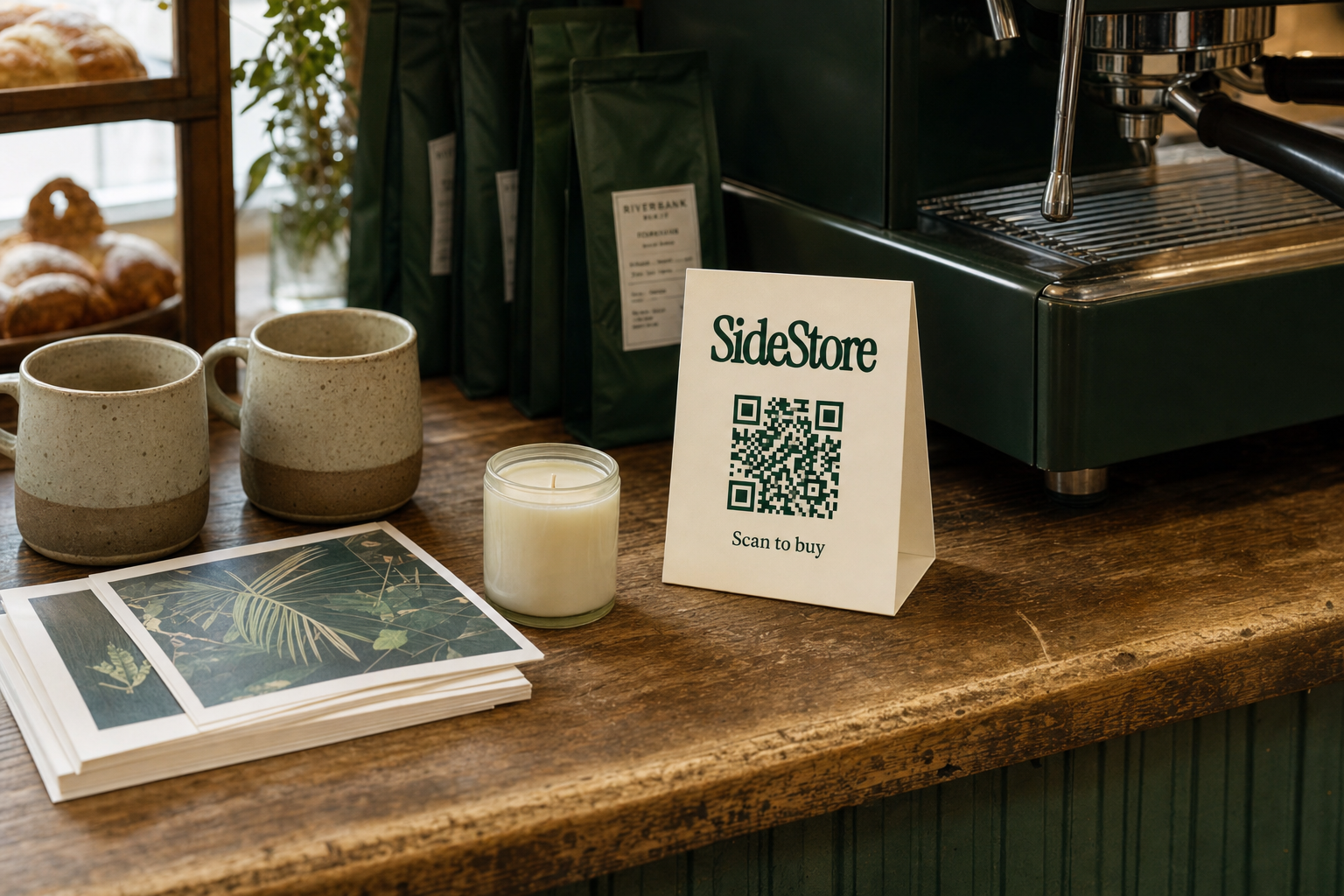
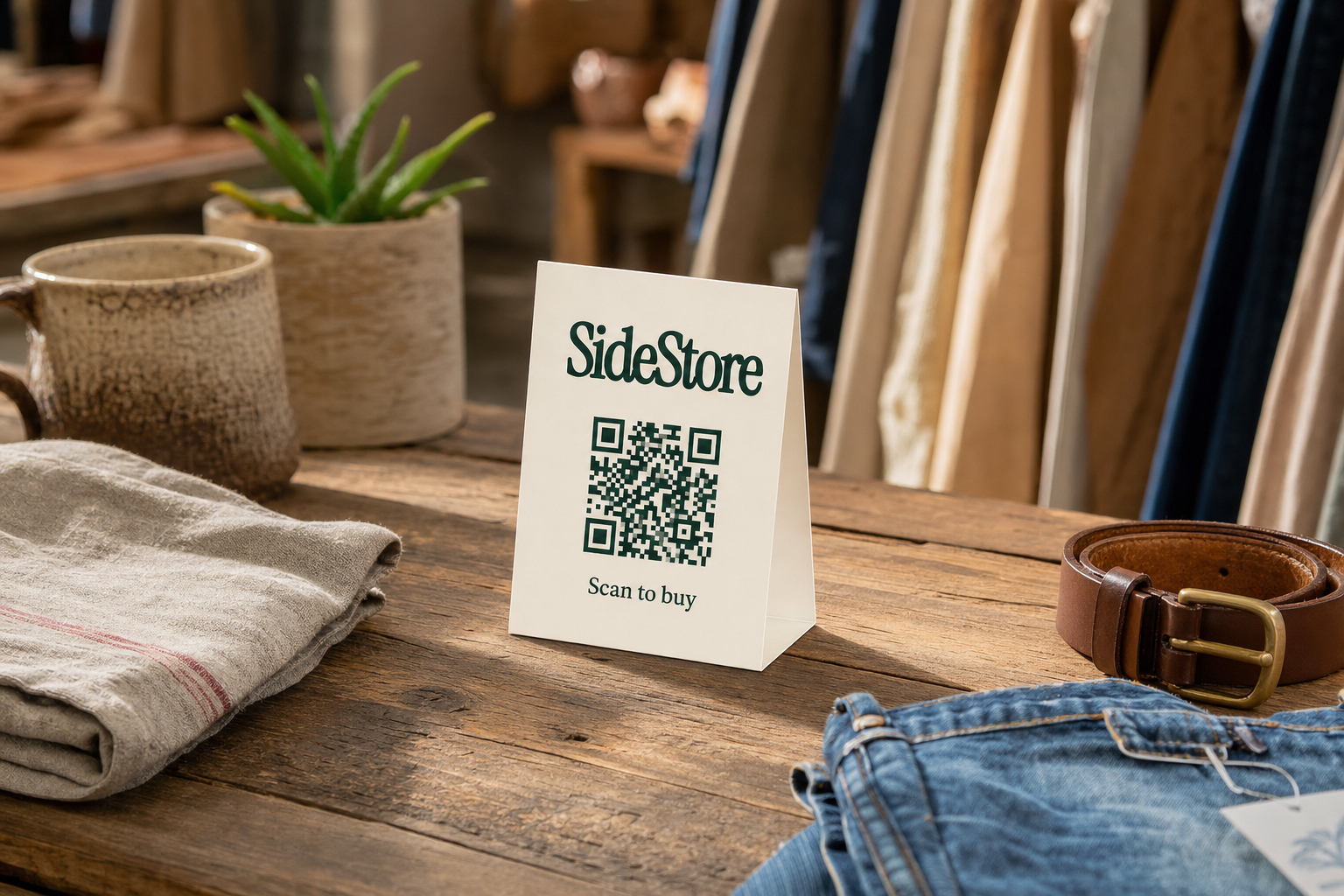
This is where SideStore's Retail Widget is worth understanding precisely. It is not a QR code scanner. The Retail Widget is the full consignment management interface: it lets a maker or merchant model the placement, set the price and split percentage, track live stock, and settle payouts automatically. A maker can print the SideStore QR code card and attach it to their product, or a merchant can display a single card covering all products in their SideStore placement. When a customer scans and pays, the split settlement runs automatically, stock updates in real time, and both parties see the record without manual reconciliation.
This fits a specific merchant profile well: cafés looking to earn from counter space, boutiques, hotels, and high-foot-traffic venues that want to add revenue from idle shelf space without buying stock or managing a separate inventory system. For cafés thinking about adding retail to the counter, the Retail Widget handles the operational mechanics that would otherwise require software. For merchants looking to improve margins, a consignment shelf with automatic payout handling adds revenue without adding overhead.
Where SideStore doesn't fit: complex second-hand and used-goods resale with variable intake conditions, layaway-heavy operations, or businesses that need deep custom reporting across hundreds of SKUs. For those, a purpose-built paid consignment platform is the honest recommendation.
If you're exploring how other merchants have structured their consignment approach, how shared retail networks support local economies covers the commercial model behind placement-based consignment.
Choosing the Right Approach for Your Consignment Operation
The right approach depends on your volume, the number of consignors you manage, and whether you operate across one location or many.
| Scenario | Recommended Approach | Why |
|---|---|---|
| 1-2 consignors, single location, low volume | Spreadsheet template | Free, adequate for simple splits; low overhead justifies manual work |
| 3-15 consignors, single location, moderate volume | Purpose-built consignment software (free tier or paid) | Consignor records and auto payout calc needed; manual process breaks at this scale |
| Merchant hosting makers' products on consignment, one space | SideStore Retail Widget | Handles placement, stock tracking, and automatic split settlement without a separate subscription |
| Multiple placements, maker distributing to several merchants | SideStore Retail Widget | Placement attribution across locations is a native feature, not an add-on |
| High-volume resale, complex pricing, large consignor pool | Paid consignment software (dedicated platform) | Full feature set, custom reporting, and audit trail justify the subscription cost |
| Limited budget, technical capability available | Open-source, self-hosted | Free licence with full customisation; suitable if you can absorb setup and maintenance cost |
Whatever direction you choose, start with the features that matter for consignment specifically: consignor records, payout calculation, and status tracking. A tool that misses any of these three is a workaround, not a solution.
For a deeper look at the full landscape, read the full consignment inventory software comparison for paid and placement-based options. If you're thinking about the broader context of hosting products in a shared space, understanding what percentage consignment shops take helps you set competitive split terms from the start. Makers considering their first offline placement can also review how to approach a local shop about stocking their products.
Frequently Asked Questions
Which tools can handle layaways and holds within a standard inventory system?
Purpose-built consignment software platforms typically include item status workflows that cover holds and layaways as named statuses alongside "available," "sold," and "returned." Generic free inventory tools rarely support multi-status tracking; most offer only in-stock or sold. SideStore's Retail Widget includes stock status tracking as a native feature. If holds are a regular part of your operation, a generic or free-tier tool will require a manual workaround.
What fields does a consignment intake process actually require?
At intake, capture six fields per item: item description, consignor name and contact, agreed retail price, the consignor's payout percentage (or your commission rate), intake date, and a unique item identifier. Pricing support should reflect your agreed model, whether the consignor sets the price or you do. Review your consignment agreement before finalising your intake process, as the intake fields should mirror what the agreement specifies.
How should consignor payouts be calculated automatically?
The formula is: Consignor payout = Sale price x (Consignor's agreed percentage / 100). Your software should apply this at point of sale, credit the consignor's running balance, and generate a payout report for settlement periods. Manual calculation across multiple consignors carries compounding error risk. Consignment percentages vary by category and agreement, so the percentage input must be configurable per consignor rather than a fixed system default.
Is free consignment inventory software reliable enough for a growing operation?
For one or two consignors and low volume, a spreadsheet with a well-built formula is reliable enough. Past that point, the manual overhead of free tools tends to exceed the cost of a paid plan or a placement-based platform. The threshold varies, but most operators find that more than ten active consignor accounts makes manual payout reconciliation genuinely risky, not just inconvenient.
What counts as the best consignment inventory software for tracking inventory?
The best consignment inventory management software is the one that maintains a timestamped record of every item event: intake, holds, sale, return, and payout. Real-time stock visibility across placements, automatic split settlement, and clear consignor ledgers are the markers of a system that holds up under scrutiny. If a consignor queries their settlement, you need to show them the record, not reconstruct it. If full software feels like more than your operation needs, lighter distribution models like consignment commerce platforms are worth considering alongside standalone tools.
Does free consignment software exist for makers placing products in multiple shops?
For makers managing placements across several merchant spaces, free tools fall short almost immediately. The core gap is placement attribution: knowing which items are where and what has sold from each location. Spreadsheets require a separate tab per location and manual consolidation. SideStore's Retail Widget handles placement attribution natively, which is why it suits makers building a distributed consignment network without the overhead of a full inventory subscription.
The Honest Bottom Line
Genuinely free consignment inventory software that covers all the features consignment requires doesn't exist in a ready-to-use form. What exists is a spectrum: spreadsheets that are free but entirely manual, freemium tools that lock the consignment-specific features behind a paywall, and open-source options that trade licence fees for setup complexity.
For merchants hosting makers' products on consignment, the more useful question isn't "which free consignment inventory software should I use?" but "do I need standalone software at all?" If your operation is a single space with moderate volume and straightforward splits, the SideStore Retail Widget handles placement, stock tracking, automatic split settlement, and payout records without a subscription. The cost is tied to sales, not to running the system.
For higher-volume operations with large consignor pools and complex reporting needs, a paid consignment platform is the honest recommendation. The subscription cost is real, but so is the operational risk of managing consignor payouts manually at scale.
As your operation grows, the tooling question will come up again. Start with what fits now, build clean intake habits from the beginning, and switch when the manual overhead costs you more than a subscription would.
Next steps: read the full consignment inventory software comparison for detailed platform analysis, or start by auditing what you're already tracking with a boutique inventory list. Makers considering their first placement can learn how to approach a local shop about stocking their products.