Boutique Inventory System
A boutique inventory system explained plainly: what it must do, how to choose one, and why consignment changes the equation entirely for hosts.
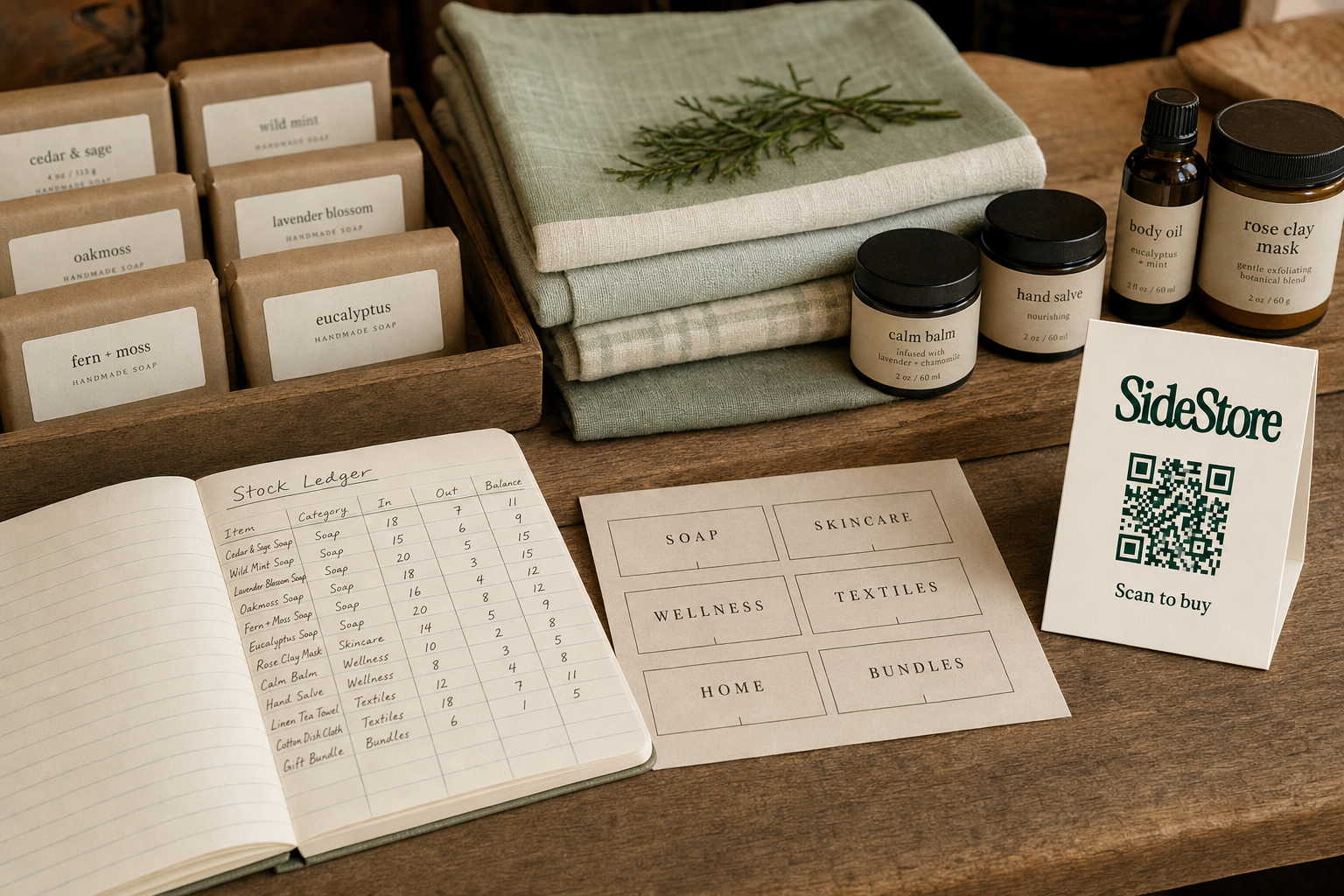
A boutique inventory system is the set of tools and processes you use to track what is on your shelves, what has sold, and what is left to reconcile at the end of the day. If you run a boutique, you need one whether you buy your stock outright, host products on consignment, or carry both. The catch is that the right system depends entirely on how you actually source your inventory. A boutique that buys wholesale needs purchase orders and reorder alerts. A boutique that hosts consignment products needs placement attribution, split-payout tracking, and live stock counts that update the moment something sells. Those are different animals, and choosing the wrong tool for your model creates gaps that no spreadsheet can reliably patch. For daily operational guidance, see boutique inventory management. If you are evaluating where to source stock, boutique inventory for sale covers sourcing options separately.
What a boutique inventory system actually needs to do
Strip away the software talk and any inventory system has five core jobs. Get all five right and the system pays for itself. Miss one and the gaps compound fast.
Record every stock movement. Every unit that arrives and every unit that leaves must register somewhere. Manual entry works if you carry forty SKUs across one location. Beyond that, it degrades quickly into data you cannot trust.
Tie each movement to a specific location or placement. A single-location boutique can get away with a simple list. But if you have multiple display areas, pop-up spots, or consignment partnerships, you need to know which shelf or which maker's placement the sale came from. Without that detail, reconciliation becomes guesswork. Understanding how much inventory you need to open a boutique from the start makes this easier to set up right.
Support reconciliation at the end of a period. This is where owned inventory and consignment diverge sharply. With owned stock, you compare goods received against goods sold plus goods still in hand, and flag anything missing. With consignment, there is no purchase order to close. Instead, you reconcile placements against sales events, then settle the maker's share automatically. The workflows are structurally different, and a system built for one will actively mislead you if you apply it to the other.
Flag when you need to reorder or restock. Dead shelves are dead revenue. Set your thresholds at a unit level that gives you enough lead time to get new stock in before you hit zero. For consignment, the maker carries this responsibility, but you still need visibility into what is running low.
Produce a clear financial picture. You need to see what sold, what is still on the shelf, and what you actually made. See starting inventory levels for an online boutique for context on sizing that picture at launch.
Owned inventory versus consignment inventory: fundamentally different workflows
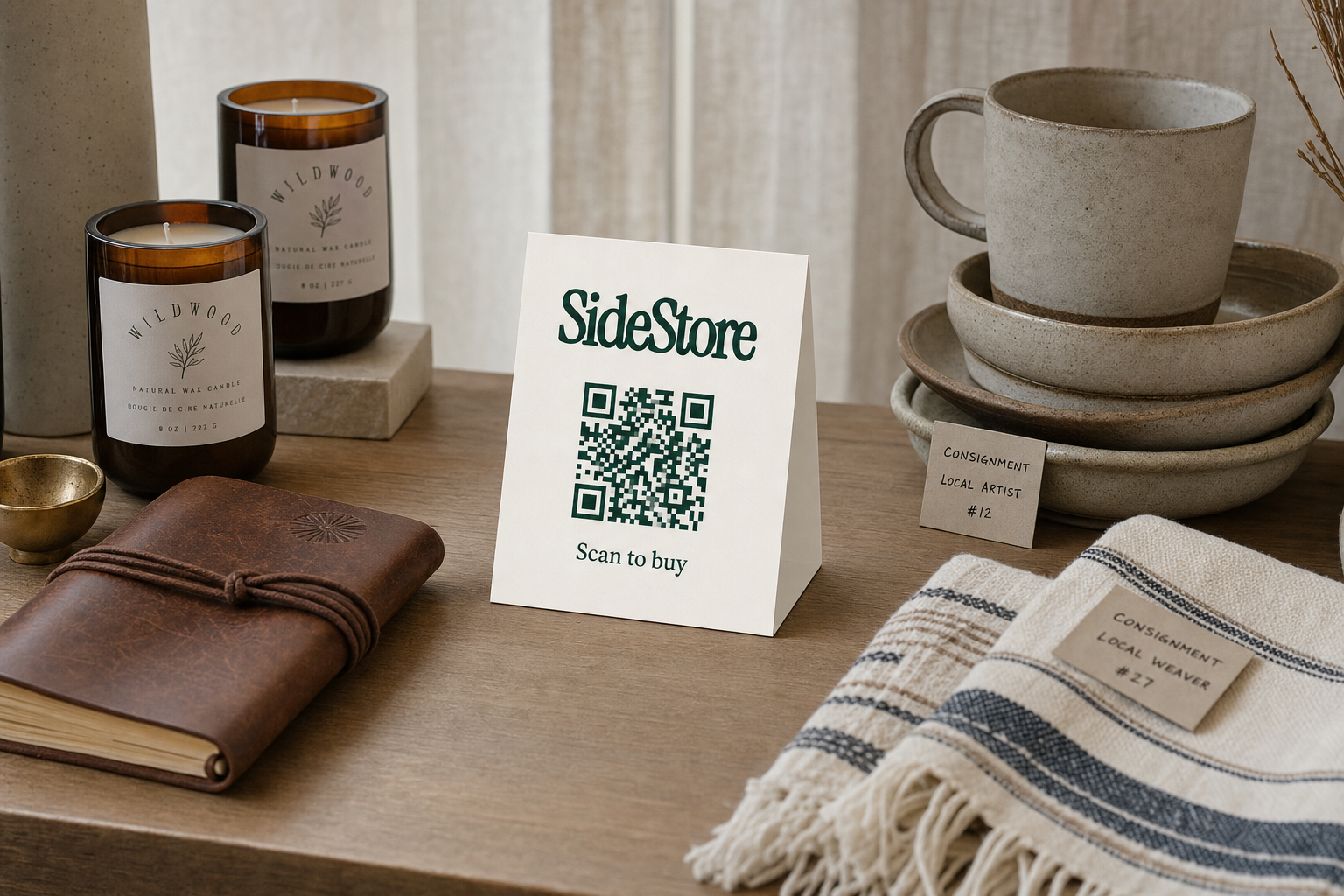
The defining question for your boutique is simple: do you own your stock, or do you host it on consignment? That one answer determines your purchase-order workflow, your payout mechanics, your reconciliation process, and your stock risk. Here is what separates them.
| Dimension | Owned Inventory | Consignment Inventory |
|---|---|---|
| Stock ownership | You own the goods | Maker retains ownership until sale |
| Upfront cost to you | You pay full wholesale cost on receipt | Zero upfront; you pay nothing until a sale happens |
| Purchase-order reconciliation | Required: match PO to received goods to invoice | Not applicable; no purchase order exists |
| Placement attribution | Optional; useful if you have multiple display areas | Essential; each placement must be tracked separately to credit the right maker |
| Payout mechanism | You keep the full margin after cost of goods | Automatic split: maker gets their share, you get your commission |
| Stock-loss risk | You bear it entirely | Shared or maker-side, depending on your agreement |
| Reorder responsibility | You monitor and place orders | Maker monitors their placement and replenishes it |
Learn the full mechanics at how consignment selling works and selling through consignment.
When you host consignment products through SideStore, the Retail Widget handles that entire right column for you. Placement attribution is built in; split settlement happens automatically the moment a sale completes; stock counts update in real time without a purchase order involved. For boutiques that want revenue from hosting curated maker products without buying a single unit, that is a materially leaner operation than any traditional POS.
Three inventory counting methods: what each one is good for
Every boutique should understand the three counting methods available and where each one actually fits.
Perpetual tracking updates stock counts in real time, transaction by transaction. Every sale decrements the count immediately. The upside is that you always know where you stand; the downside is that it requires every sale to flow through a connected system. A cash transaction recorded on paper, or a sale that somehow bypasses checkout, creates a phantom discrepancy that haunts you at reconciliation. When you use SideStore's scan-to-pay QR checkout, each customer scan triggers payment and simultaneously updates the live stock count in your Retail Widget dashboard. The sale and the inventory adjustment happen together, which is why scan-to-pay is a perpetual-tracking mechanism, not just a payment tool. For deeper context on boutique inventory management practices, perpetual tracking is the standard to aim for.
Periodic counting means physically counting stock at set intervals: weekly, monthly, or end of season. It costs nothing in software overhead and works fine when transaction volume is low. The weakness is the gap between counts. You do not know your actual stock level on a Tuesday afternoon two weeks after your last count; you only know what it was then. Shrinkage, miscounts, and demand spikes are invisible in between.
Consignment tracking mirrors perpetual tracking but applies it to stock you never bought. The Retail Widget runs this natively: the maker's stock is logged when they place it, each scan-to-pay sale decrements it, and you and the maker can both see the remaining count at any moment. If a placement is moving well and running low, you can flag it to the maker without doing any manual count. For strategies on what to do with inventory that stops moving, see clearing slow-moving boutique inventory.
How to choose the right boutique inventory system: five questions
Choosing the right system is straightforward if you answer these five questions in order. Skip them and go straight to software comparisons, and you will end up paying for features you do not need.
Step 1: Identify your inventory model. Do you buy and own your stock, host on consignment, or run a mix? This one answer changes everything downstream. If consignment is part of your model, you need placement attribution and split settlement, not purchase-order management.
Step 2: Count your SKUs and locations. Under 100 SKUs and one location? A lightweight POS will do. Once you exceed that, or add a second location, you need system-level stock tracking by location.
Step 3: Decide how checkout and inventory connect. Checkout is your data source for perpetual tracking. If checkout and inventory are disconnected, you are reconciling manually forever. For consignment placements, the Retail Widget combines them: the scan-to-pay QR records the sale and decrements stock in the same action. You do not need a separate POS at that placement at all. See starting a boutique with no inventory for how this works at launch.
Step 4: Map your reconciliation cadence. How often do you close out and confirm your numbers? Weekly is common for small boutiques. Consignment placements through SideStore settle automatically per sale, so you are not waiting until end of month to see who is owed what.
Step 5: Match the system to the boutique you actually run. Enterprise inventory platforms built for retail chains carry setup costs, training overhead, and complexity that will slow you down rather than speed you up. The failure mode is over-investing in features you will never use while underserving the core workflow you run every single day. For boutiques exploring non-traditional retail channels, alternatives to weekend markets for makers outlines how placements in existing spaces compare.
Running a consignment placement: what the day-to-day actually looks like
For a boutique hosting consignment products, the operational sequence is concrete and predictable. The host does less work than most expect; the Retail Widget does more.
The maker sets up their product in SideStore: they choose the retail price, define the split, specify how many units they are placing, and generate the Retail Widget for that placement. You receive a printable QR code card and place it on or near the product on your shelf. That card is the customer's checkout interface, but it is one function of the Retail Widget, which is also tracking stock, attributing the placement to the correct maker, and preparing the split settlement in the background.
A customer scans the QR, completes the purchase directly, and the payment processes. The stock count on your dashboard decrements by one. The split settles automatically: the maker's share and your commission are recorded and routed without you touching a spreadsheet or chasing an invoice.
Your daily operational task is simple: make sure the product is visible on the shelf, the QR card is easy to find, and the stock level in the dashboard matches what is physically there. If a maker has placed ten units and nine have sold, the dashboard shows one remaining. Both of you see the same live number.
In a multi-maker scenario, your space can host placements from several makers at once. Each placement is tracked separately, each split is calculated independently, and you see a consolidated view of all active placements on one dashboard. This is operationally similar to running coffee shop retail placements or turning lobby space into retail revenue: you earn from space you already have, without buying any stock.
The four mistakes that trip up most boutique owners
Most boutique inventory problems cluster into four categories. Each one has a clear fix.
Mixing owned and consignment stock counts in the same record. When owned goods and consignment goods share the same inventory line without a flag distinguishing them, reconciliation produces numbers that are technically correct but practically useless: you cannot tell what you own, what you are responsible for selling on someone else's behalf, and where your margin actually is. Fix: maintain separate stock registers for owned inventory and each consignment placement from day one. The Retail Widget enforces this separation automatically for SideStore placements.
Setting reorder points without knowing your actual lead times. A reorder point is only useful if it triggers action early enough to get replacement stock before the shelf empties. If you order when you hit ten units but your supplier takes three weeks, you will be out of stock for days. Fix: base your reorder threshold on real replenishment time, not a round number.
Treating a periodic count as if it is accurate in real time. A count done on the first of the month is stale by the second. Fix: use periodic counting for financial reconciliation, and use live scan data or daily spot-checks for the decisions you make every day.
Letting slow-moving stock accumulate without a plan. Dead inventory locks up shelf space and, for owned stock, locks up cash. For advice on moving it, see how to clear excess boutique inventory. For consignment hosts, this risk is structurally lower: unsold stock belongs to the maker and can be returned without a financial write-down. If you are evaluating what to carry going forward, boutique inventory for sale covers sourcing options.
Boutique inventory system: answers to questions you are probably asking
What is a boutique inventory system?
The combination of tools and processes you use to track stock levels, record sales, and reconcile what has sold against what remains on your shelves. It can be as simple as a spreadsheet or as structured as a dedicated POS with real-time stock tracking.
Do small boutiques really need inventory software?
Once you carry more than a handful of SKUs or manage multiple placements, yes. Manual tracking breaks down fast: a single missed entry compounds into inaccurate counts, missed reorders, and reconciliation errors that take hours to untangle. Software removes the manual dependency.
How does consignment change inventory management?
You never purchased the stock, so purchase-order reconciliation does not apply. Instead, you track placements, sales against those placements, and split settlements owed to each maker. Learn the full model at how consignment works for boutiques and selling through consignment.
What is the difference between perpetual and periodic inventory?
Perpetual inventory updates stock counts automatically with each sale, giving you an accurate count at any moment. Periodic inventory counts stock at set intervals, leaving a gap between counts. Perpetual is more reliable for active selling; periodic works for low-volume or seasonal situations.
Can a boutique host consignment products without a dedicated POS?
Yes. The SideStore Retail Widget is designed for exactly this scenario. It handles the scan-to-pay QR checkout, live stock tracking, placement attribution, and automatic split settlement for each consignment placement, so you do not need a separate POS to manage maker products in your space.
Build the system that matches the boutique you actually run
The core decision is simpler than most software marketing makes it sound: your inventory model determines your system requirements, and your system requirements should determine your tool choice. Work backwards from the tool and you will end up with overhead you do not need.
If you own your stock, you need purchase-order reconciliation, reorder triggers, and shrinkage tracking. If you host on consignment, you need placement attribution, split settlement, and live stock counts fed by the checkout itself. Those are different categories of system. Once you know which one you are building, choose the lightest tool that covers it completely.
Work through the five-question decision sequence earlier in this article before you evaluate any software. By the time you reach step five, the category of system you need is obvious. Then pick the simplest tool that covers that category completely.
For day-to-day operational guidance, boutique inventory management covers practice in depth. If you run or manage a venue and want to understand how consignment placements generate retail revenue for coffee shops and similar spaces, that context applies directly to any boutique with available shelf space and no appetite for stock risk.