Control Boutique Inventory Automatically
Learn how boutiques control inventory with FIFO, par levels, cycle counts, and consignment, and how SideStore eliminates stock risk entirely.
Inventory control for a boutique is the process of tracking, managing, and optimising the quantity of products you hold so that you have enough stock to sell without tying up cash in units that don't move. Done well, it keeps your shelves fresh, your cash flowing, and your margins intact. Done poorly, it leaves you with a backroom full of slow sellers and a bank account that can't fund the next order.
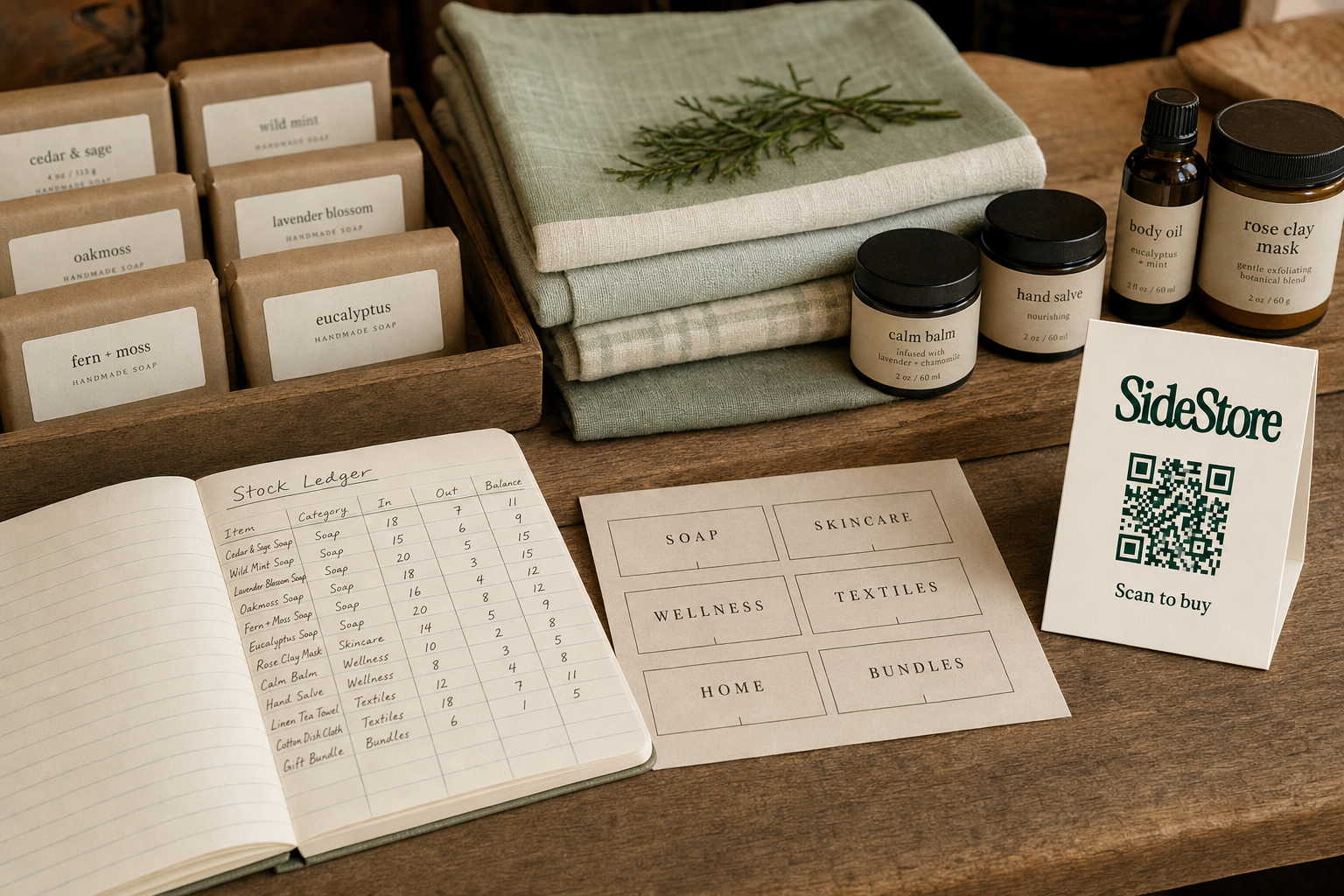
For a boutique, the stakes are higher than in a chain. You have fewer SKUs, tighter cash, and no centralised buying department to absorb mistakes. The right boutique inventory management system can be simple, par levels and a weekly cycle count, or as sophisticated as a full consignment model where you carry no owned stock at all. If you're researching boutique inventory for sale, understanding control methods first will help you buy smarter or avoid buying altogether.
This guide covers every major approach, including why consignment is increasingly the practical alternative to ownership risk for smaller boutique operators.
Why Inventory Control Matters More in a Boutique Than in a Chain
Boutiques carry higher inventory risk than chains because every purchasing decision is made with limited capital, limited data, and no safety net of volume discounts or centralised distribution. A chain that over-buys one SKU absorbs the loss across hundreds of locations. You absorb it alone.
Three failure modes show up repeatedly in boutique retail.
Stockouts happen when you sell through faster than expected and can't reorder in time. You lose the sale and, often, the customer who found the product elsewhere. Worse, you may have paid for the shelf space, the display, or the marketing that drove the traffic, and captured none of the revenue.
Overstock is the opposite problem. You bought too many units of something that didn't resonate, and now that product is sitting in your back room depreciating. Fashion and seasonal goods lose value quickly. A product that was desirable in March is often unmarketable by June without a meaningful markdown.
Poor sell-through is the slow version of overstock. Units move, but slowly enough that they occupy space and capital that could be working harder. A boutique running 40% sell-through on a seasonal line is essentially funding a product's retirement.
None of these problems disappear just by choosing better products. They're structural consequences of the owned-inventory model, where you bear 100% of the financial risk from the moment goods arrive.
Consignment is the structural alternative. When a maker places products in your space on consignment, the maker holds the financial risk, not you. You earn a split when units sell; if they don't sell, you return the stock. Understanding where boutiques source stock and how to get rid of boutique inventory when it stops moving are both downstream problems that the consignment model largely sidesteps from the start.
Core Inventory Control Methods for Boutiques
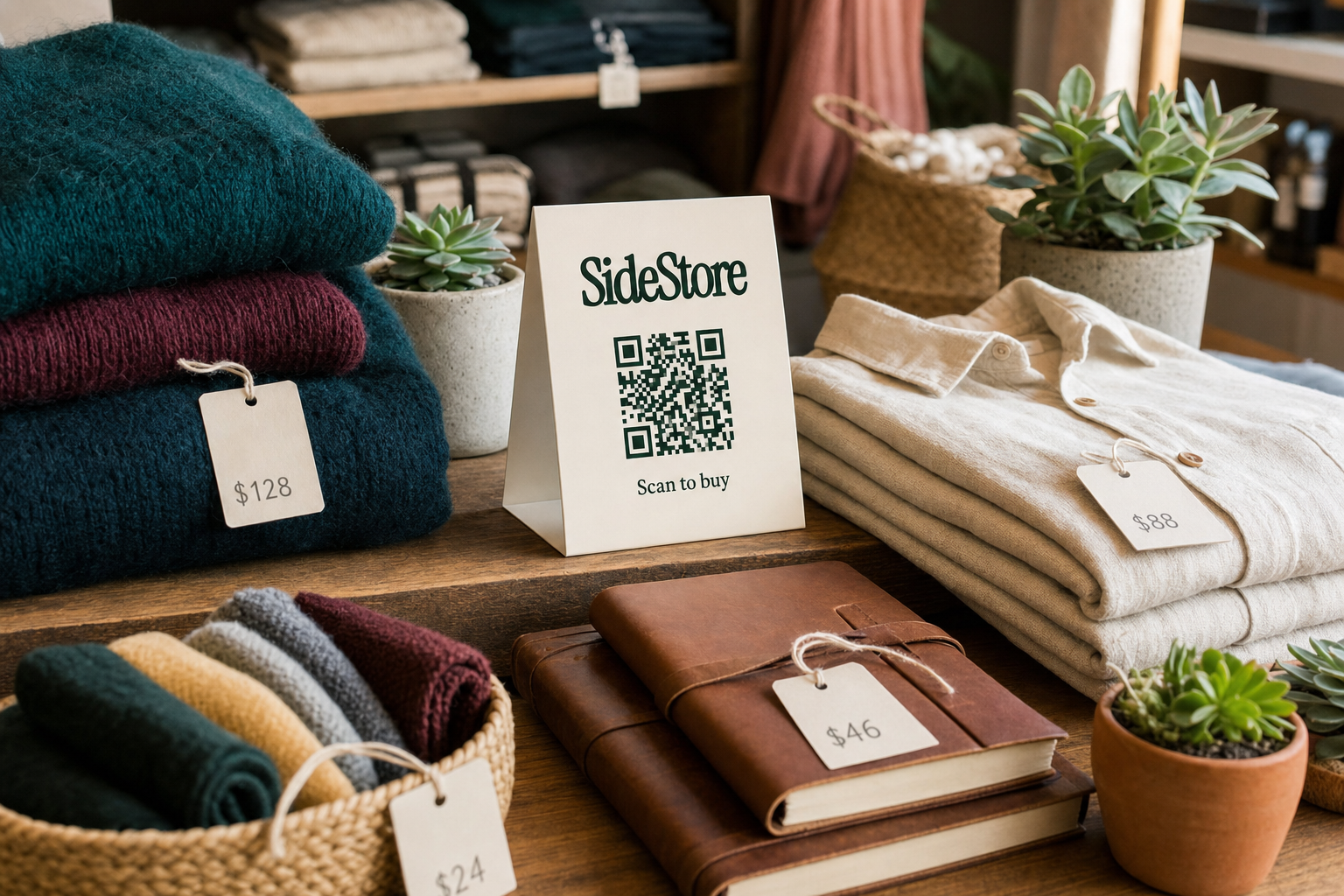
The four core methods boutiques use to control inventory are FIFO rotation, par-level setting, regular cycle counts, and sell-through rate monitoring. Each addresses a different failure mode. Used together, they give you a complete picture of what you have, what you need, and what isn't working.
FIFO (First In, First Out) FIFO means selling older stock before newer stock. For a boutique, this is most relevant for anything perishable, date-sensitive, or trend-driven. The formula is simple: when new units arrive, put them at the back of the shelf or rack. Customers reach for what's in front. This reduces the chance of older units sitting past their commercial peak.
Par Levels A par level is the minimum quantity of a SKU you want on hand before you reorder. Set it by looking at your average weekly sales velocity and your supplier lead time, then adding a small buffer. If you sell 8 units per week and your supplier takes 10 days to deliver, your par level is roughly 12 to 15 units. Dropping below that triggers a reorder. Par levels prevent both stockouts and panic-buying, which is the most expensive form of inventory management.
Cycle Counts Rather than counting all stock once a year, cycle counting means auditing a subset of your inventory on a rolling schedule, a different category each week, for example. This catches discrepancies early, reduces shrinkage, and keeps your stock data accurate without shutting down your shop for a full count.
Sell-Through Rate Sell-through rate is units sold divided by units received, expressed as a percentage. A widely-used rule of thumb for boutique retail is that a healthy sell-through for seasonal goods sits around 70% or above by the end of a selling period. Anything well below that signals a buying or merchandising problem worth addressing before the next season. For boutique inventory management fundamentals and guidance on how much inventory to start with, sell-through rate is the single most honest feedback signal you have.
Inventory Control Methods at a Glance: Owned Stock vs Consignment
The clearest way to compare owned inventory and consignment is across five operational dimensions: what you pay upfront, who manages reorders, who bears overstock risk, how settlement works, and who is responsible for tracking stock. The table below makes that comparison concrete.
| Dimension | Owned Inventory | Consignment (SideStore) |
|---|---|---|
| Cash outlay | Full wholesale cost paid on delivery | Zero, you earn a split only when units sell |
| Reorder management | You monitor stock and place orders | Maker monitors stock and replenishes the placement |
| Overstock risk | You bear the full financial loss | Maker reclaims unsold stock; you bear none |
| Settlement process | Manual invoicing or payment on receipt | Automatic split payouts via the Retail Widget on each sale |
| Inventory tracking responsibility | You or your staff track every SKU | Stock tracked per placement in the Retail Widget dashboard |
Owned inventory wins when you have strong data on a proven seller, reliable supplier lead times, and the cash flow to absorb a slow month. Consignment wins when you want to expand your range, test new products, or earn from shelf space you already have, without committing capital to stock you might not sell.
For a fuller picture of how consignment selling works and what selling through consignment looks like in practice, the model is worth understanding before your next buying round.
How Consignment Eliminates the Inventory Control Problem
Consignment removes the inventory control problem for boutiques because you never own the stock. The maker places products in your space, the Retail Widget manages the placement end to end, and you receive a split of each sale automatically. There is no purchase order, no invoice to pay, and no unsold units to write off.
The Retail Widget is SideStore's consignment-management interface. It is not simply a QR code or a checkout tool. It handles the full placement lifecycle: modelling the consignment terms, activating the placement in your space, tracking live stock levels per location, attributing each sale to the correct placement, and settling the split between maker and host automatically when a unit sells. The scan-to-pay QR checkout is one function within the Widget, it lets a customer scan, pay, and complete the purchase without a traditional point-of-sale terminal, and it updates stock in real time with each transaction.
From your side as a boutique host, the practical experience is this: a maker agrees terms with you, configures the placement in the Retail Widget, and either attaches a QR card to their products or displays a single card for the placement. When a customer scans and buys, your split is calculated and settled automatically. You don't handle the cash, reconcile a spreadsheet, or count inventory at month end.
The dead stock problem disappears. If a product isn't moving, the maker takes it back or swaps in something else. Your financial exposure is zero. Your shelf space simply moves to the next placement.
This model is already running in venues that have nothing to do with traditional boutique retail. How cafes run retail consignment and earning from unused shelf space are practical illustrations of the same mechanic. Hotels are doing the same thing, turning lobby and reception space into retail revenue, with no owned inventory at all. A boutique with even a small amount of free shelf space can run the same model alongside its existing owned stock.
How to Set Up a Consignment Placement in Your Boutique
Setting up a consignment placement takes six steps and can be done in one afternoon, without a point-of-sale system, without new hardware, and without committing to any stock purchase upfront.
- Register your space on SideStore, create a host account and enter your boutique's details so makers can find and approach your location.
- Agree terms with a maker, confirm the consignment split, the number of units in the first placement, and the review period before restocking decisions are made.
- Configure the placement in the Retail Widget, the maker sets up the product, the consignment terms, and the split within the interface; you confirm the placement from your host dashboard.
- Display the stock in your chosen spot, position the maker's products where your foot traffic is strongest; the placement attribution in the Retail Widget links each sale to this location.
- Activate the QR checkout, print and attach the SideStore QR card to products or display a single card for the placement; this is one function of the Retail Widget, giving customers a scan-to-pay path without requiring you to integrate a traditional POS.
- Monitor stock and splits from your dashboard, the Retail Widget shows live inventory levels and records each split payout as sales occur; no manual reconciliation is needed.
Consignment placements work well alongside owned stock, letting you run a boutique with no owned inventory or simply reduce your capital exposure on new and untested product lines. For makers, this channel offers real-world distribution without weekend markets, see alternatives to weekend markets for makers for the broader picture.
Reducing Dead Stock: What to Do When Inventory Stops Moving
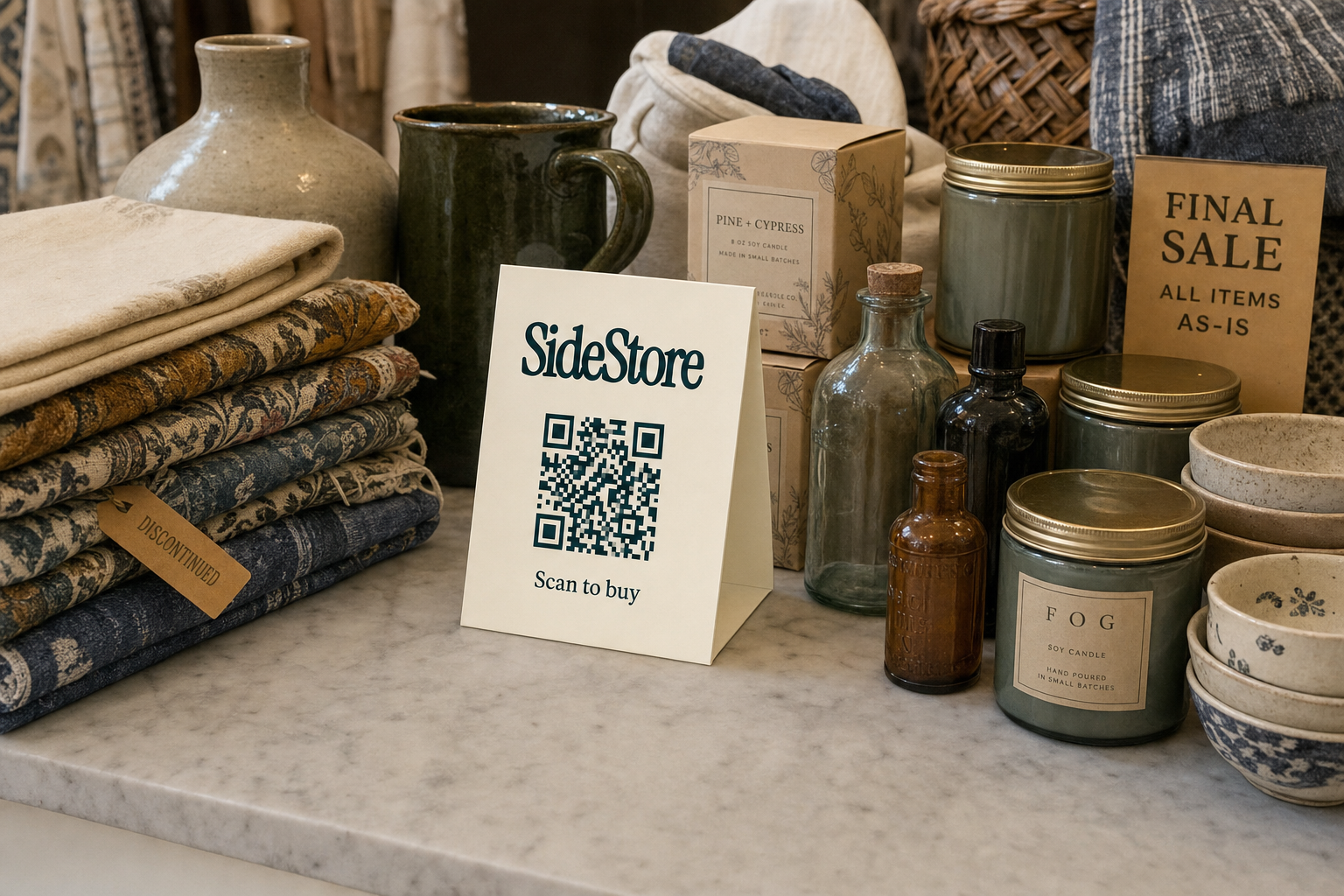
Dead stock becomes a problem when units sit for 90 or more days without selling, a common rule of thumb in boutique retail, not a regulated threshold, but a practical signal that a product has missed its commercial window. After 90 days, the cost of holding the product (space, tied-up cash, opportunity cost) starts to outweigh any realistic margin you might recover.
For owned stock, you have three main options.
Markdown is the bluntest tool: reduce the price until demand appears. This recovers some cash but erodes margin and, if overused, trains customers to wait for discounts. Apply it with a clear end date to create urgency rather than expectation.
Bundling pairs a slow-moving unit with a faster-selling one at a combined price. You effectively transfer some of the slow product's problem to the fast product's demand. Done well, it moves stock without the full margin hit of a straight markdown.
Returns to supplier are worth negotiating upfront, not after the fact. Some suppliers will accept returns or exchanges within a set period. If your buying terms don't include a returns clause, add one to your next negotiation, it's a form of inventory risk management that costs nothing to ask for.
The consignment alternative sidesteps all three tactics. If a maker's products aren't selling in your space, you bear no financial loss. You return the stock or ask the maker to swap it for a different line. Your cash was never at risk, so clearing dead boutique inventory becomes the maker's problem to solve, not yours.
Frequently Asked Questions: Inventory Control for Boutiques
The most common inventory control questions from boutique owners fall into four areas: which method to start with, how to track without expensive software, whether you can carry products without buying them, and how SideStore handles stock in a consignment placement.
What is the best inventory control method for a small boutique? For most small boutiques, par levels combined with weekly cycle counts is the most practical starting point. Par levels prevent stockouts without requiring sophisticated software, and cycle counts keep your data accurate without a full annual inventory shut-down. Add sell-through rate tracking per category and you have a complete system.
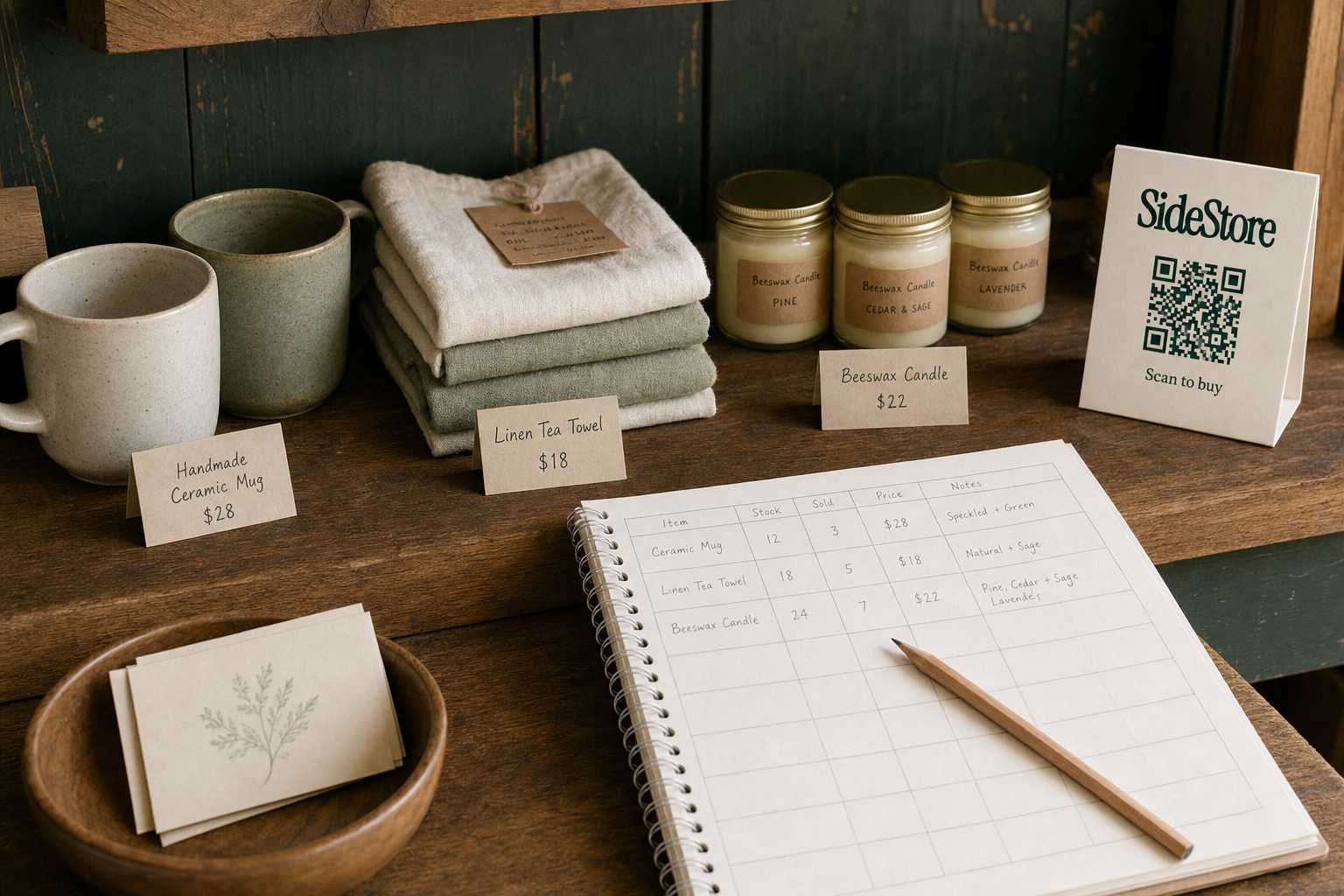
How do I track boutique inventory without expensive software? A structured spreadsheet covering SKU, units received, units sold, and current stock is sufficient for boutiques with fewer than 200 active SKUs. The discipline of updating it consistently matters more than the tool you use. Consignment placements managed through the Retail Widget are tracked automatically, no spreadsheet needed for those lines.
Can a boutique carry products without buying them upfront? Yes. Consignment is the standard model for this. A maker places products in your space, you earn a split on each sale, and unsold stock is returned to the maker. You carry zero financial exposure to the inventory. Learn more about how consignment selling works and what selling through consignment looks like in practice.
How does SideStore handle stock tracking for consignment products? The Retail Widget tracks live inventory levels per placement automatically. Each time a customer completes a scan-to-pay purchase, the stock count updates in real time and the split payout is recorded. You can see current stock, sales history, and split balances from your host dashboard without manual data entry.
Build Your Boutique Around Products That Pay for Themselves
The core decision in boutique inventory control is whether to own your stock or host it on consignment. Both paths are legitimate. Owning stock gives you margin control and product exclusivity; consignment gives you zero inventory risk and automatic split settlement, with no capital tied up in units that might not sell.
If you own stock, the methods in this guide, FIFO, par levels, cycle counts, and sell-through tracking, give you a complete control system. For a deeper foundation, boutique inventory management covers the full framework.
If you want to carry products without the financial exposure, consignment through SideStore is the direct route. You host placements in your existing space, the Retail Widget manages stock tracking and split payouts, and your shelf earns revenue without a purchase order. For boutiques willing to explore running a boutique with no owned inventory, the consignment model removes the biggest structural risk in small retail.
SideStore: the Retail Widget for consignment commerce. Build a consignment network without opening a store of your own.