Consignment Inventory Software: What to Look for and How SideStore Handles It

What Is Consignment Inventory Software?
Consignment inventory software is a purpose-built tool that tracks stock you host but do not own, calculates the revenue split between maker and merchant when each item sells, and settles both parties automatically without manual reconciliation.
That distinction matters immediately. Standard inventory software assumes you bought the stock. Consignment inventory management software assumes someone else owns it and you are earning a share of each sale. If you run a boutique, cafe, or any merchant space that hosts maker products on consignment, a general inventory tool will create more work than it saves. You need a system that tracks which products belong to which maker, logs each sale against the right placement, and pays out the right share to the right person without you manually running the numbers at the end of the month.
This guide covers the six features that matter, how to evaluate any tool you are considering, and how SideStore's Retail Widget handles consignment inventory from placement to settlement. If you are new to the model, start with how consignment selling works or review what a solid boutique inventory system looks like before you add consignment to your floor.
Why Standard Inventory Software Falls Short for Consignment

Standard inventory tools fail consignment because they were built for stock you own, not stock you host. The fundamental data model is wrong: every item in a conventional system is an asset on your balance sheet, purchased at a known cost, sold at a markup. Consignment flips that assumption entirely.
When you host a maker's products on consignment, you never purchased those items. There is no cost-of-goods line in your accounts for them. The maker retains ownership until a customer pays. Your role is closer to a hosting venue than a retailer buying wholesale. A tool designed for the purchasing model will push you to record a cost price you do not have, generate margin reports that do not apply, and treat your consignment stock as owned inventory. None of that is accurate.
The practical failures show up fast. Your boutique inventory list becomes cluttered with items that carry no purchase cost. Reorder alerts fire for products you have no purchasing relationship with. Profit-and-loss reports conflate your owned stock margins with consignment commissions, making it hard to read either clearly. Some merchants try to patch this with spreadsheets alongside their main system, which creates a second source of truth and the reconciliation headaches that follow.
The root issue is attribution. Standard software does not track which items belong to which external party, does not calculate a split at point of sale, and does not hold settlement amounts in a ledger until a payout is triggered. Tools built for boutique hub inventory management handle owned stock well. They are not designed for the legal and financial reality of goods you host but do not own.
Buying more inventory to sell wholesale is a different discipline entirely, covered separately in purchasing inventory for a boutique. Consignment needs its own layer of software because the ownership model is structurally different from the start.
Six Features Every Consignment Inventory Tool Needs
The six features that matter in consignment inventory software are: maker-attributed stock tracking, automated split settlement, placement-level reporting, live stock visibility, a checkout function that works without a POS terminal, and multi-venue management from a single dashboard. Each one solves a distinct operational problem.
Maker-attributed stock tracking. Every item on your floor needs to be linked to the maker who owns it, not just to a product category. When a sale happens, the system knows whose revenue to credit. Without attribution at the item level, you are back to manual reconciliation at month end.
Automated split settlement. This is the feature most general tools skip entirely. A consignment arrangement involves a defined revenue split: the maker receives their percentage, the merchant receives theirs. The software should calculate and record that split at the moment of sale, hold the maker's portion in a ledger, and release it on your agreed payout schedule. Manual calculation across dozens of products from multiple makers is error-prone and time-consuming.
Placement-level reporting. You need to see how each maker's products perform in your specific space, not just aggregate sales data. Which items move, which sit, which need restocking or returning. This is the data that makes a consignment arrangement worth renewing, and it should be visible to both you and the maker without exporting spreadsheets.
Live stock visibility. Consignment products can sell without you scanning them through a traditional POS. A reliable tool updates stock counts in real time, so you know when a placement is running low before you run out. Live boutique inventory tracking matters for owned stock; for consignment it matters even more because the maker, not you, is responsible for replenishment.
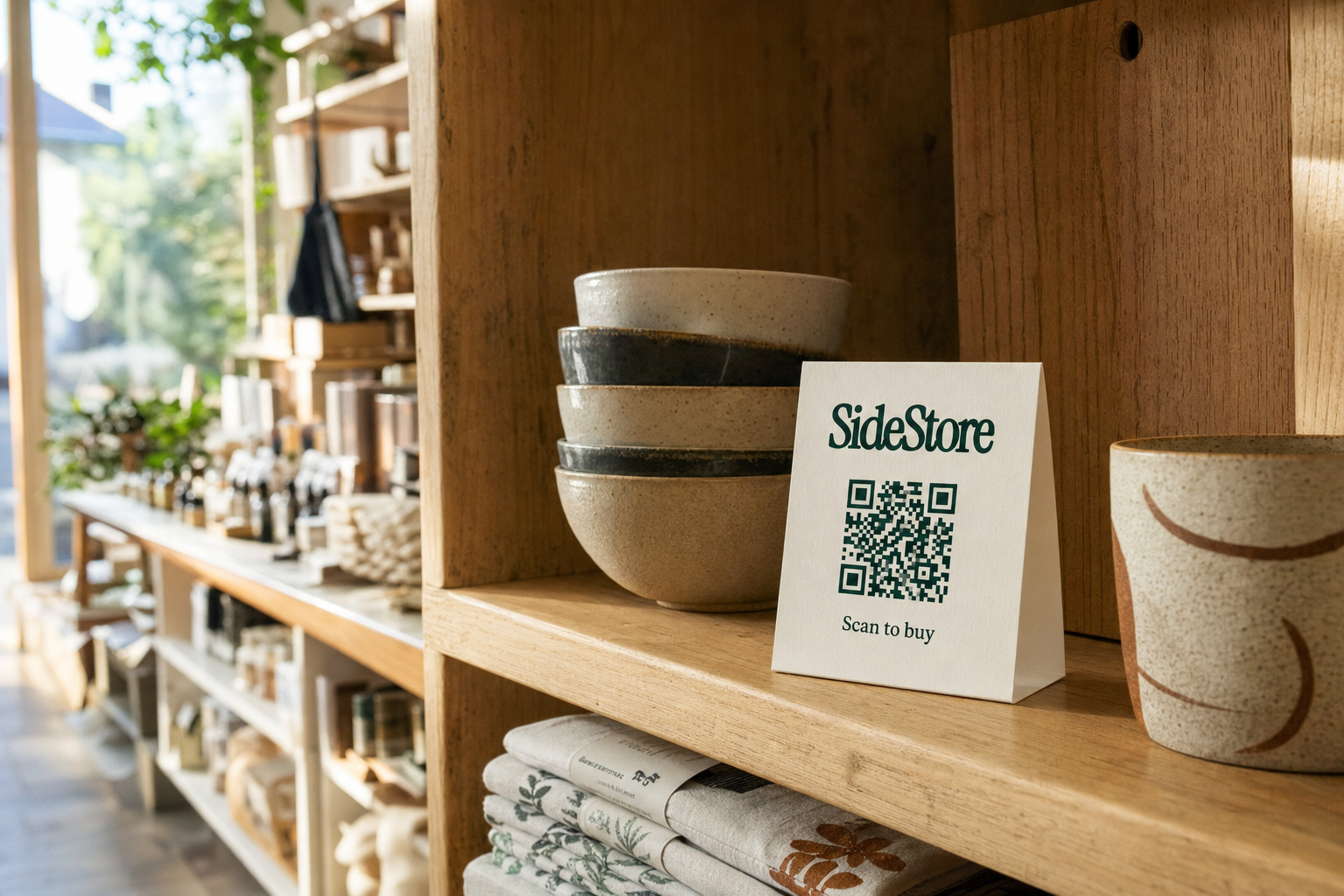
A checkout function that works without a POS terminal. Not every merchant space has a traditional point-of-sale setup. A scan-to-pay QR option lets customers pay directly from a product display, with the transaction flowing into the consignment ledger automatically. This is one checkout function within a broader placement interface, not a replacement for the whole system.
Multi-venue management from a single dashboard. If you are a maker placing products across several merchant spaces, or a merchant hosting multiple makers, you need one place to see all placements. Jumping between separate accounts or spreadsheets per venue defeats the purpose of software. Retail space sharing arrangements across more than one location demand centralised visibility from day one.
Consignment Inventory Software: Feature Comparison at a Glance
SideStore handles the consignment-specific features that general boutique inventory software does not, particularly split settlement, maker attribution, and scan-to-pay checkout. General tools handle owned-stock management well. The gap is not about polish; it is about what the underlying data model was designed to do.
| Feature | Why It Matters | Does General Boutique Software Handle It? | Does SideStore Handle It? |
|---|---|---|---|
| Maker-attributed stock tracking | Links each item to its owner for accurate payout | Partially, can tag products, but no ownership ledger | Yes, each product is attributed to its maker from placement |
| Automated split settlement | Calculates and records the revenue split at point of sale | No, split must be calculated and paid manually | Yes, split is calculated and held automatically per sale |
| Placement-level reporting | Shows how products perform in a specific venue | No, reports are store-wide, not placement-specific | Yes, each placement has its own performance view |
| Live stock visibility | Tracks real-time stock without manual counts | Yes, most boutique tools handle this for owned stock | Yes, live stock tracking per placement, not per store |
| Scan-to-pay QR checkout | Enables sale without a POS terminal | No, requires integrated POS hardware | Yes, one function within the Retail Widget; printable QR card |
| Multi-venue dashboard | Manages placements across multiple locations centrally | No, designed for a single store view | Yes, all placements managed from one dashboard |
| No inventory purchase required | Host earns without buying stock | Not applicable, assumes stock is purchased | Yes, consignment model, no upfront cost to the merchant |
If you are evaluating boutique inventory systems for owned stock alongside a consignment layer, it is worth reading about pricing inventory for a boutique separately. The pricing mechanics differ enough that the two processes are worth keeping distinct.
How the SideStore Retail Widget Handles Consignment Inventory
The SideStore Retail Widget handles consignment inventory through four core functions: placement modelling, live stock tracking, scan-to-pay checkout, and automatic split settlement. Together, these cover the full lifecycle of a consignment arrangement from the moment a product goes on the shelf to the moment the maker gets paid.
Placement modelling. Before a product goes live, the Retail Widget lets you define the terms of the consignment arrangement: the revenue split, the product details, and which merchant space it is placed in. This is not just data entry; it is the legal and financial structure of the placement, recorded in the system from the start. Both the maker and the merchant can see the agreed terms before any stock moves.
Live stock tracking. Once a product is live in a placement, the Retail Widget tracks stock in real time. Every sale reduces the count immediately. The maker can see their stock levels across all their placements from their dashboard. The merchant can see what is running low in their space. Neither party needs to email the other to ask how many units are left. This is a practical improvement over any arrangement managed by spreadsheet or periodic check-in.
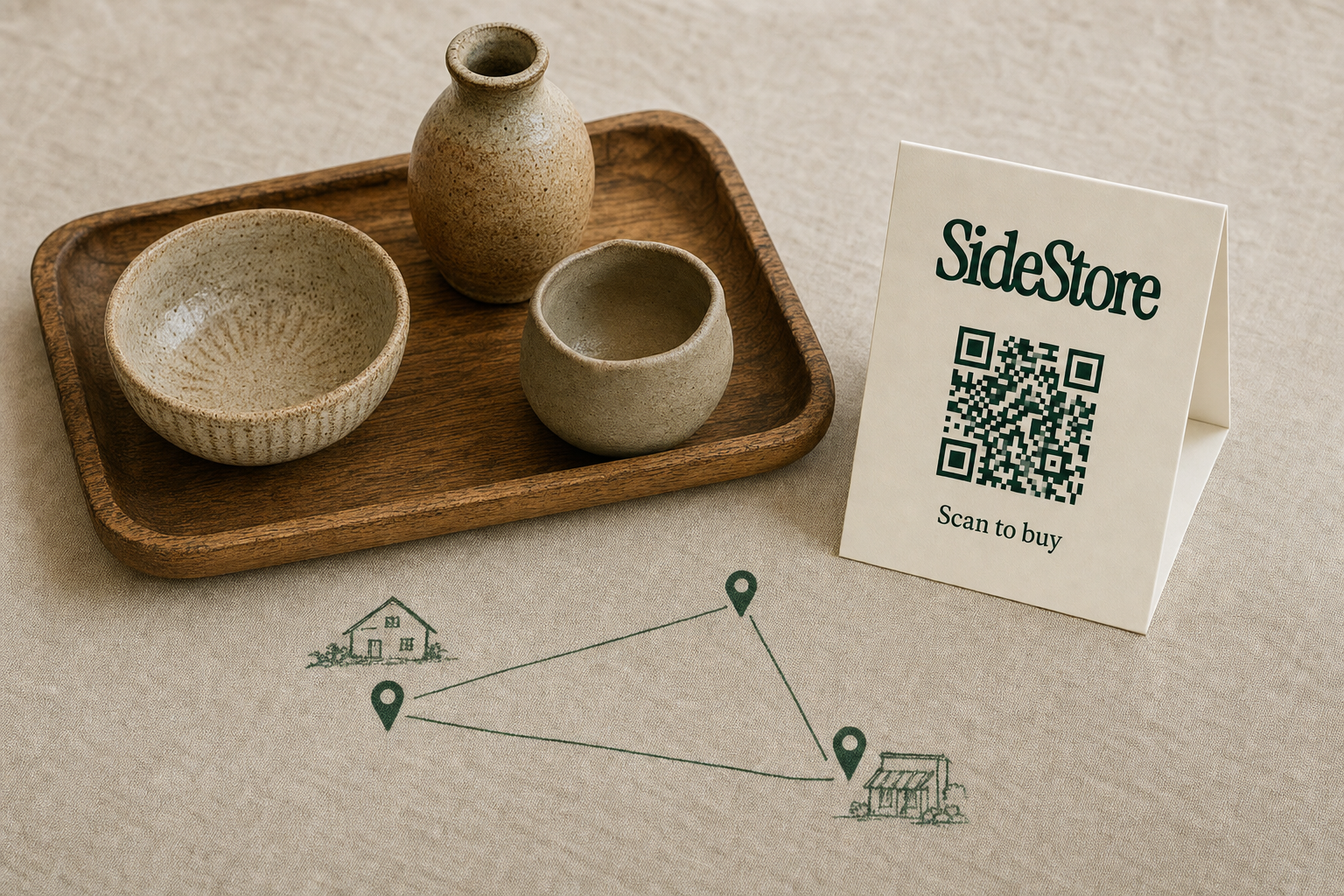
Scan-to-pay checkout. This is one function within the Retail Widget, not the whole product. A maker can print a SideStore QR code card and attach it to their own product. A merchant can display a single SideStore card that covers all the products in their placement. When a customer scans and pays, the transaction is recorded against the correct placement, the correct maker, and the correct split. No POS terminal is required. The checkout is purpose-built for consignment scenarios where the merchant space may not have a traditional retail setup.
Automatic split settlement. At point of sale, the Retail Widget calculates the agreed split and records each party's share in their ledger. The maker's portion accumulates until a payout is triggered. The merchant's commission is tracked separately. Neither party needs to produce an invoice, run a calculation, or chase a transfer at month end. The settlement is a function of the system, not a manual task on top of it.
If you are a maker thinking about selling through someone else's store for the first time, or a merchant evaluating what consignment selling works means for your space, the Retail Widget is the operational layer that makes the arrangement run without constant manual oversight.
Who Needs Consignment Inventory Software, and Who Doesn't
Consignment inventory software is designed for two audiences: makers who place their products in merchant spaces on consignment, and merchants who host those products and earn a share of each sale. It is not designed for retailers who buy wholesale and own all their stock outright.
If you purchase your inventory and sell it at a markup, a standard boutique inventory tool handles your needs well. Consignment software solves a different problem. It manages stock you do not own, tracks obligations to external makers, and automates the financial settlement between two parties. If none of that applies to your operation, you do not need it.
SideStore specifically is purpose-built for consignment commerce. It is not a general inventory solution, and it does not try to be. If you run a boutique with a mix of owned stock and consignment placements, you may need both a standard inventory tool for your purchased lines and SideStore for the consignment layer. The two can coexist; they handle different things.
The audiences who benefit most clearly are independent makers who want physical retail distribution without taking on a lease or purchasing shelf space, and merchants with unused floor space who want to earn from it without buying stock. If you are exploring sharing retail space arrangements or looking at pop-up retail alternatives as a way to reach customers without fixed premises, consignment software is the operational layer that makes the arrangement manageable at scale.
If you run an online boutique inventory organization and are considering adding a physical consignment element, the step up to a dedicated tool is worth it from the first placement. Trying to extend an e-commerce or spreadsheet system into physical consignment creates reconciliation problems that grow with each placement you add.
Getting a Consignment Placement Live with SideStore

Getting a consignment placement live with SideStore involves four steps: set up the placement in the Retail Widget, agree on the split terms with your maker or merchant, deploy the QR checkout in the space, and go live with stock tracking active. Here is what each step involves in practice.
1. Set up the placement in the Retail Widget. The maker or merchant creates the placement record in SideStore. This includes the product details, the quantity going into the space, and the merchant location where the stock will sit. The Retail Widget records this as a live placement, not just a product listing.
2. Agree on and record the split terms. The consignment split, what percentage goes to the maker and what percentage goes to the merchant, is defined in the placement setup. Both parties can see the agreed terms. This happens before any stock moves to the space. Getting this recorded in the system rather than in an email thread is what makes automated settlement possible later.
3. Deploy the QR checkout in the space. The maker prints a SideStore QR card and attaches it to the product, or the merchant displays a single card for their placement. Either approach routes a customer's payment directly into the placement record, triggers the stock update, and logs the split. No additional hardware is required. The checkout card is a physical output of the Retail Widget, not a separate product.
4. Go live with stock tracking active. Once the QR is deployed and the placement is live, tracking boutique inventory live happens automatically. The maker sees their stock across all placements. The merchant sees what is on their shelf. As stock sells down, both parties have visibility without a check-in call. When replenishment is needed, the data is already there.
One practical note on stock returns: if products do not move and need to come back, managing excess boutique inventory is a separate consideration from the software itself. The Retail Widget records what sells and what does not; deciding what to do with slow-moving consignment stock is a commercial conversation between the maker and the merchant.
What Consignment Inventory Management Means for Merchant Margins
Consignment inventory management means a merchant earns a commission on every sale without purchasing any stock, with the software handling automatic split settlement so margin tracking requires no manual work. The core benefit is straightforward: your revenue from a consignment placement carries no cost-of-goods, because you never bought the goods.
This changes the risk profile of adding product lines to your space. With owned stock, a slow-moving line ties up cash and eventually requires markdown or clearance. With consignment, unsold stock sits at the maker's risk, not yours. You earn when it sells; you owe nothing when it does not. For a merchant space with limited cash flow, this is significant.
The automated split settlement is what makes the margin tracking practical. Each sale is recorded against the placement, the split is calculated at the moment of transaction, and your commission accrues in your ledger. You can see your earnings from each placement without running a manual report. The software does the reconciliation that, in an unmanaged consignment arrangement, typically falls on you at month end.
If you are thinking about margin across your whole operation, the articles on coffee shop profit margins and how much profit a coffee shop makes give context on how ancillary revenue from consignment fits into a hospitality space's overall picture. For a broader look at what a managed inventory layer adds to a boutique, the boutique inventory system overview is a useful reference.
Frequently Asked Questions
Most people want to know the same few things about consignment inventory software: how it differs from standard tools, whether it works for multi-maker boutiques, whether you need a POS terminal, and what happens to products that do not sell. Here are direct answers.
What is the difference between consignment inventory software and standard inventory management software?
Standard inventory software tracks stock you own, with cost-of-goods and margin calculations tied to purchases you made. Consignment inventory software tracks stock you host on behalf of an external maker, attributes each item to its owner, and calculates a revenue split at point of sale rather than a margin on a purchased cost. The data model is structurally different. You can read more about the mechanics at how consignment works.
Does SideStore work for boutiques hosting multiple makers?
Yes. Each placement in the Retail Widget is attributed to a specific maker, so a boutique hosting products from several different makers tracks each arrangement separately. Split terms, stock levels, and settlement ledgers are independent per maker. You can see all placements from one dashboard without them merging into a single account.
Do I need a POS terminal to use SideStore?
No. The scan-to-pay QR checkout is a function of the Retail Widget that lets customers pay directly from a product display without any POS hardware. A printable QR card is the only physical component required. For merchants who want to understand how this works in the context of selling through someone else's store, the QR approach is designed precisely for spaces that do not have traditional retail infrastructure.
What happens if a consignment product does not sell?
The maker and merchant agree on the terms of the arrangement at placement setup, including what happens to unsold stock. SideStore records what sells and what does not. If a product needs to be returned, that is a commercial decision between the two parties; the software tracks the inventory accurately throughout so both sides have clear data when making that call.
The Bottom Line
Model a consignment placement in the SideStore Retail Widget. It is the fastest way to see whether the software fits your arrangement before committing to anything. If you are a merchant with unused shelf space, or a maker looking for physical distribution without fixed costs, the operational mechanics of split settlement, live stock tracking, and scan-to-pay checkout are all in one place. Explore retail space sharing as a starting point.
Build a consignment network without opening a store of your own.